Auto Silence Remover
Silence detection enhanced with AI.
Process within seconds even with multiple tracks.
Premiere Assistant's silence remover processes multiple audio and video tracks simultaneously,
including hour-long recordings, in seconds. The AI detection layer handles edge cases that
rule-based silence removers miss: words that trail off at the end of a sentence, natural breath pauses between phrases, and ambient sound that sits just above a threshold cutoff.
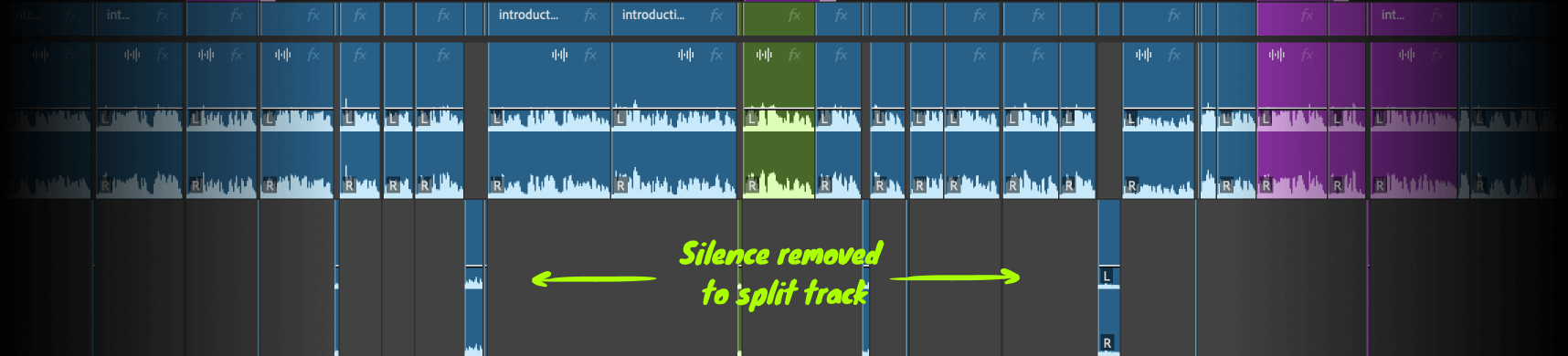
Enhanced silence detection
We use AI to detect silences while others use rule-based logic. Due to this difference, Cutback handles silences perfectly even when words trail off at the end.
AI Detection vs Rule-Based Silence Removal
Most silence removal tools cut based on fixed volume thresholds,
if audio drops below a set level for a set duration, it gets cut.
Premiere Assistant uses AI to detect silence contextually, preserving natural sounds like laughter and breath while removing actual dead air. The result sounds like an editor made the cuts.
Cuts in seconds
It functions well even in high-stress environments. It processes videos with multiple video and audio tracks, and even hour-long videos are processed in just a few tens of seconds, while others fail to process or take hours to auto cut silence in Premiere Pro.

For shortforms, podcasts and longforms
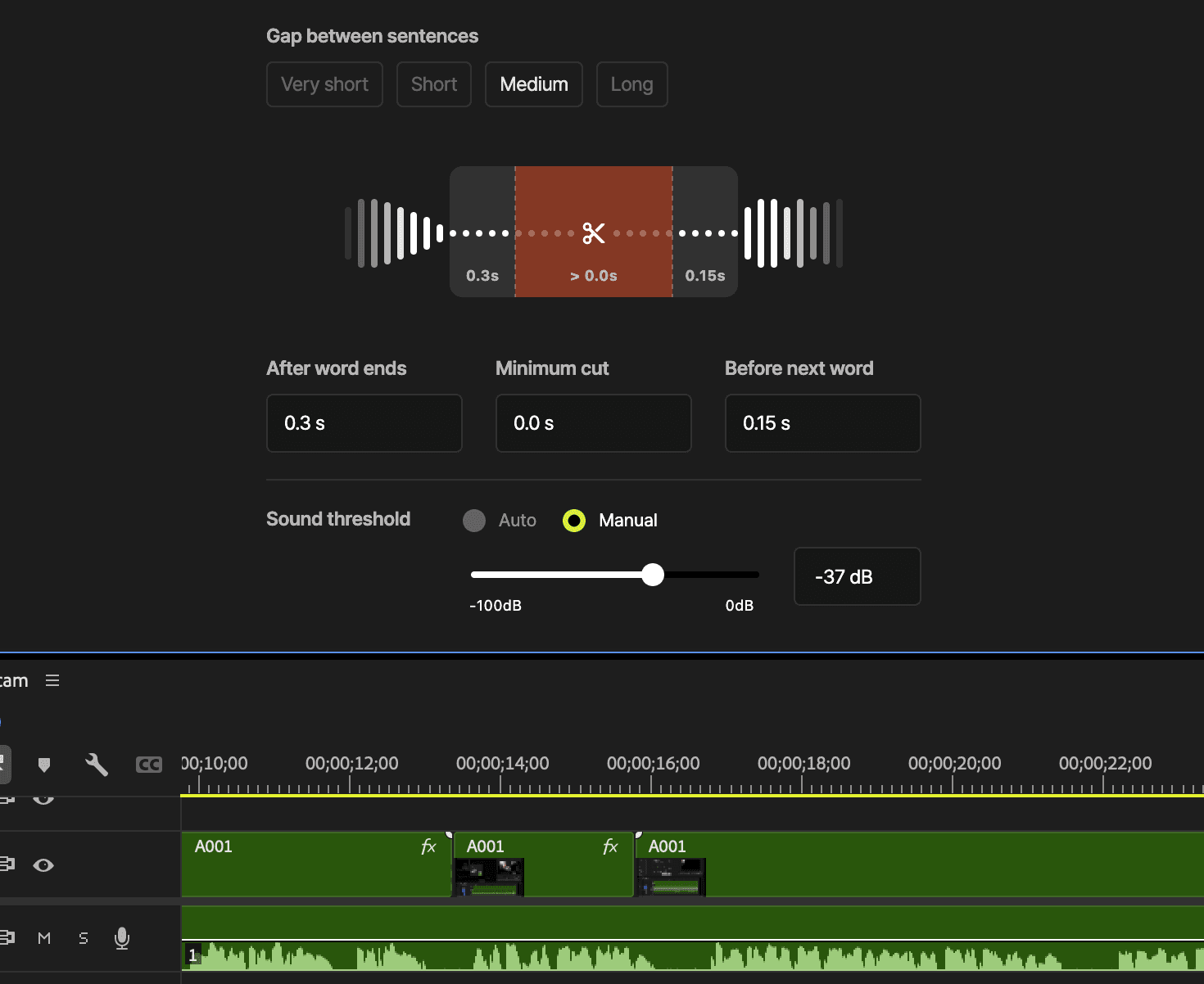
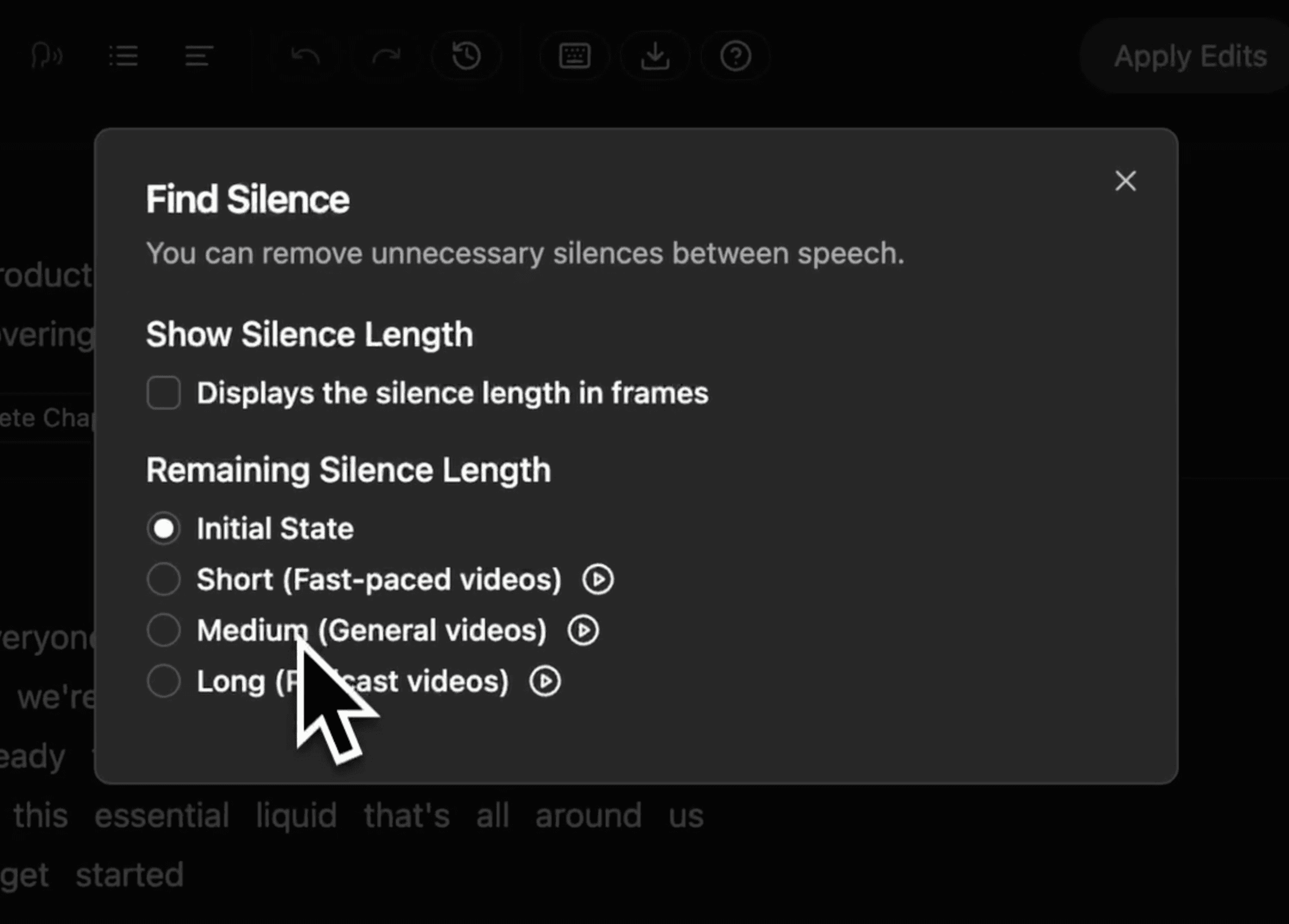
Select output settings with user-friendly interface, from super-tight silence removal for shortforms to natural cuts for longforms. Manual setting is available, but you won't be needing it most of the time.
Short (Fast-paced videos)
Medium (General videos)
Long (Podcast videos)
Custom
Very Short (Shorts, videos under 5 minutes)
Learn more
Watch how to cut long silences and dead air in Adobe Premiere Pro with Cutback.
How to remove silence
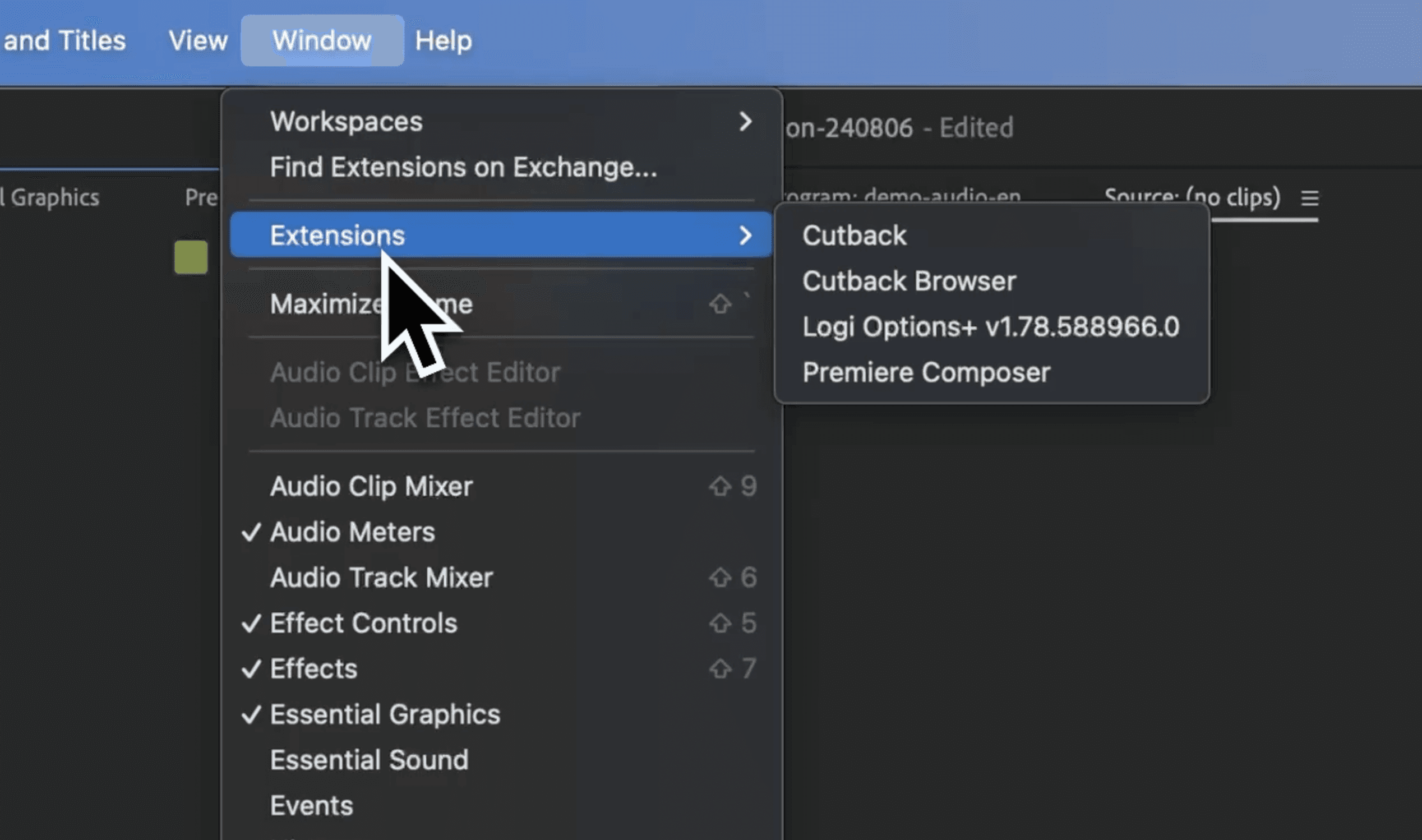
Install Cutback plugin
Install Cutback extension for Premiere Pro. Remove Silence right where you edit videos.
Select options
Choose the desired outcome of the video with just a few clicks.
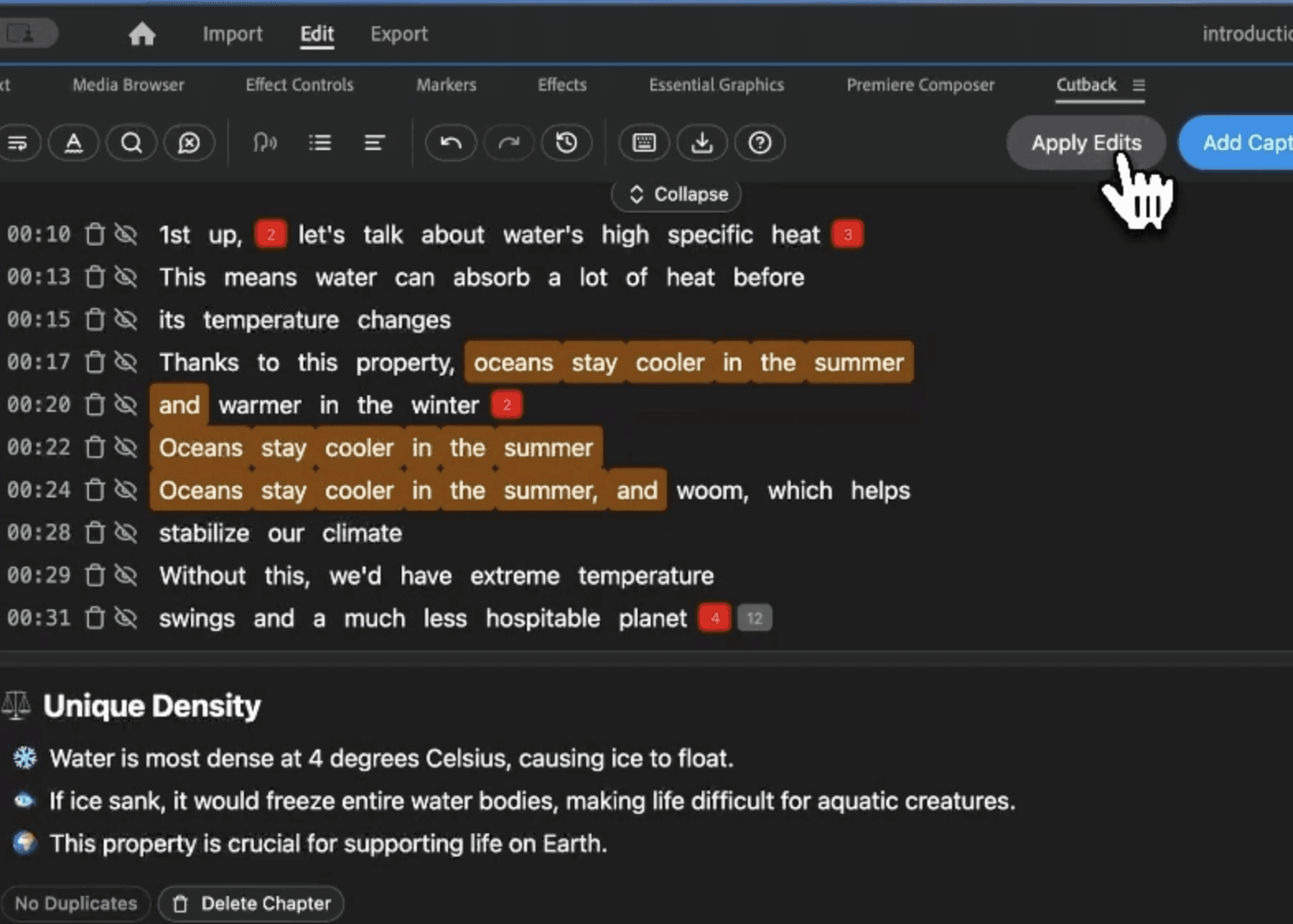
Apply
Check all the silences found in the video and edit video with just a click.
FAQ
Do I need Premiere Pro to use Silence remover?
What is the best silence remover plugin for Premiere Pro?
How is AI silence detection different from Premiere Pro's gap removal?
Does silence removal work on multiple audio tracks at the same time?
Can I preview silence removal before applying it to my sequence?
Is Silence Remover free?
Can I edit the video after removing the silences?
Is there a limit on video length?