Thank you for downloading
Selects

We'll send a link
to continue on your desktop

The download will begin shortly.

available on macOS and Windows

If download didn't work, click here for

Step 1

Open downloaded Selects installer.

Selects Installer

Step 2

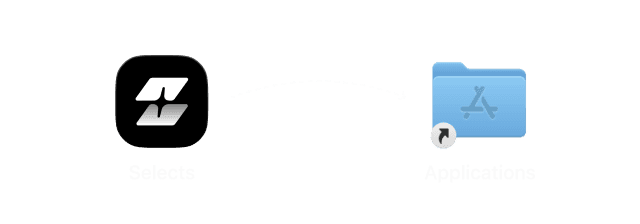
For macOS, drag to application folder.
For Windows, proceed with installation.

Install Selects

Step 3

Run installed Selects app.

Run selects

What does Selects do?

How long does it take to process my footage?

Can I edit videos directly in Selects?

How is Selects different from other AI editing tools?

Can I use Selects for short-form content, not just long-form?

How do I continue editing on Adobe Premiere Pro?

How do I continue editing on Final Cut Pro?

How do I continue editing on DaVinci Resolve?

What does Selects do?

How long does it take to process my footage?

Can I edit videos directly in Selects?

How is Selects different from other AI editing tools?

Can I use Selects for short-form content, not just long-form?

How do I continue editing on Adobe Premiere Pro?

How do I continue editing on Final Cut Pro?

How do I continue editing on DaVinci Resolve?

What does Selects do?

How long does it take to process my footage?

Can I edit videos directly in Selects?

How is Selects different from other AI editing tools?

Can I use Selects for short-form content, not just long-form?

How do I continue editing on Adobe Premiere Pro?

How do I continue editing on Final Cut Pro?

How do I continue editing on DaVinci Resolve?