7 days free trial
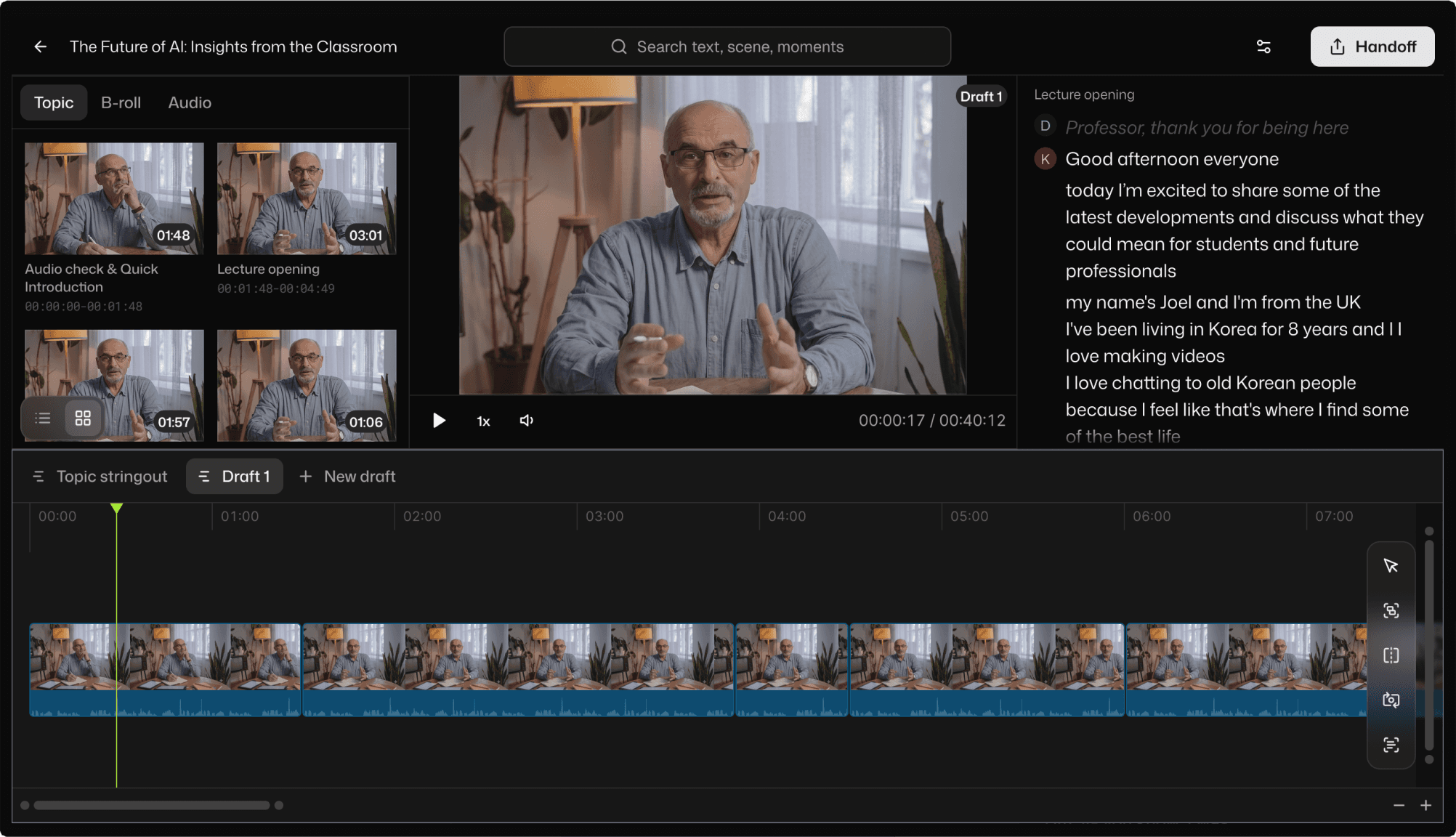
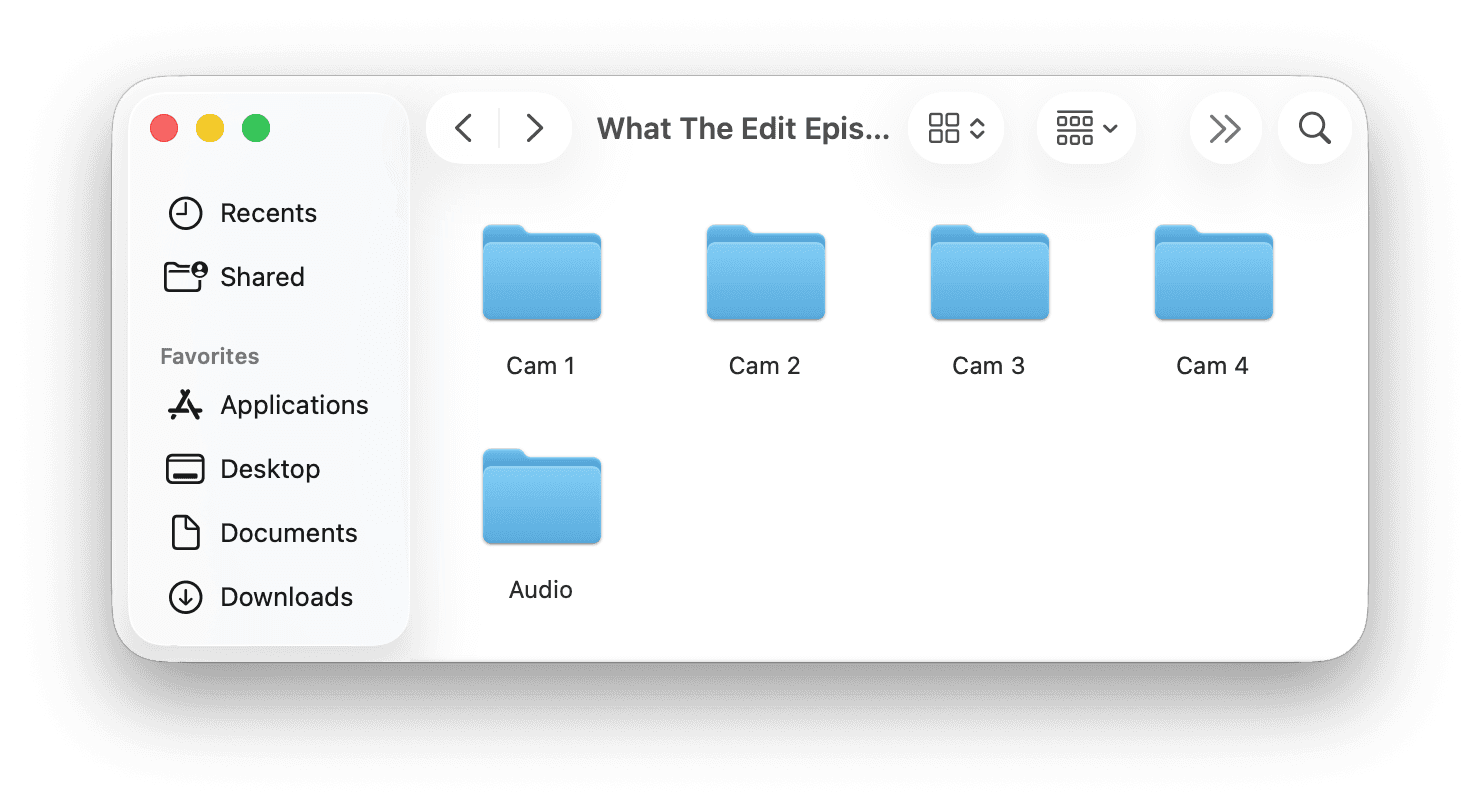
You ran a great session. Ninety minutes, a few slides, some Q&A, maybe a guest. Zoom dutifully recorded all of it, including the five minutes of "can everyone hear me," the long pauses while you found the next slide, and the three times someone's dog barked.
Now you have to turn that into something people will actually watch to the end. Find the real start. Cut the dead air. Trim the tangents. Pull the one good answer out of the Q&A. And you would like it published before the topic stops being relevant.
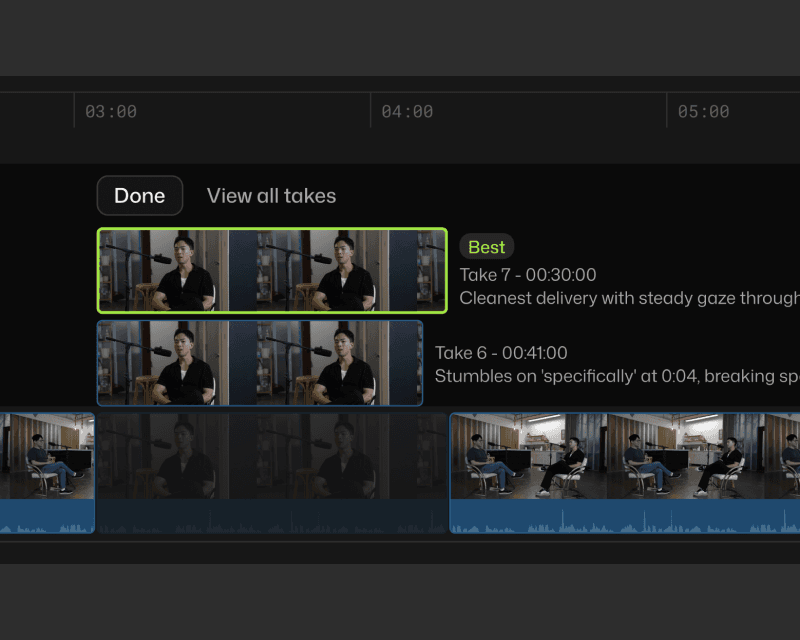
Best-take selection
Recorded three takes of the same section? Selects picks the cleanest one, with reasons you'll agree with.
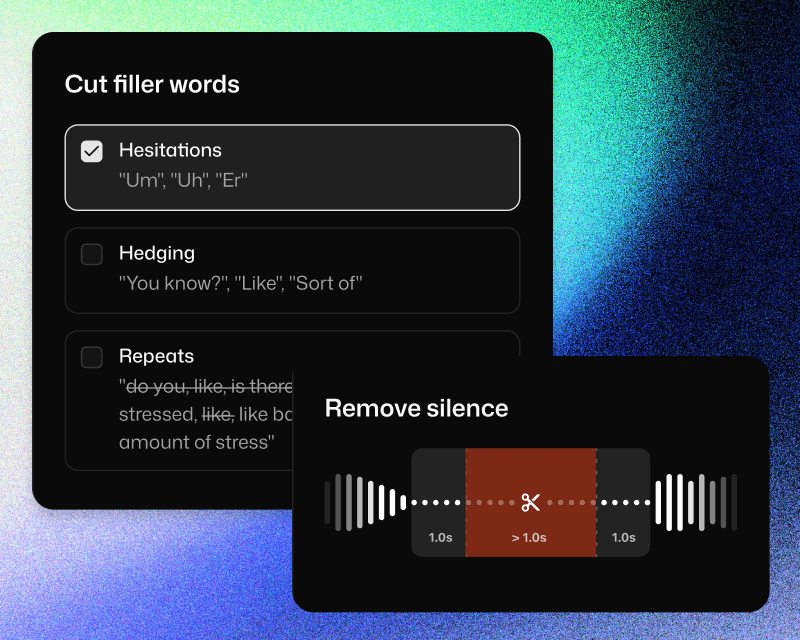
Silence and filler removal
Pauses between sections, verbal stumbles, and filler words: cleaned up automatically. The result is a tighter, more watchable edit without manual scrubbing.
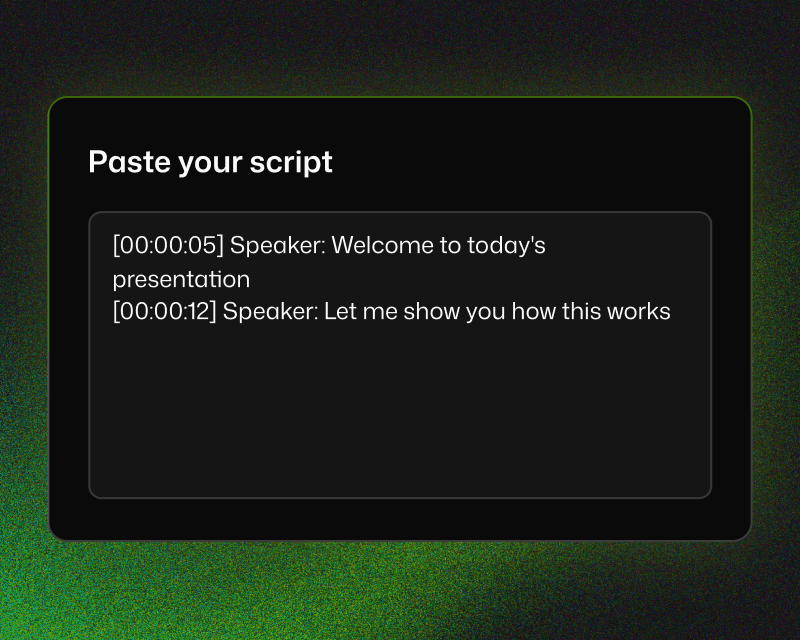
Script-to-timeline alignment
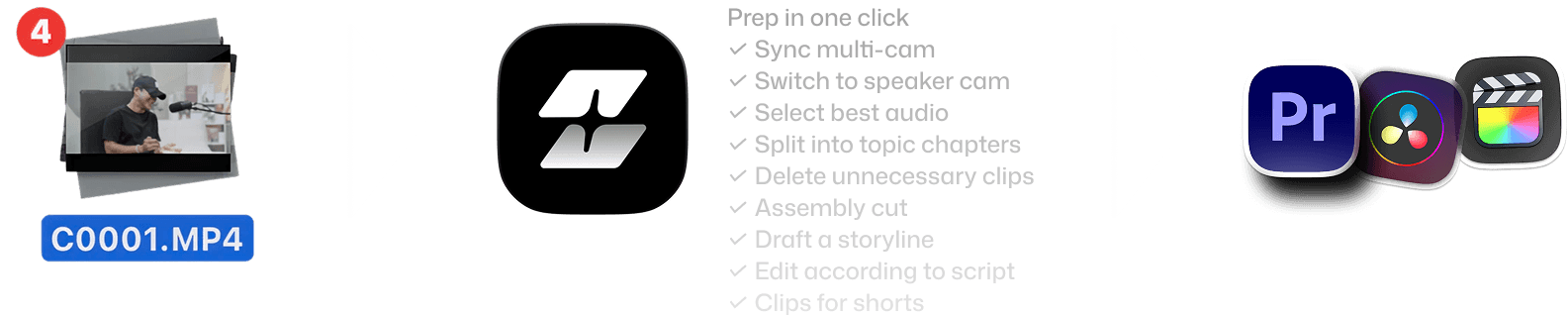
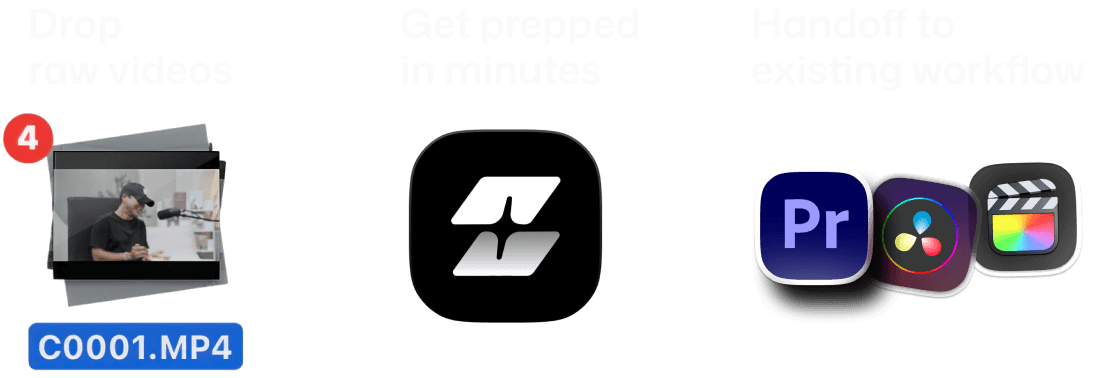
Selects maps your recorded footage to the structure of your content. Each section of your script becomes a chapter in the timeline, with the right clips already in place.




What does Selects do?
How long does it take to process my footage?
Can I edit videos directly in Selects?
How is Selects different from other AI editing tools?
Can I use Selects for short-form content, not just long-form?
How do I continue editing on Adobe Premiere Pro?
How do I continue editing on Final Cut Pro?
How do I continue editing on DaVinci Resolve?



