7 days free trial
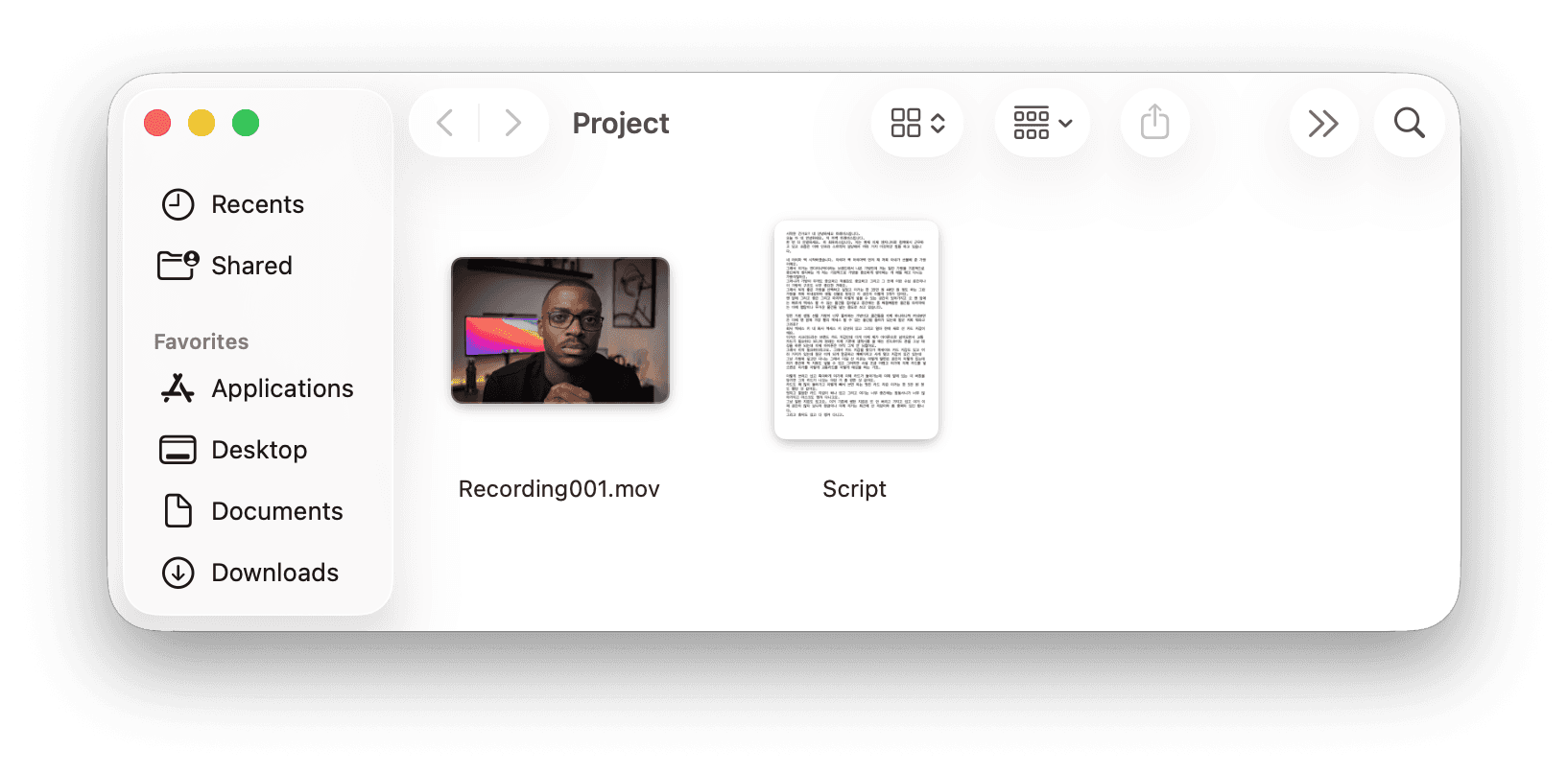
You spent an hour writing the script. You spent another hour recording it. Clear structure. Clean delivery. Good takes on almost every section.
Now you need to assemble the edit. Find the best take for each section. Match the screen recording to the voiceover. Drop in b-roll where it makes sense. Cut the pauses between sections. Add chapter markers.
The footage is straightforward. The editing is just tedious. You know exactly what the final video should look like. Getting there still takes hours of mechanical work.
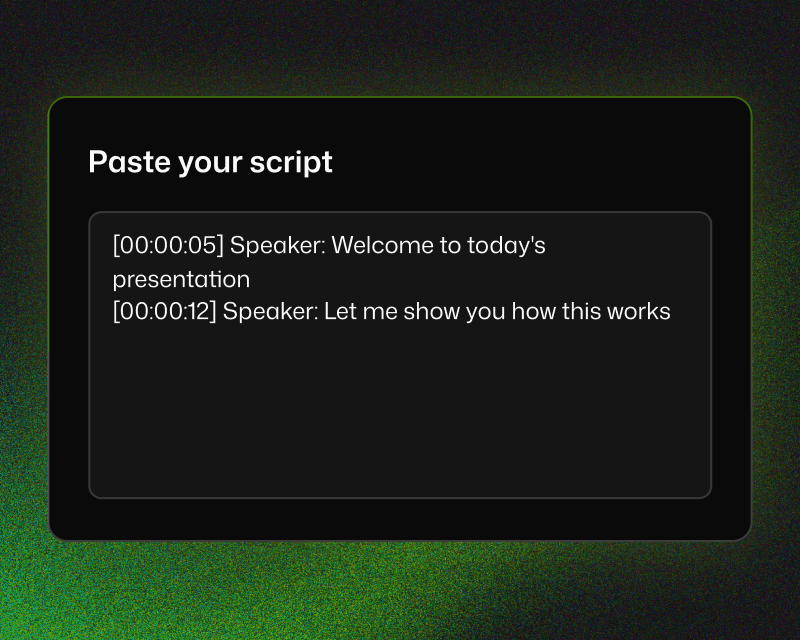
Script-to-timeline alignment
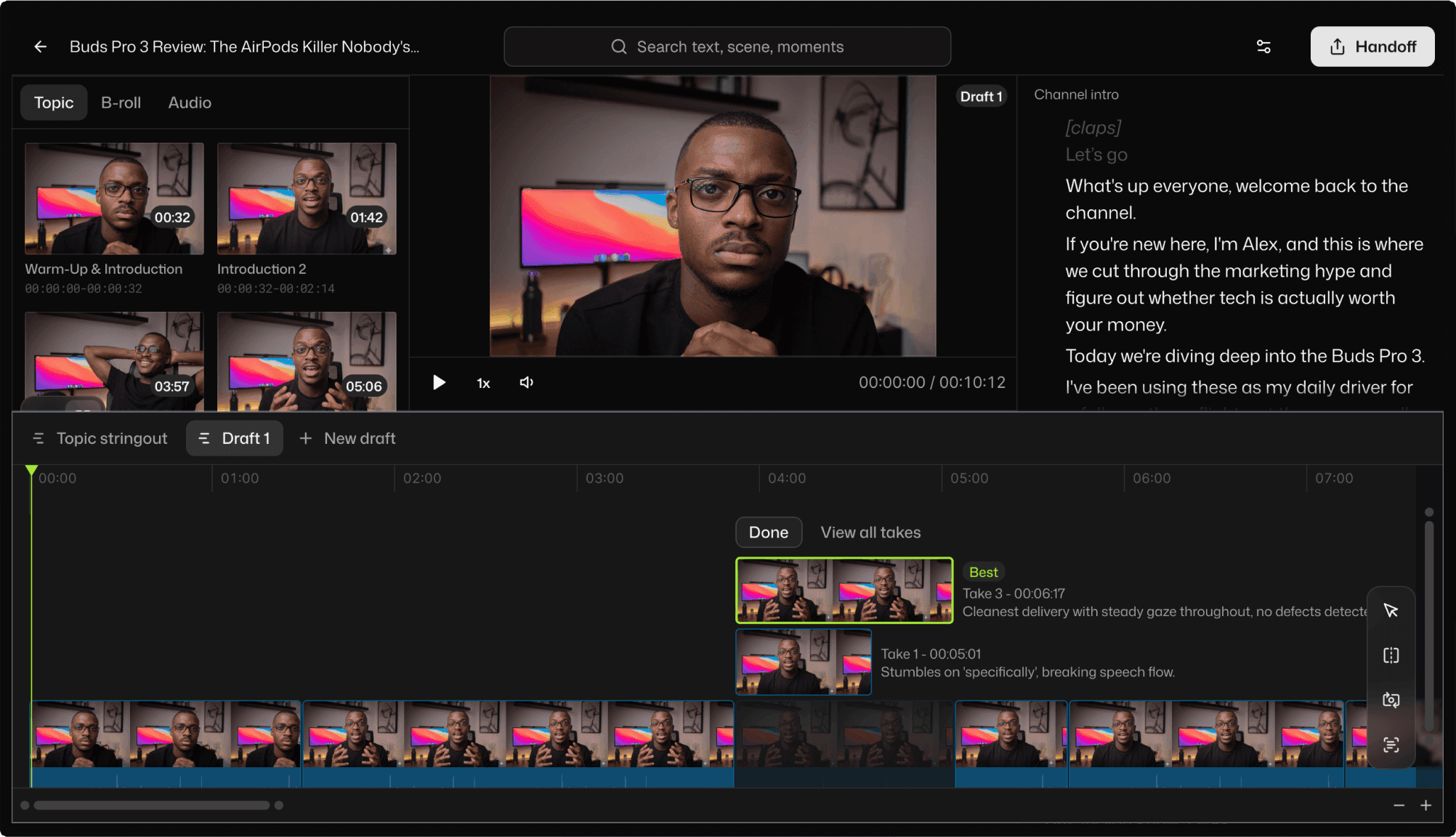
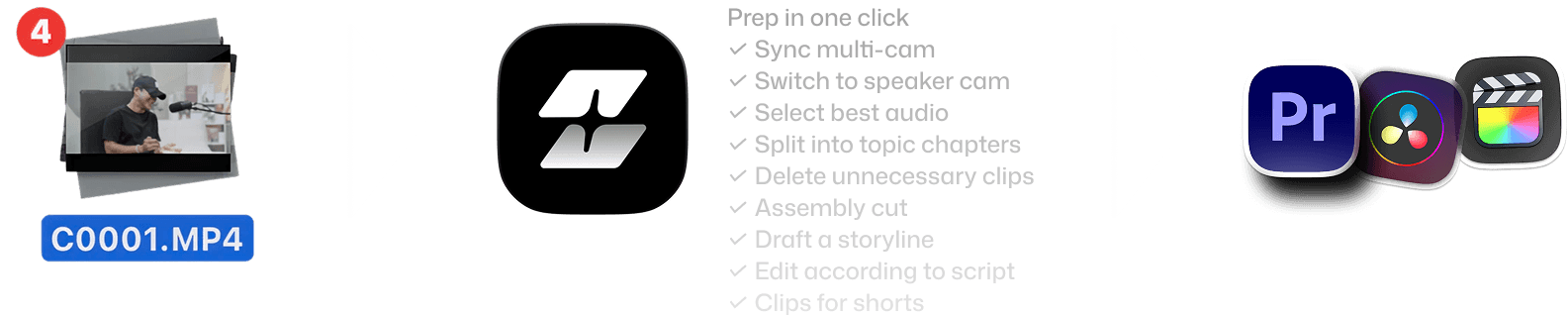
Selects maps your recorded footage to the structure of your content. Each section of your script becomes a chapter in the timeline, with the right clips already in place.
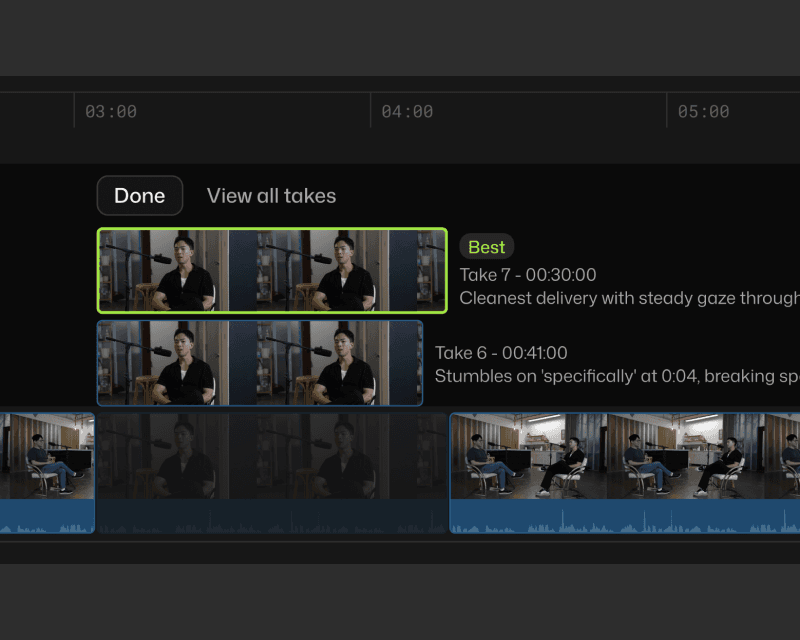
Best-take selection
Recorded three takes of the same section? Selects picks the cleanest one, with reasons you'll agree with.
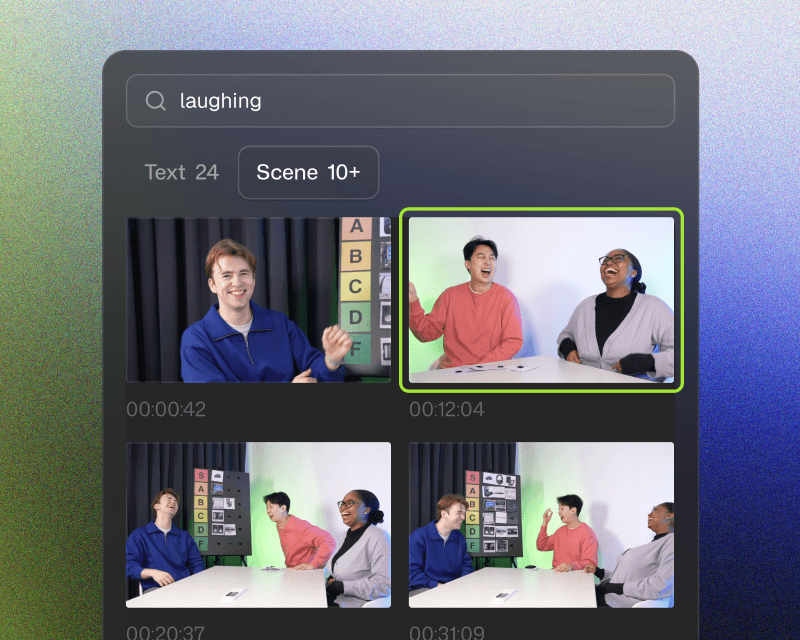
B-roll and screen recording placement
"Place the screen recording whenever I reference the software interface." Selects searches your footage by content and drops supplementary clips where they belong.
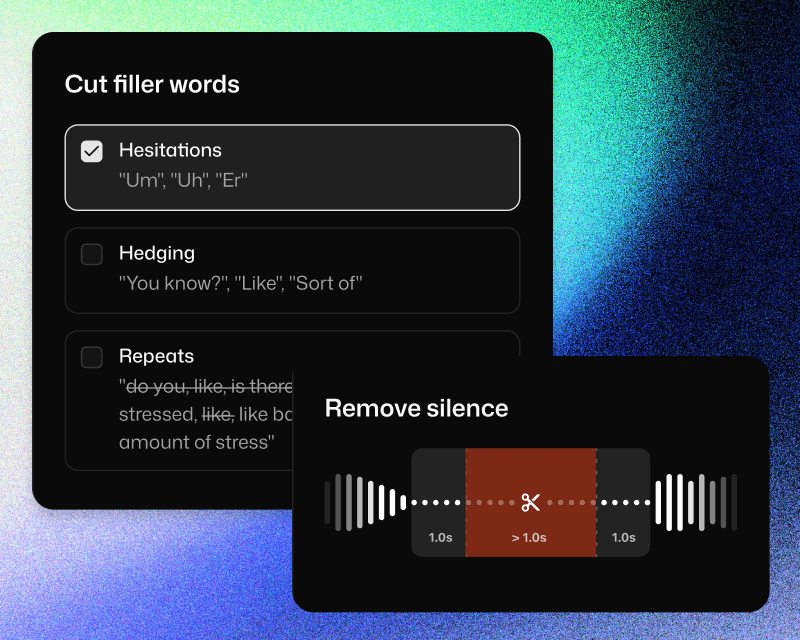
Silence and filler removal
Pauses between sections, verbal stumbles, and filler words: cleaned up automatically. The result is a tighter, more watchable edit without manual scrubbing.
Seamless with your NLE
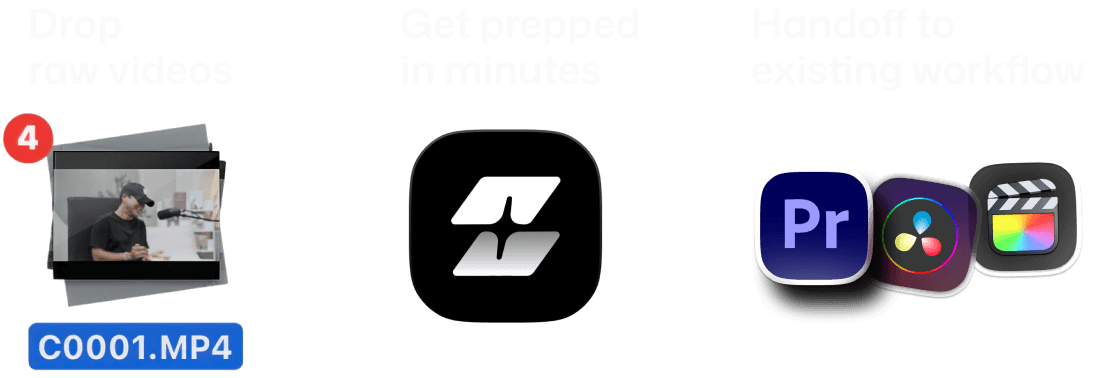
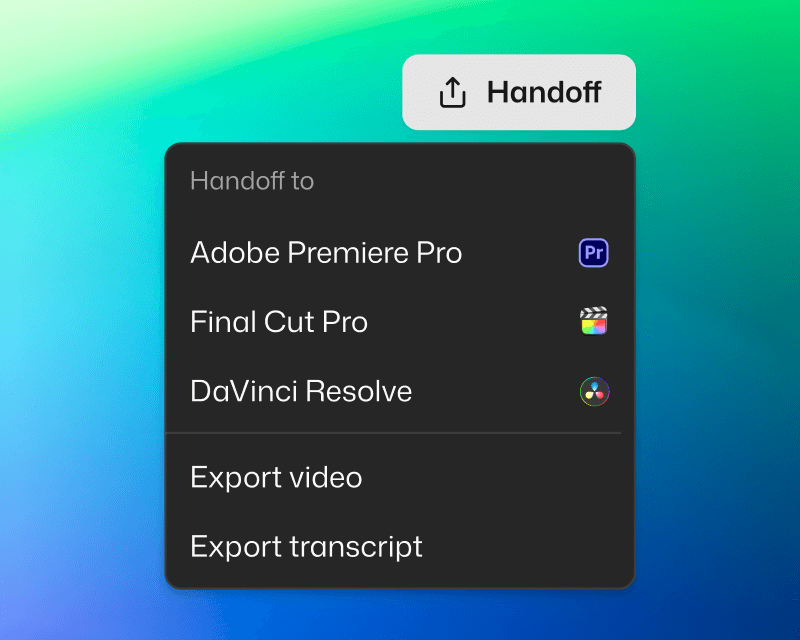
Handoff to Adobe Premiere Pro, Final Cut, or DaVinci Resolve. Project files are structured to fit your workflow.
You're in control
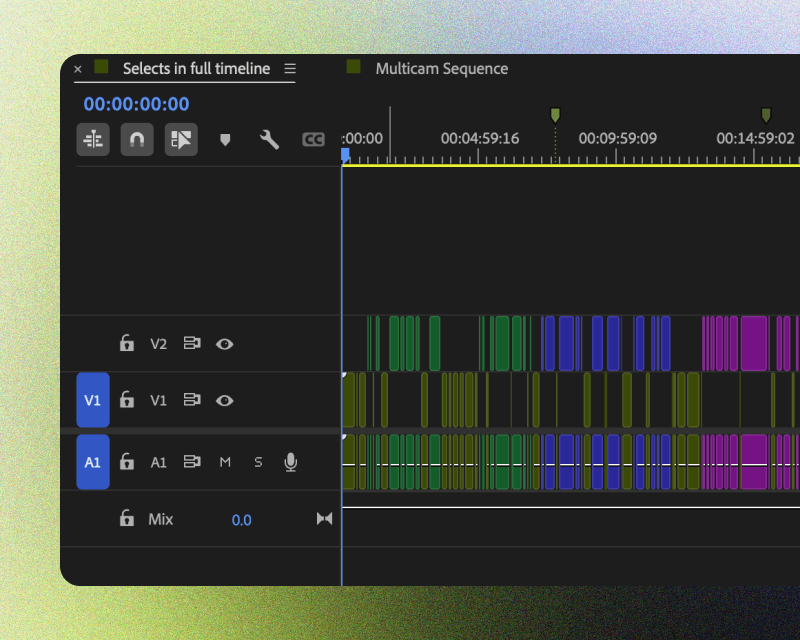
Edits are non-destructive, and organized for clarity. Categorized bins, color-coded topics, markers and transcripts included.
Ready to share
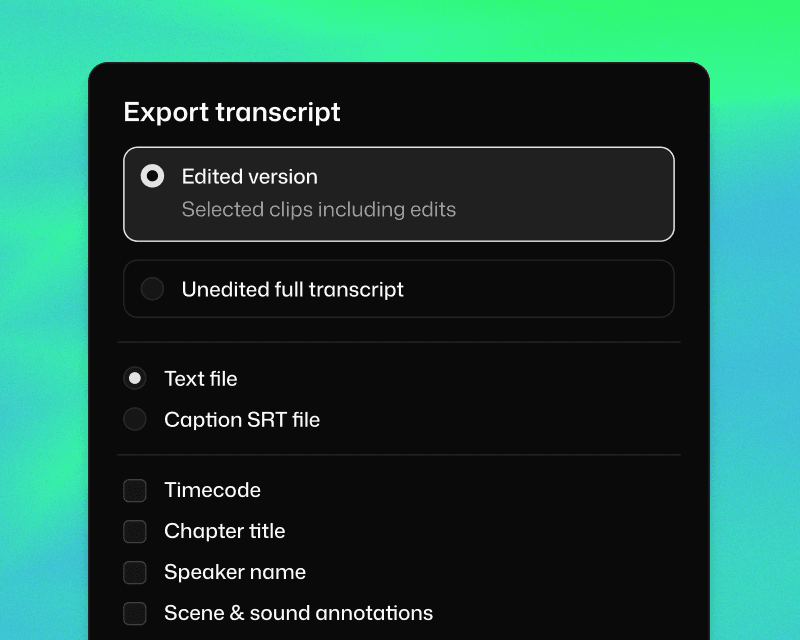
Share transcript for paper cuts. Or export video if the Selects rough cut is ready to go.




What does Selects do?
How long does it take to process my footage?
Can I edit videos directly in Selects?
How is Selects different from other AI editing tools?
Can I use Selects for short-form content, not just long-form?
How do I continue editing on Adobe Premiere Pro?
How do I continue editing on Final Cut Pro?
How do I continue editing on DaVinci Resolve?



