7 days free trial
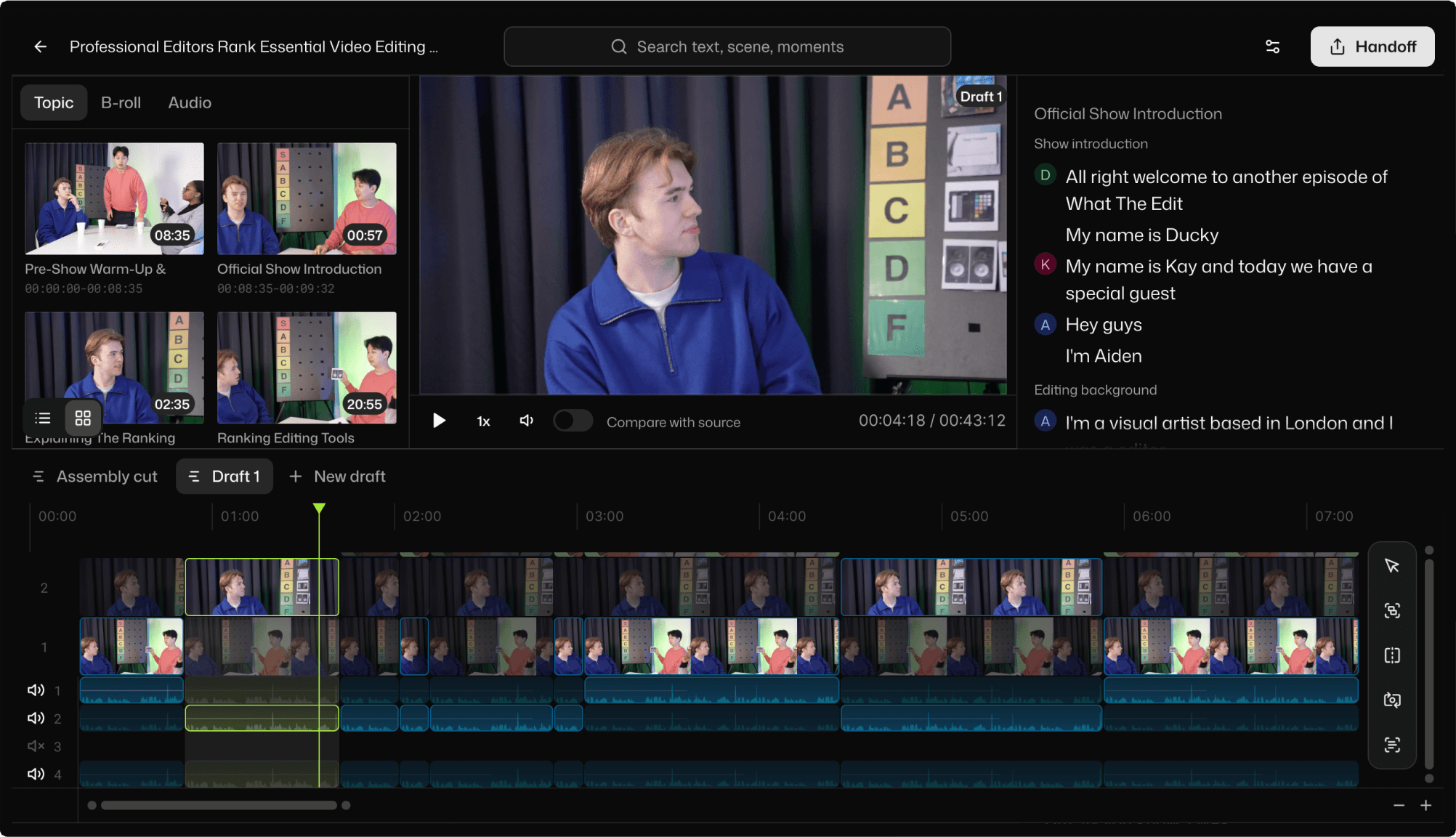
A two-person podcast is manageable. A five-person panel discussion is a different animal entirely.
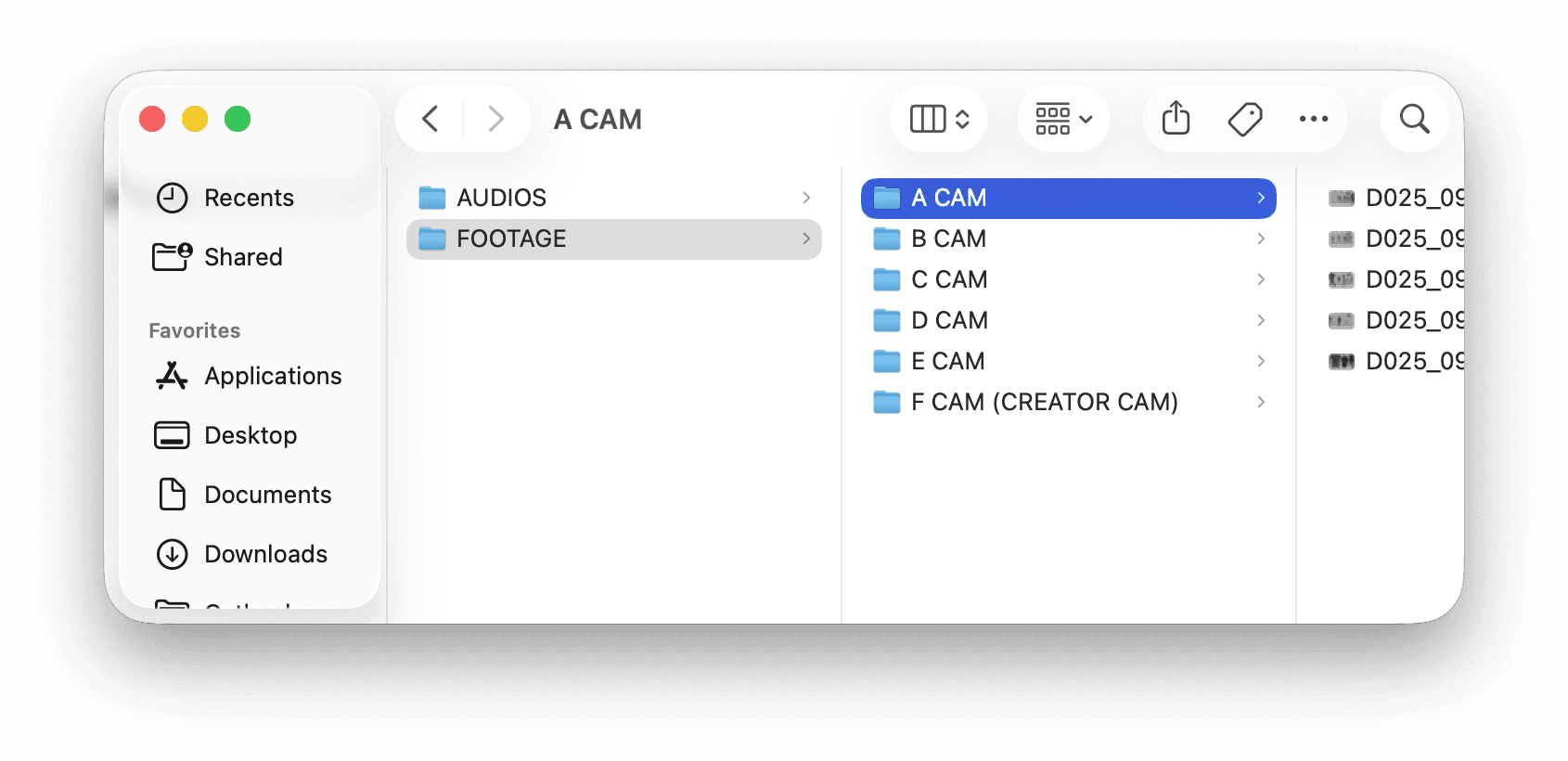
Seven camera angles. Five lavalier mics plus a room mic. Three hours of cross-talk, interruptions, and overlapping arguments. Every speaker needs their own close-up when they talk, but they also react when someone else talks, and those reactions matter too.
The footage is great. The edit is a logistics nightmare. Syncing alone takes an hour. Figuring out which camera should be active at any given second takes the rest of the day. And you do this every week.
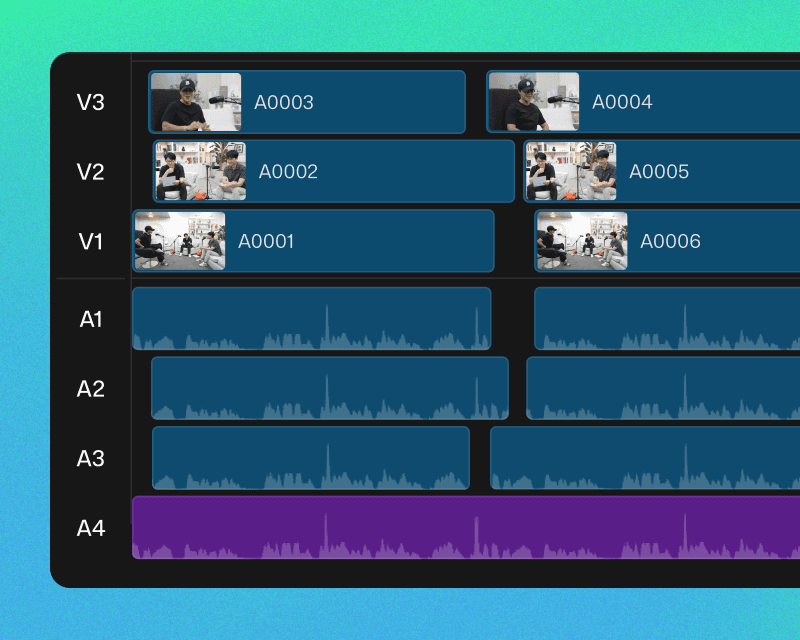
5+ camera multicam sync
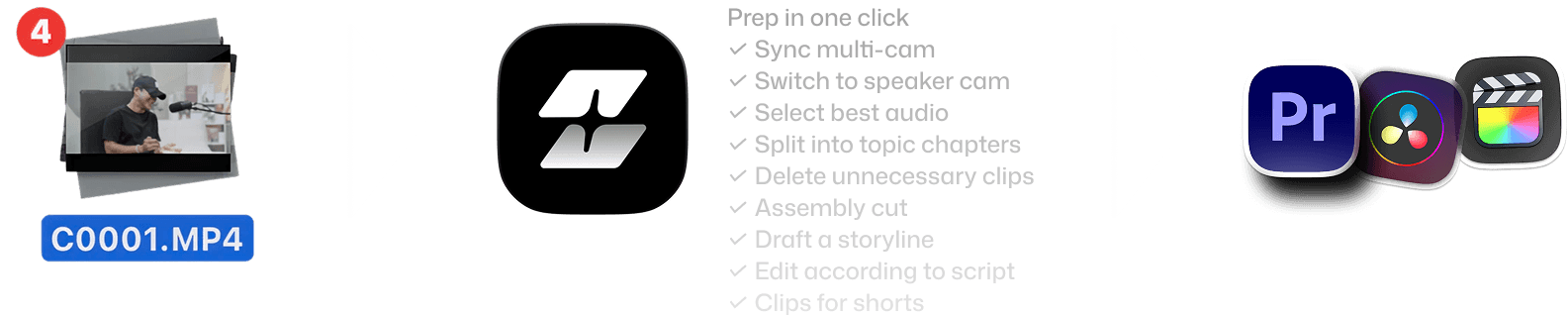
Most tools cap at two or three angles. Selects syncs five, seven, or more cameras in a single step, with automatic audio-source matching per speaker.
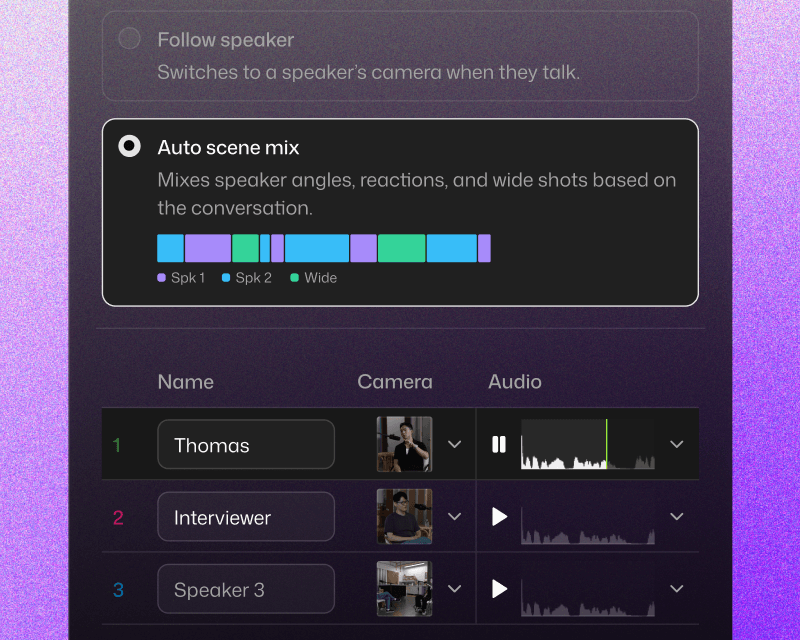
Speaker-aware camera switching
Selects doesn't just cut to whoever is loudest. It follows the conversation: close-up on the active speaker, reaction shots during responses, wide shots during group moments. The switching logic matches how a live director would call it.
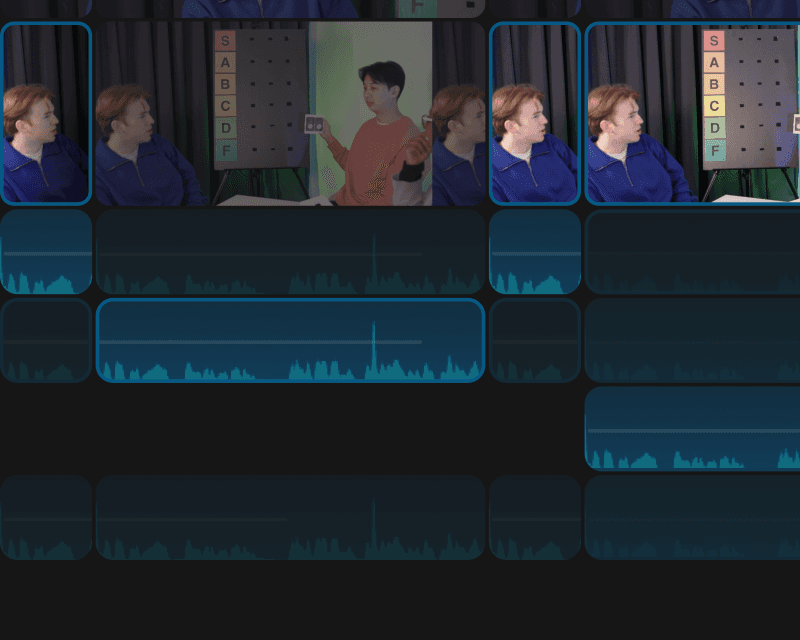
Per-speaker audio optimization
Each speaker gets their best mic source selected automatically. No more manually soloing tracks to figure out which lav was on which guest.
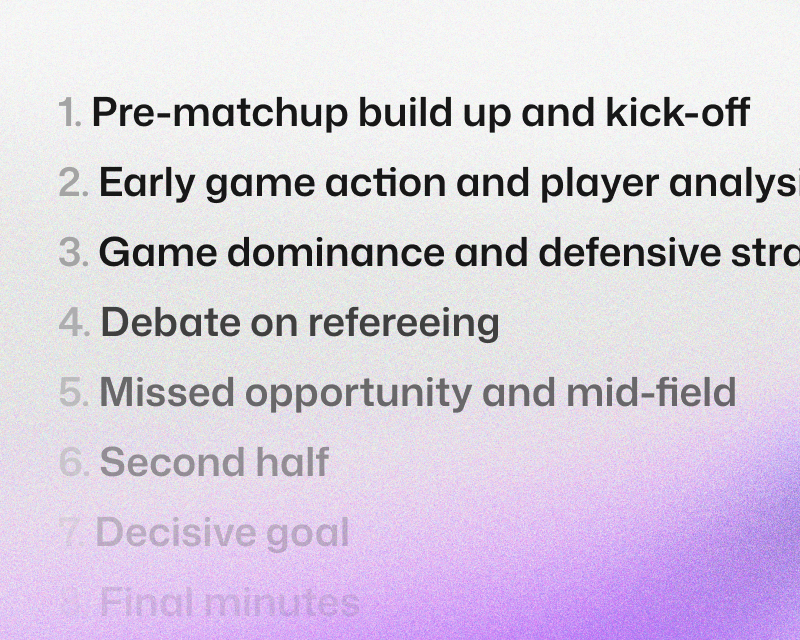
Topic-based chapter segmentation
A three-hour panel discussion has fifteen different topics. Selects identifies each one and labels them as chapters. Rearrange the topic order, cut entire segments, or isolate a single discussion thread.
Seamless with your NLE
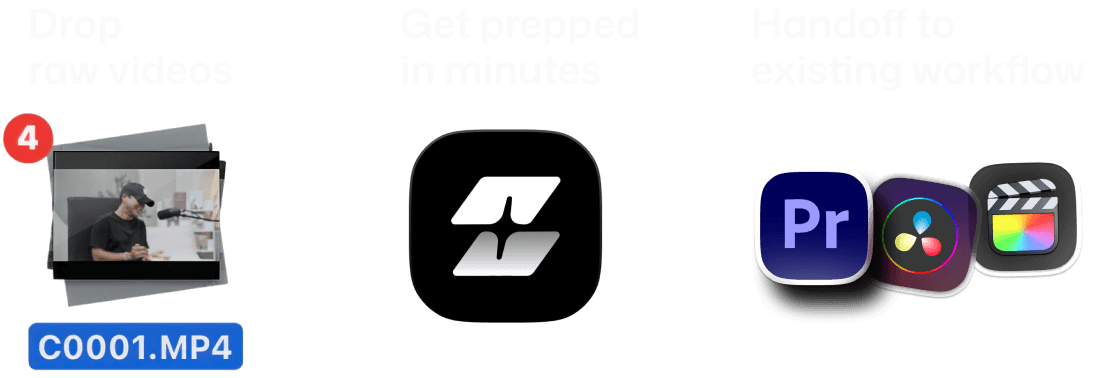
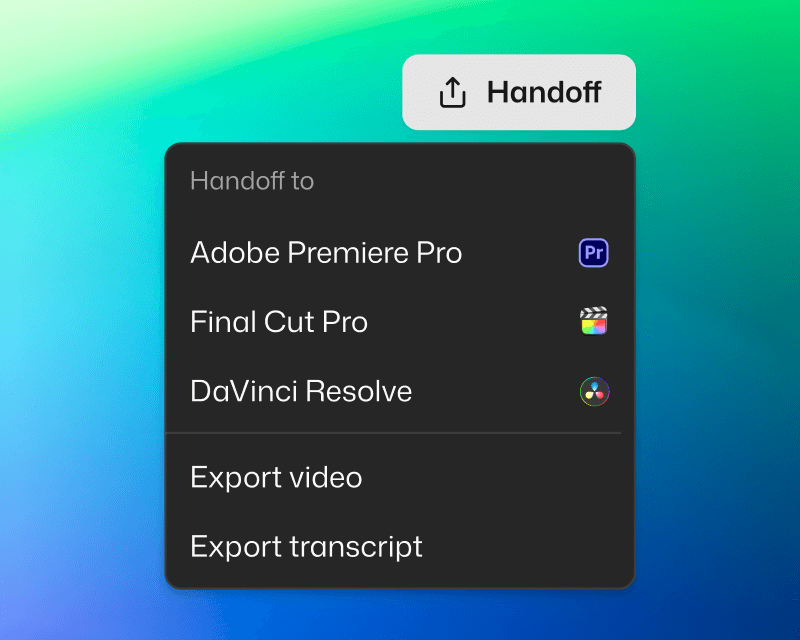
Handoff to Adobe Premiere Pro, Final Cut, or DaVinci Resolve. Project files are structured to fit your workflow.
You're in control
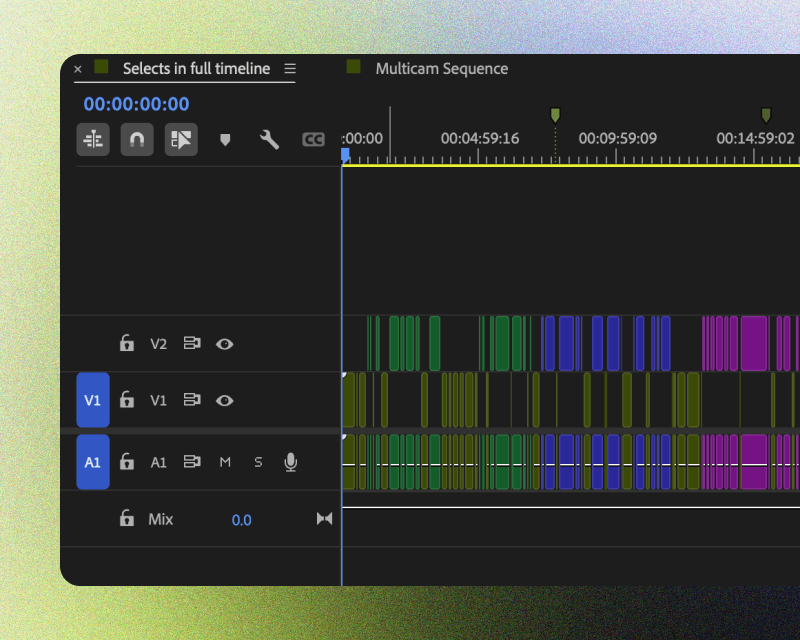
Edits are non-destructive, and organized for clarity. Categorized bins, color-coded topics, markers and transcripts included.
Ready to share
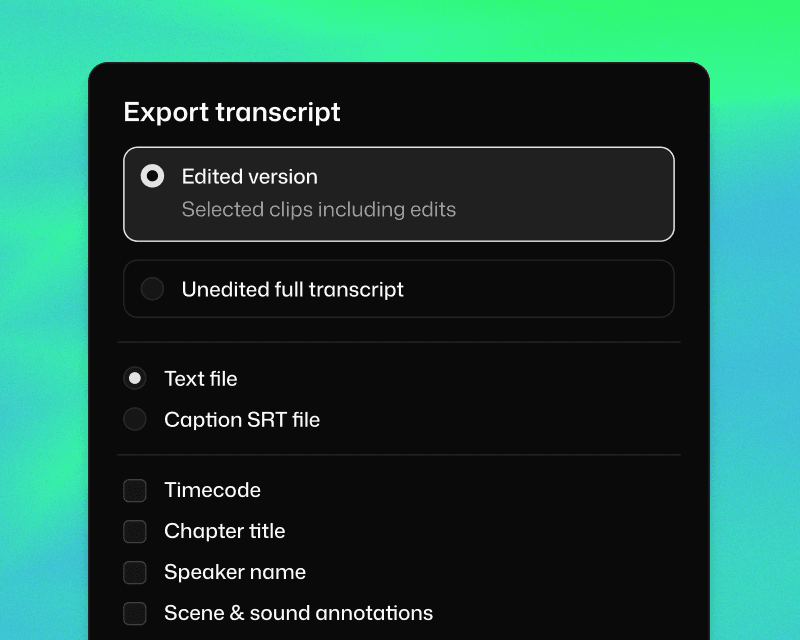
Share transcript for paper cuts. Or export video if the Selects rough cut is ready to go.




What does Selects do?
How long does it take to process my footage?
Can I edit videos directly in Selects?
How is Selects different from other AI editing tools?
Can I use Selects for short-form content, not just long-form?
How do I continue editing on Adobe Premiere Pro?
How do I continue editing on Final Cut Pro?
How do I continue editing on DaVinci Resolve?



