7 days free trial

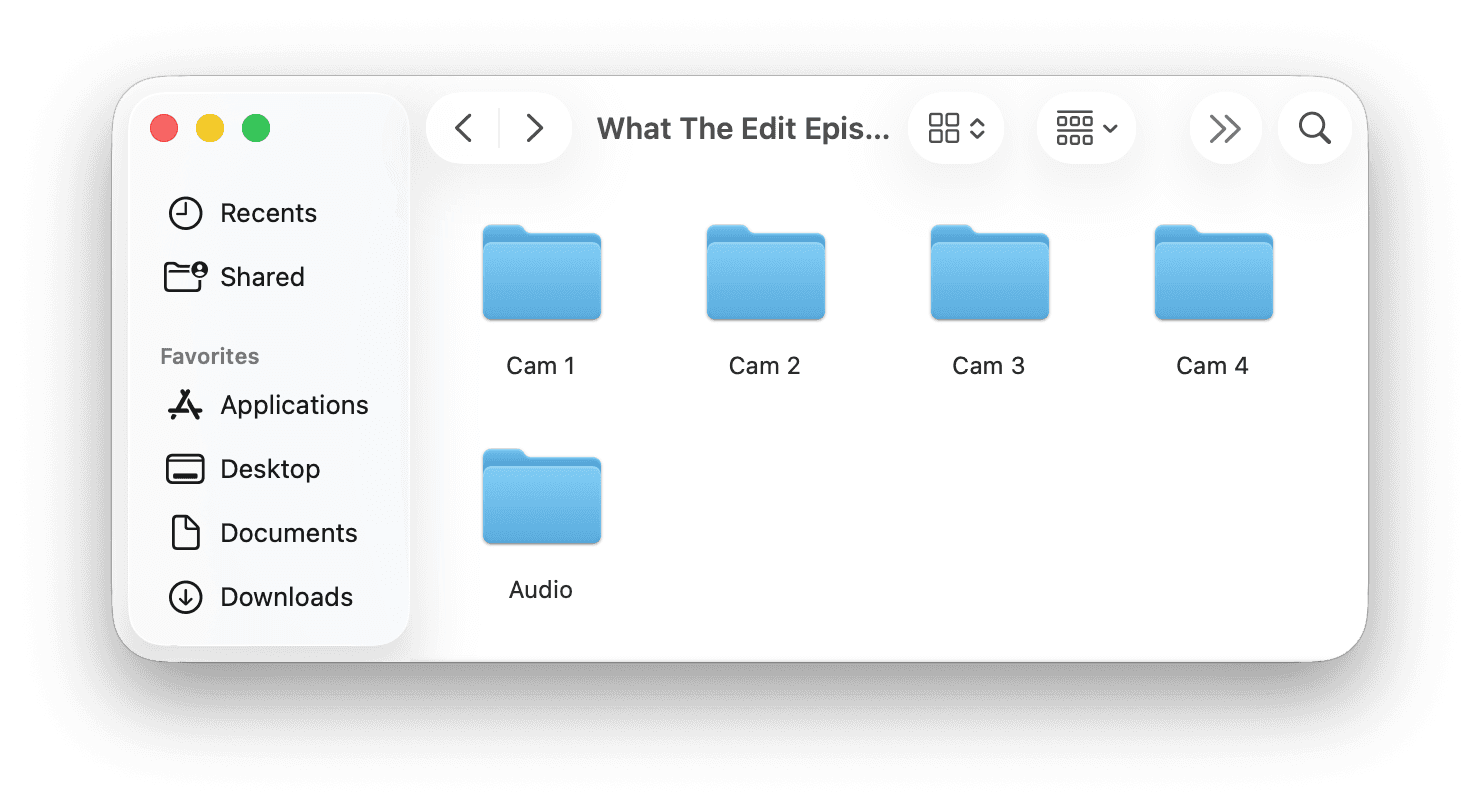
You came back with two weeks of footage. Two hundred clips across a dozen locations. Pieces to camera, b-roll of the streets, the food, the drive, half-sentences you started and abandoned, and a lot of "wait, was that recording?"
Now you have to watch all of it to remember what you even shot. Find the takes where you actually nailed the line. Throw out the duplicates and the dead clips. String the story together. By the time you finish reviewing the footage, the trip already feels like last month, and the vlog is still sitting in a folder.
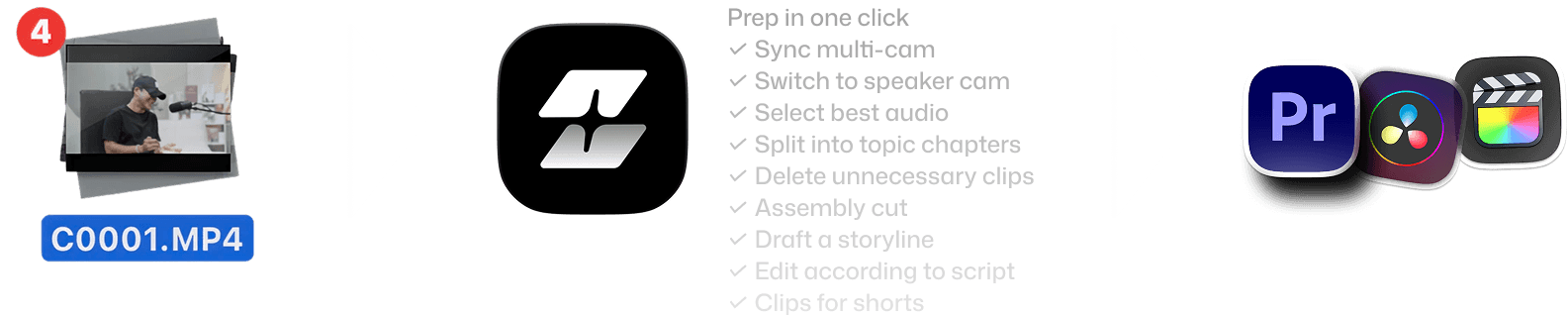
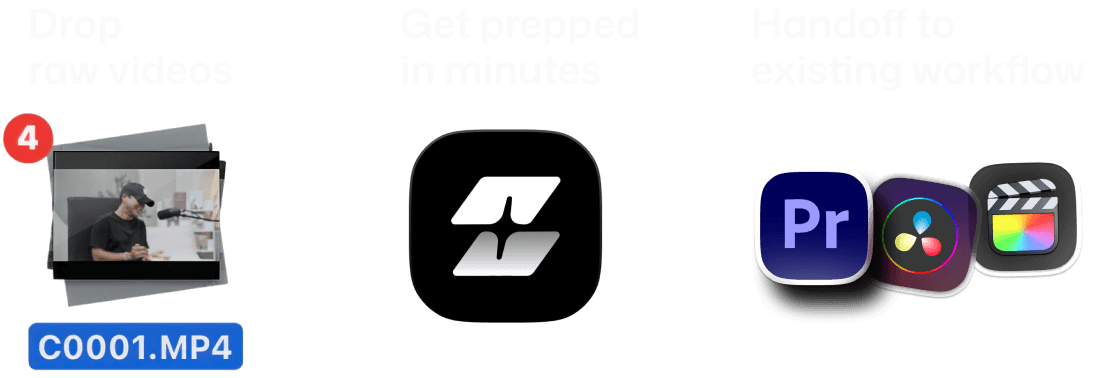
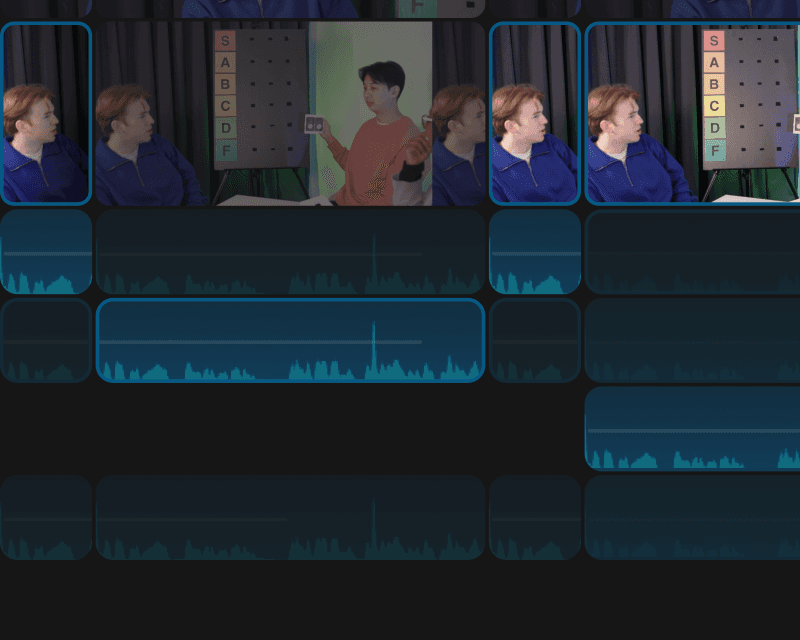
Speaker-aware camera switching
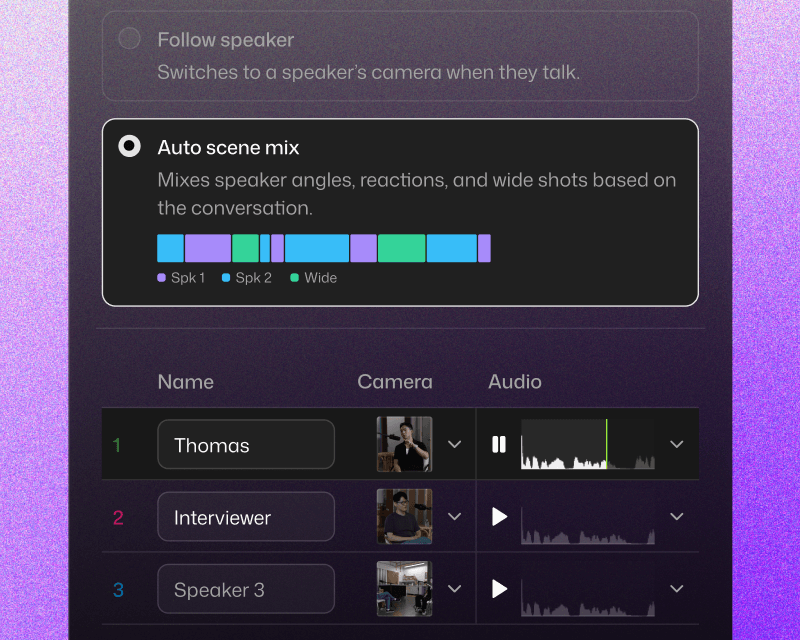
Selects knows who's talking and switches to the right camera angle. Not random cuts. Cuts that follow the conversation.
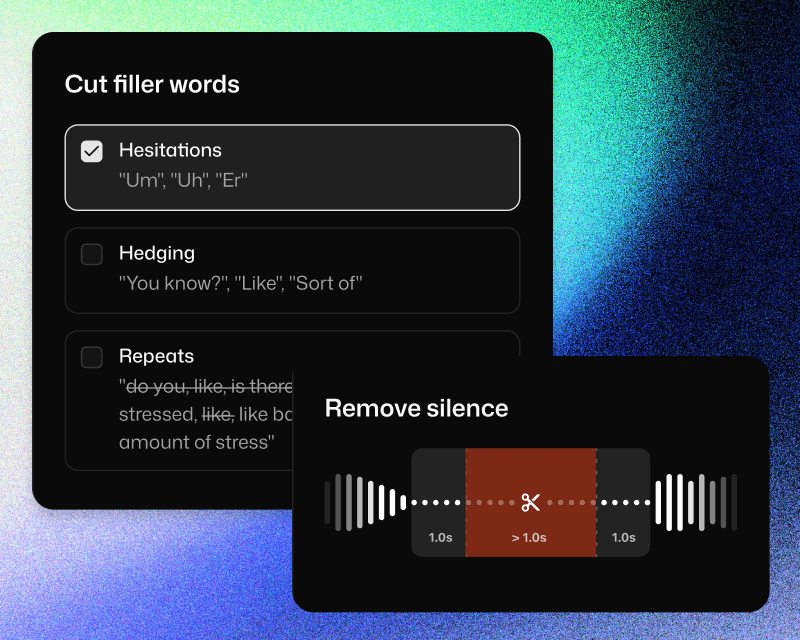
Silence and filler word removal
Um," "uh," long pauses, and dead air. Gone. Automatically. Or keep them if your podcast style calls for a looser feel.
Per-speaker audio optimization
Each speaker gets their best mic source selected automatically. No more manually soloing tracks to figure out which lav was on which guest.
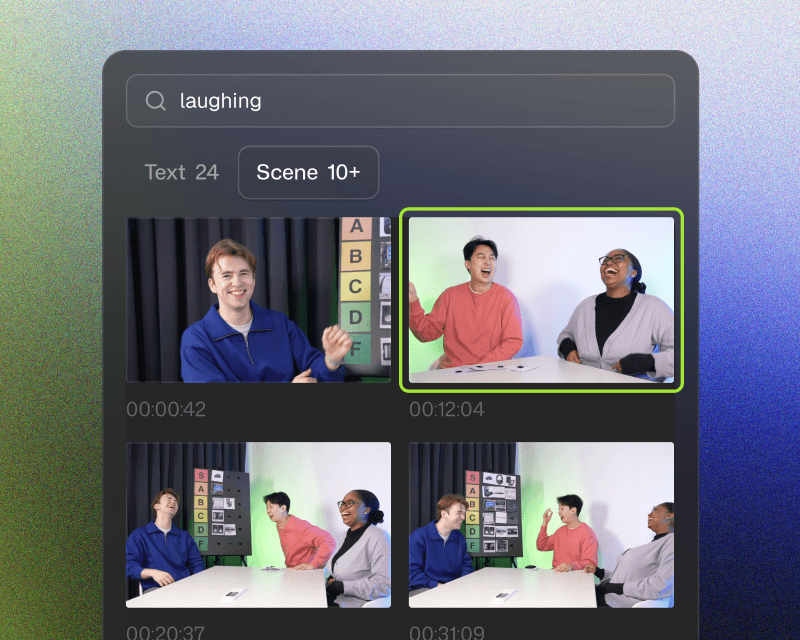
Searchable b-roll placement
"Find the wide shot where they both laugh." Selects searches your footage by description and drops it into the timeline.
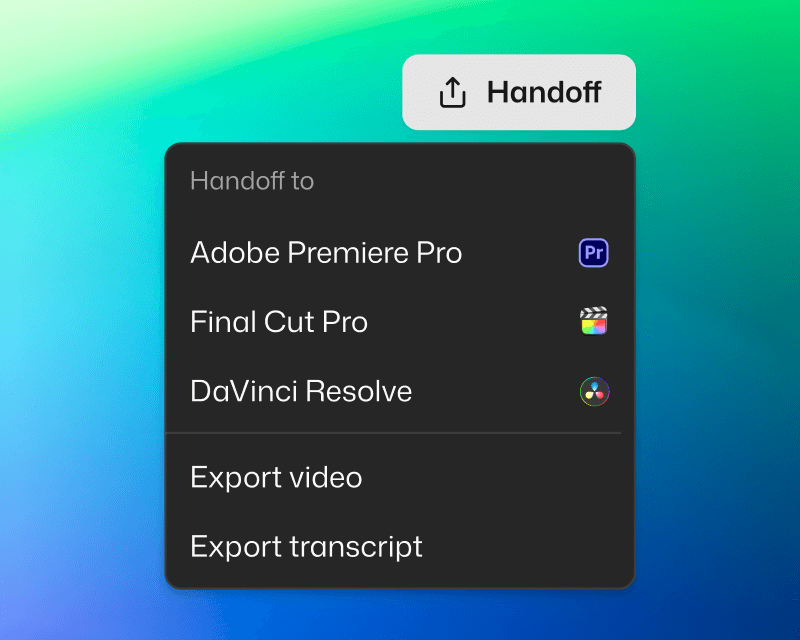
Handoff to
start the creative edit
Seamless with your NLE
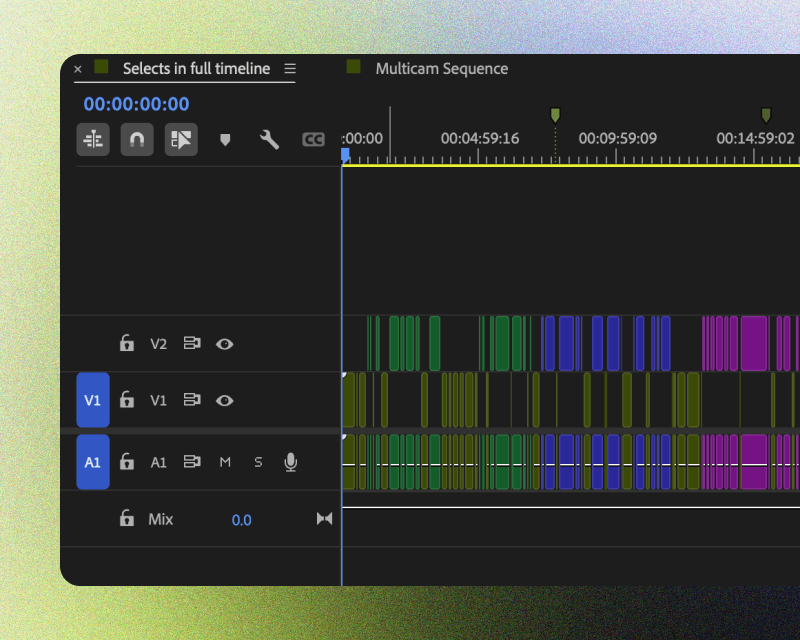
Handoff to Adobe Premiere Pro, Final Cut, or DaVinci Resolve. Project files are structured to fit your workflow.
You're in control
Edits are non-destructive, and organized for clarity. Categorized bins, color-coded topics, markers and transcripts included.
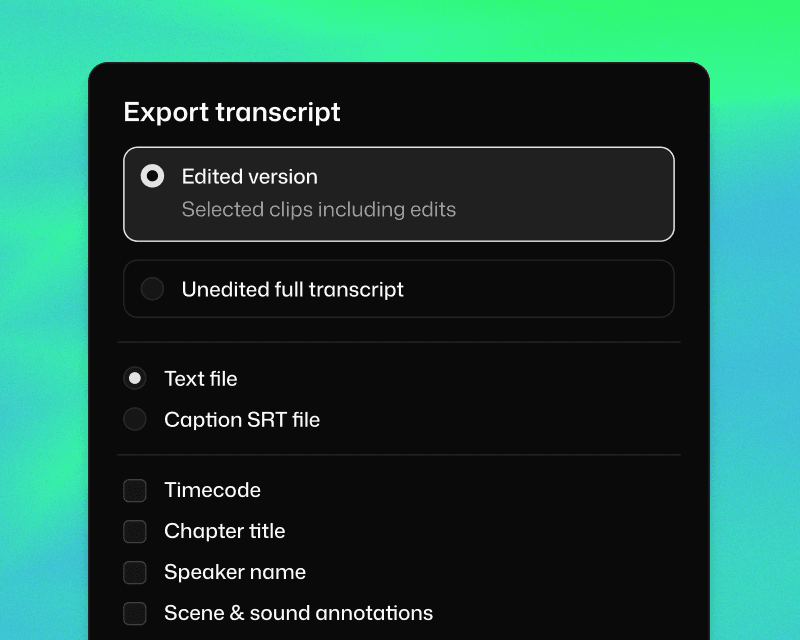
Ready to share
Share transcript for paper cuts. Or export video if the Selects rough cut is ready to go.




What does Selects do?
How long does it take to process my footage?
Can I edit videos directly in Selects?
How is Selects different from other AI editing tools?
Can I use Selects for short-form content, not just long-form?
How do I continue editing on Adobe Premiere Pro?
How do I continue editing on Final Cut Pro?
How do I continue editing on DaVinci Resolve?



