Two cameras, one recorder, synced

Two cameras, one recorder, synced

A and B camera, separate audio,

Selects syncs and builds your interview edit before you open your timeline.

A and B camera, separate audio,

Selects syncs and builds your interview edit before you open your timeline.

7 days free trial

Selects Field Interview editing with AI

The interview was the easy hour.
Editing it is the annoying one.

눈길을 사로잡는
자막 효과

thumbnails of content about video editing with claude

A standard interview setup is deceptively fiddly to edit. A wide camera, a close-up camera, and a separate recorder for the good audio, because the in-camera sound never cuts it.

Before you can make a single creative decision, you have to line all three up. Match the clap or the waveform. Hope the cameras did not drift over a long take. Then decide, for every answer, whether you are on the wide or the close, and keep the clean recorder audio underneath the whole time. It is twenty minutes of housekeeping before the edit even starts, every single time.

애프터이펙트 없이도
숏폼용 자막 효과를 만들어보세요

From raw footage to structured edit

눈길을 사로잡는자막 효과

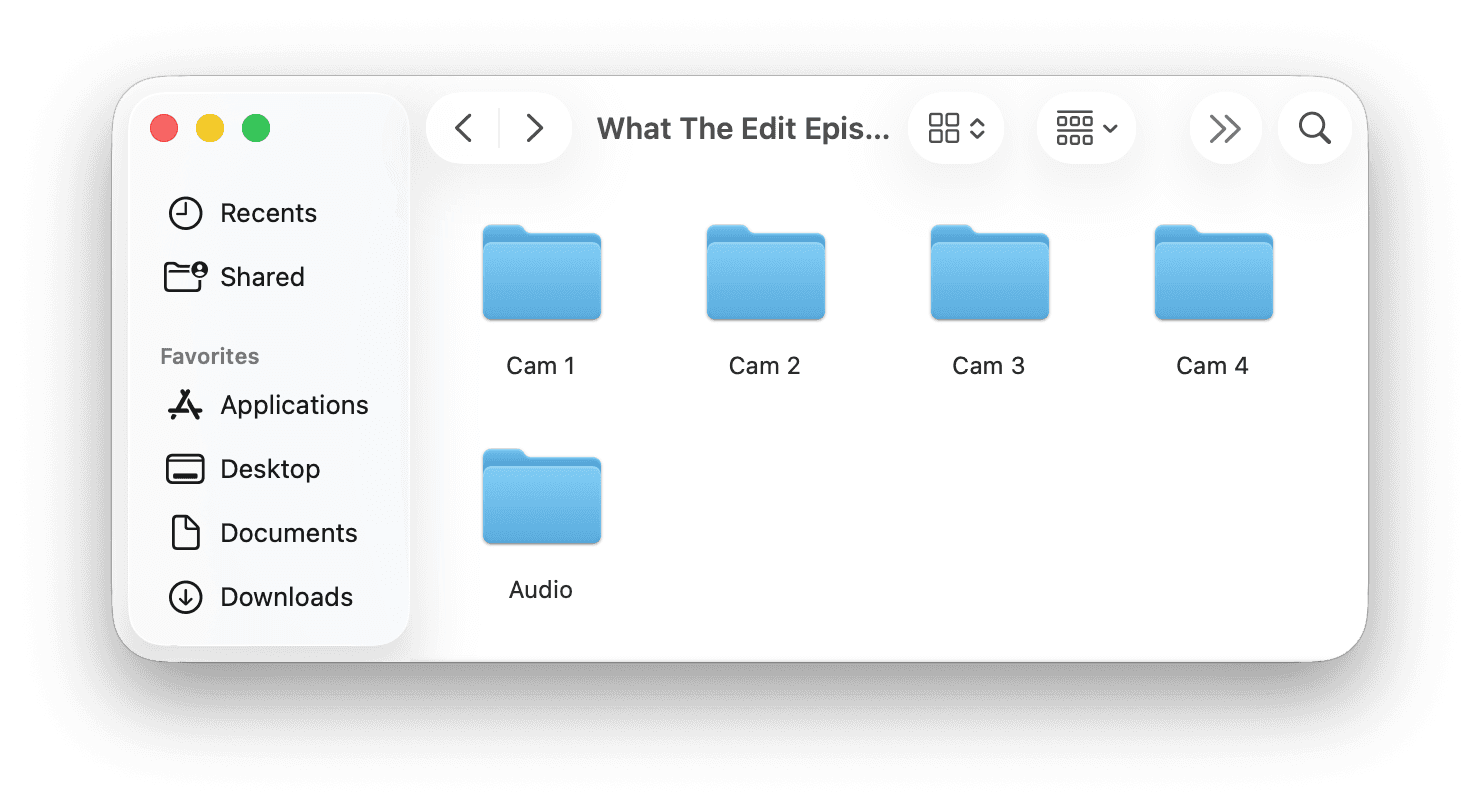
Drop folder
with raw media

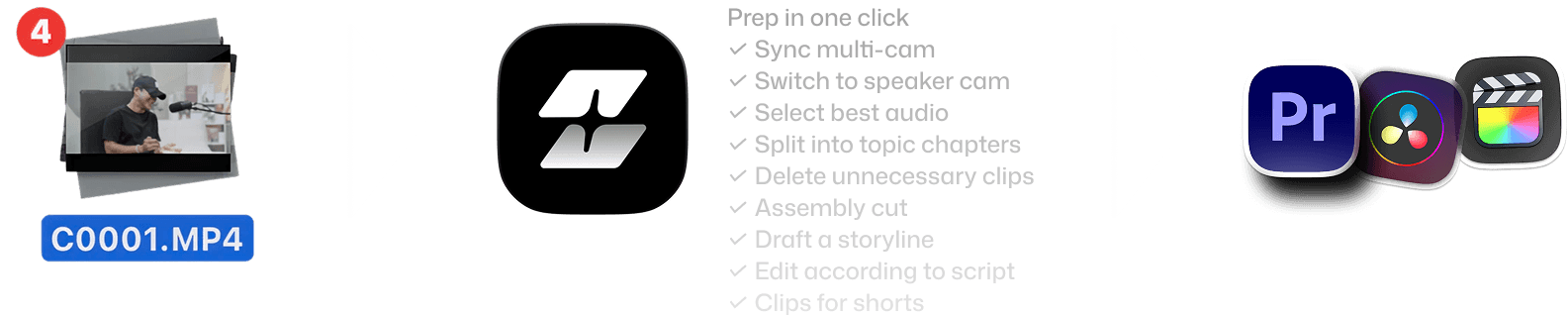
Auto sync & edit
in minutes

Handoff to
existing workflow

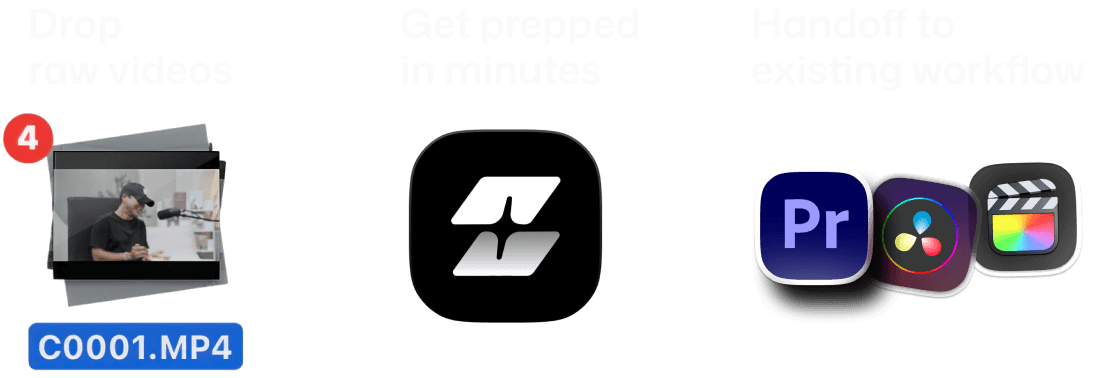
Features of Selects by Cutback. Drop raw videos, get prepped in minutes, handoff to existing workflow
Features of Selects by Cutback. Drop raw videos, get prepped in minutes, handoff to existing workflow - mobile version

Sync the angles, lock the audio,
assemble the cut

Sync the angles, lock the audio,
assemble the cut

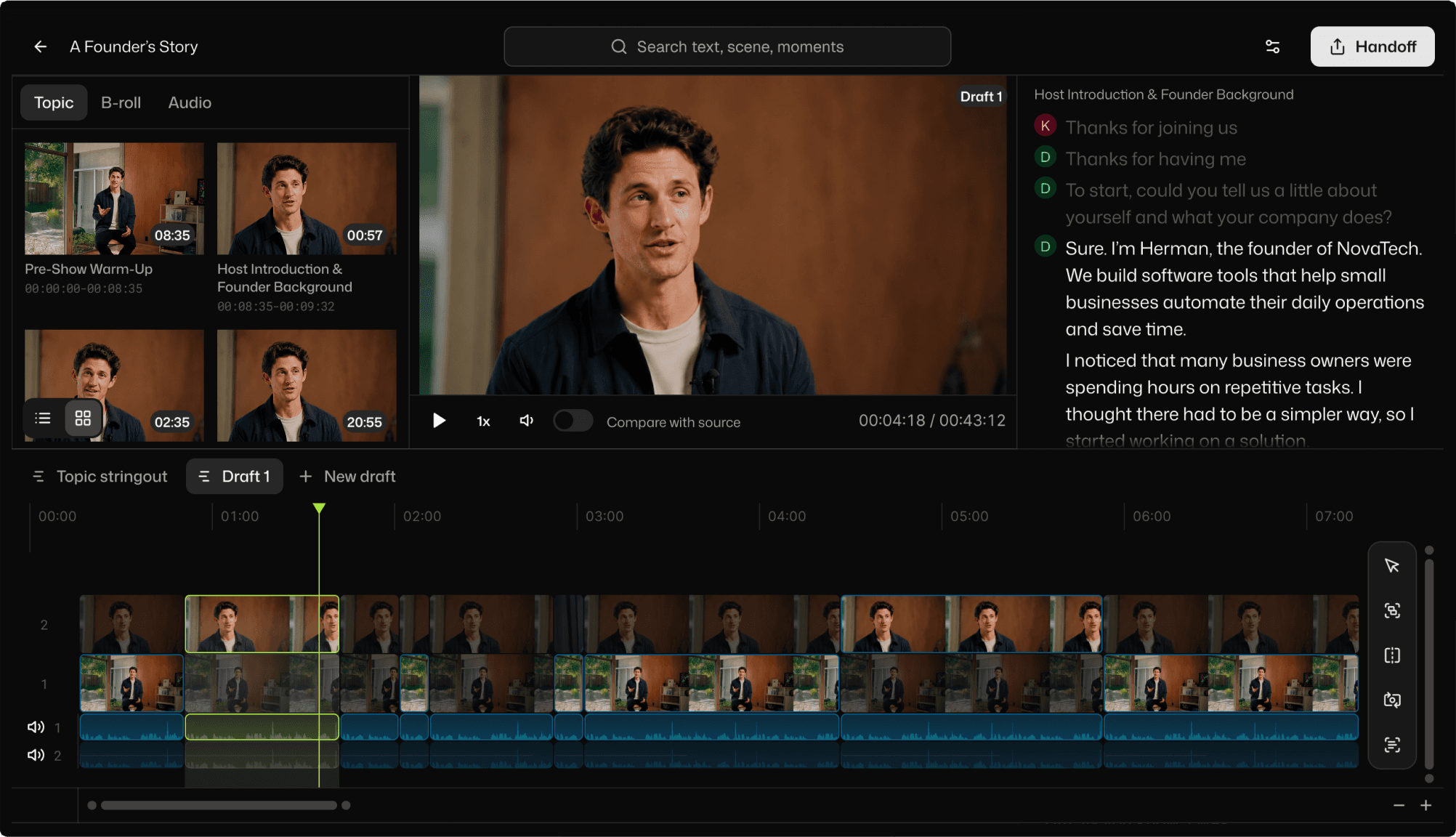
Multicam sync across every camera and mic

Three cameras, a boom, and two lavs? Selects syncs all of them in one step and picks the cleanest audio source per speaker automatically.
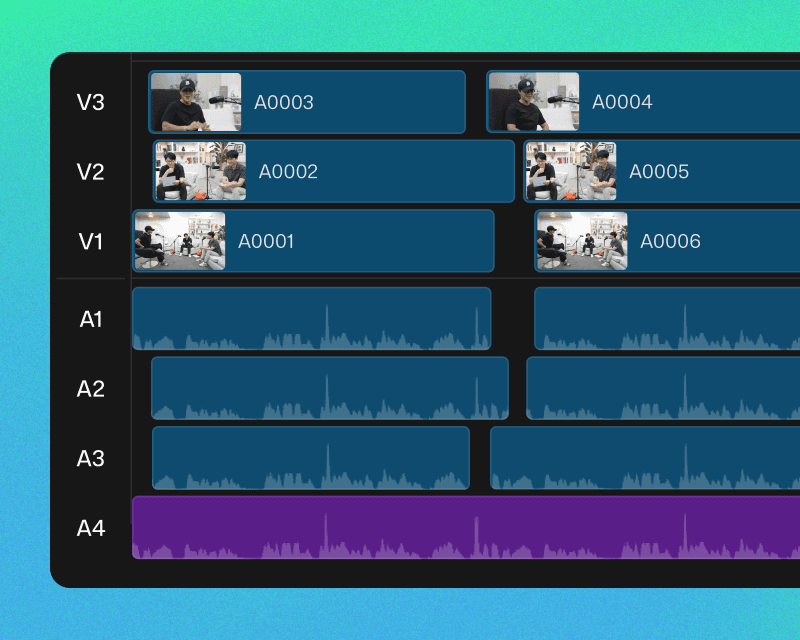
Multi-cam sync example in Selects

Speaker-aware camera switching

Selects knows who's talking and switches to the right camera angle. Not random cuts. Cuts that follow the conversation.
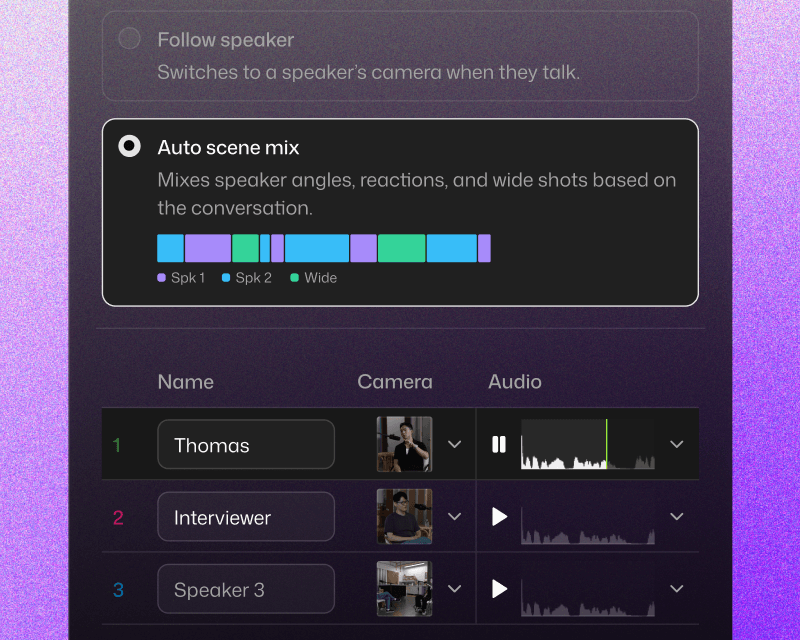
Draft a storyline in Selects

Silence and filler word removal

Um," "uh," long pauses, and dead air. Gone. Automatically. Or keep them if your podcast style calls for a looser feel.
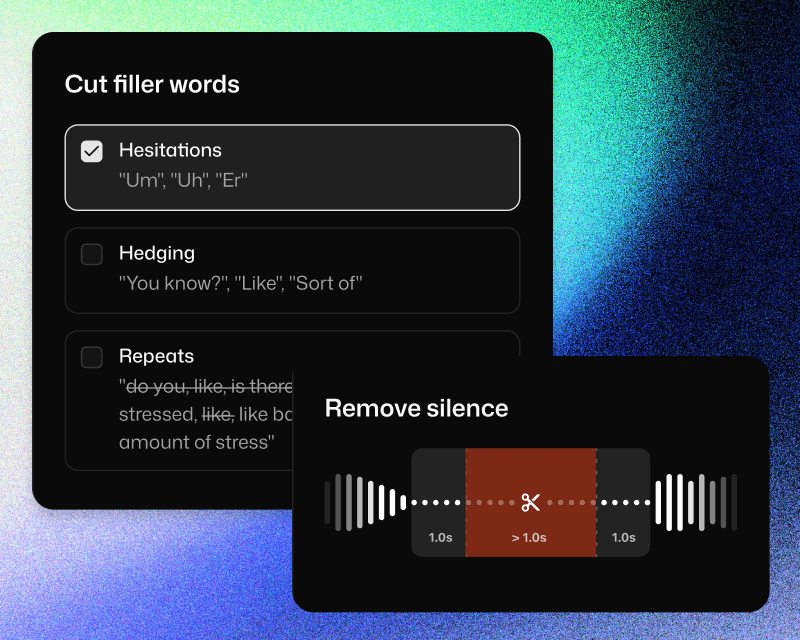
Cut fillers and silences in Selects

가장 익숙한 방법으로 핸드오프

기존 편집툴과의 완벽 호환

프리미어 프로, 파이널컷, 다빈치 리졸브용 프로젝트 파일로 내보내고 바로 편집을 이어갈 수 있습니다.
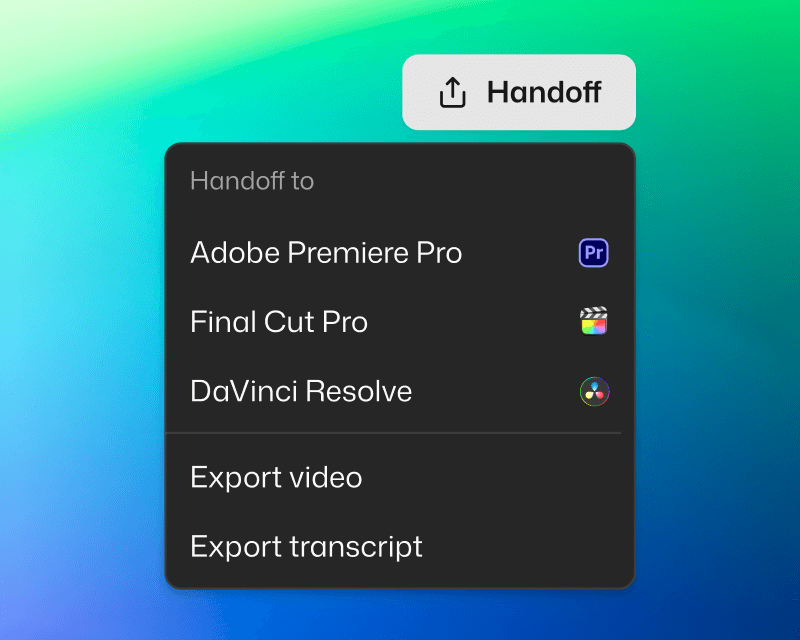
Handoff to NLE in Selects

깔끔하게 정리된 프로젝트

챕터별 컬러 구분, 멀티캠, 마커, 소제목 주제와 자막까지 포함되어 준비됩니다.
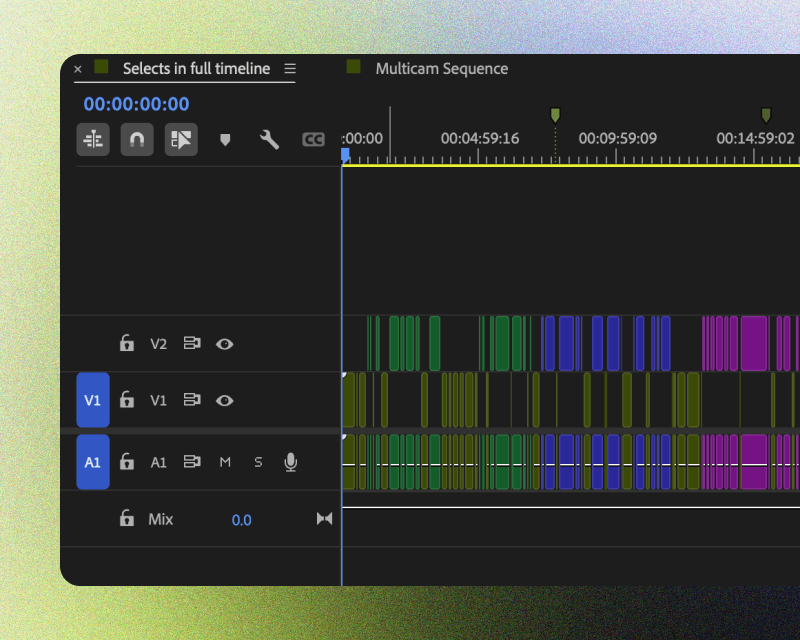
Handoff project example in Selects

자막과 영상 내보내기

대본이 필요할 때 필요한 형식으로 내보내세요. 컷편집된 영상을 바로 내보내서 사용할 수도 있습니다.
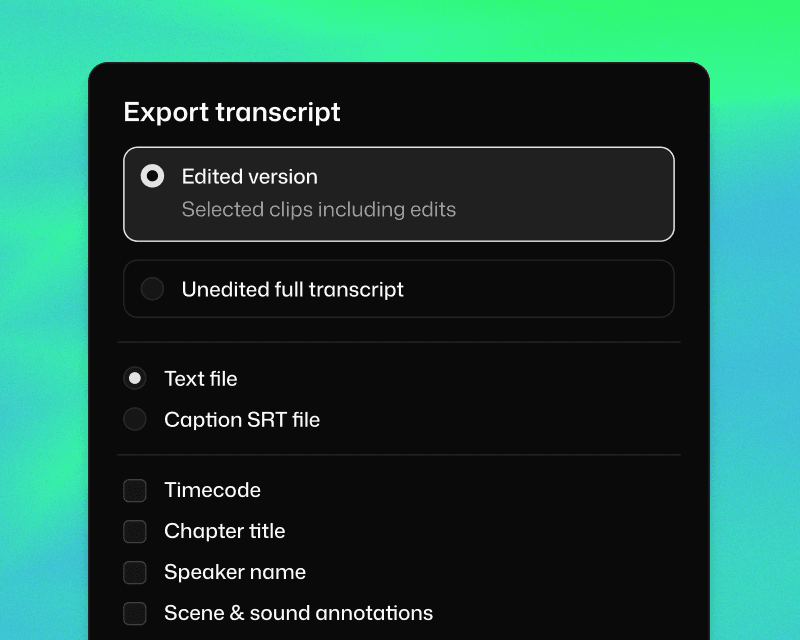
Export transcript and video in Selects

Same interview. The sync is already done.

Same interview. The sync is already done.

Same interview. The sync is already done.

2시간 영상 컷편집

소요 시간

멀티캠 싱크

주제별로 컷편집

컬러 라벨

불필요한 클립 삭제

자막 생성

무음 제거

간투사 삭제

멀티캠 화면 전환

수동

6시간 30분

1시간

1시간

30분

1시간

불가능

1시간

1시간

1시간

셀렉츠

20분

자동

자동

자동

자동

자동

자동

자동

자동

영상 편집의 시작은 똑같습니다. 불필요한 부분 제거하고, 사용할 부분 뽑고.이젠 타임라인 반복재생하며 컷편집하는 시간은 멈추세요.

공식 어도비 비디오 파트너

Korean

주식회사 컷백
사업자등록번호: 530-86-03384
대표: 김담형
주소: 서울 강남구 선릉로93길 50 8층
통신판매업 신고번호: 2025-서울강남-03036

공식 어도비 비디오 파트너

Korean

주식회사 컷백
사업자등록번호: 530-86-03384
대표: 김담형
주소: 서울 강남구 선릉로93길 50 8층
통신판매업 신고번호: 2025-서울강남-03036

공식 어도비 비디오 파트너

Korean

주식회사 컷백
사업자등록번호: 530-86-03384
대표: 김담형
주소: 서울 강남구 선릉로93길 50 8층
통신판매업 신고번호: 2025-서울강남-03036
