How to edit a
Zoom recording in minutes

How to edit a
Zoom recording in minutes

Drop in the recording. Selects cuts the dead air and the "can you see my screen" moments,
and builds a tight first cut.

Drop in the recording. Selects cuts the dead air and the "can you see my screen" moments,
and builds a tight first cut.

7 days free trial

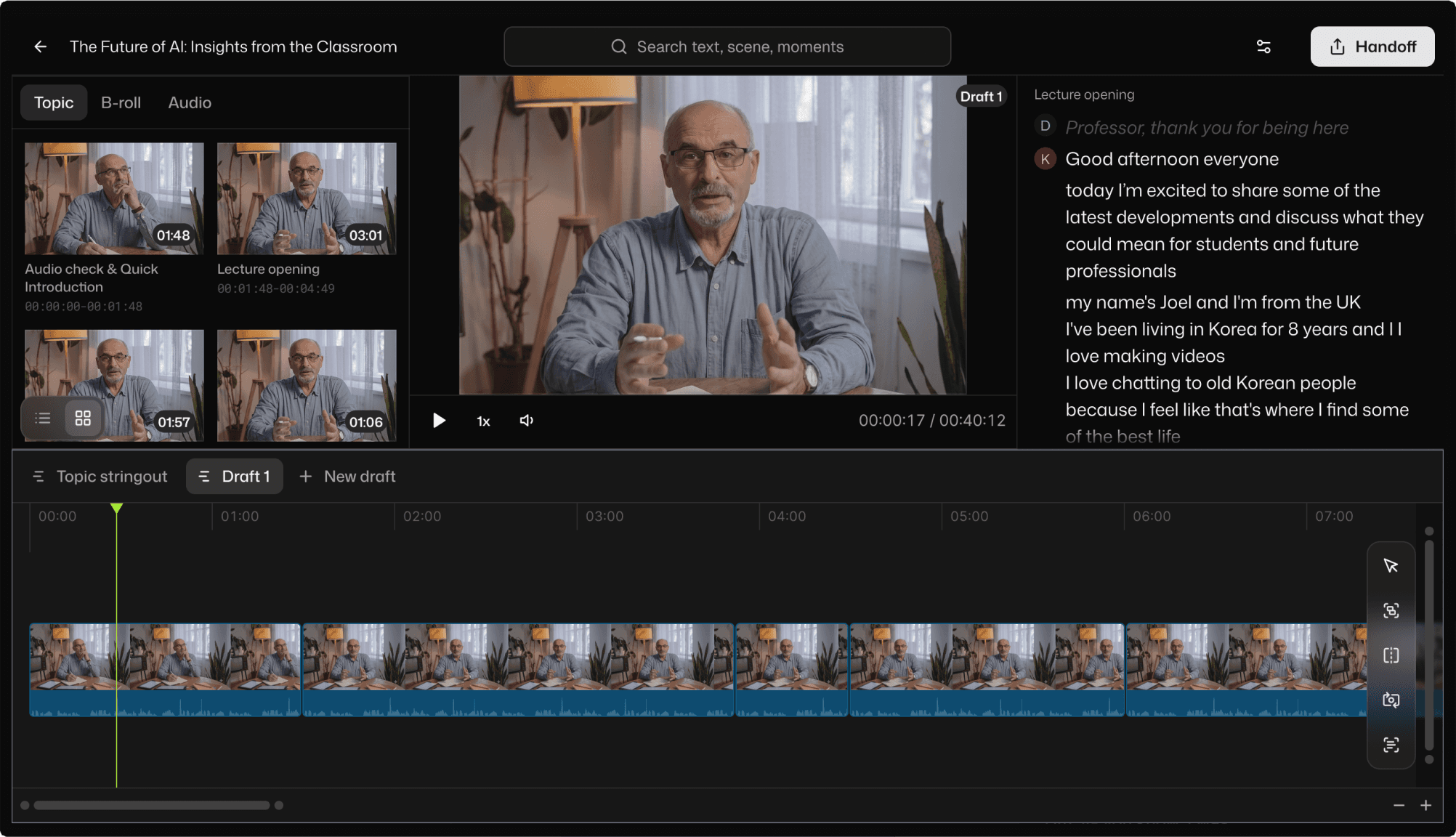
Selects Lecture editing with AI

The recording was easy.
The edit is the part nobody warns you about.

눈길을 사로잡는
자막 효과

thumbnails of content about video editing with claude

You ran a great session. Ninety minutes, a few slides, some Q&A, maybe a guest. Zoom dutifully recorded all of it, including the five minutes of "can everyone hear me," the long pauses while you found the next slide, and the three times someone's dog barked.

Now you have to turn that into something people will actually watch to the end. Find the real start. Cut the dead air. Trim the tangents. Pull the one good answer out of the Q&A. And you would like it published before the topic stops being relevant.

애프터이펙트 없이도
숏폼용 자막 효과를 만들어보세요

From raw footage to structured edit

눈길을 사로잡는자막 효과

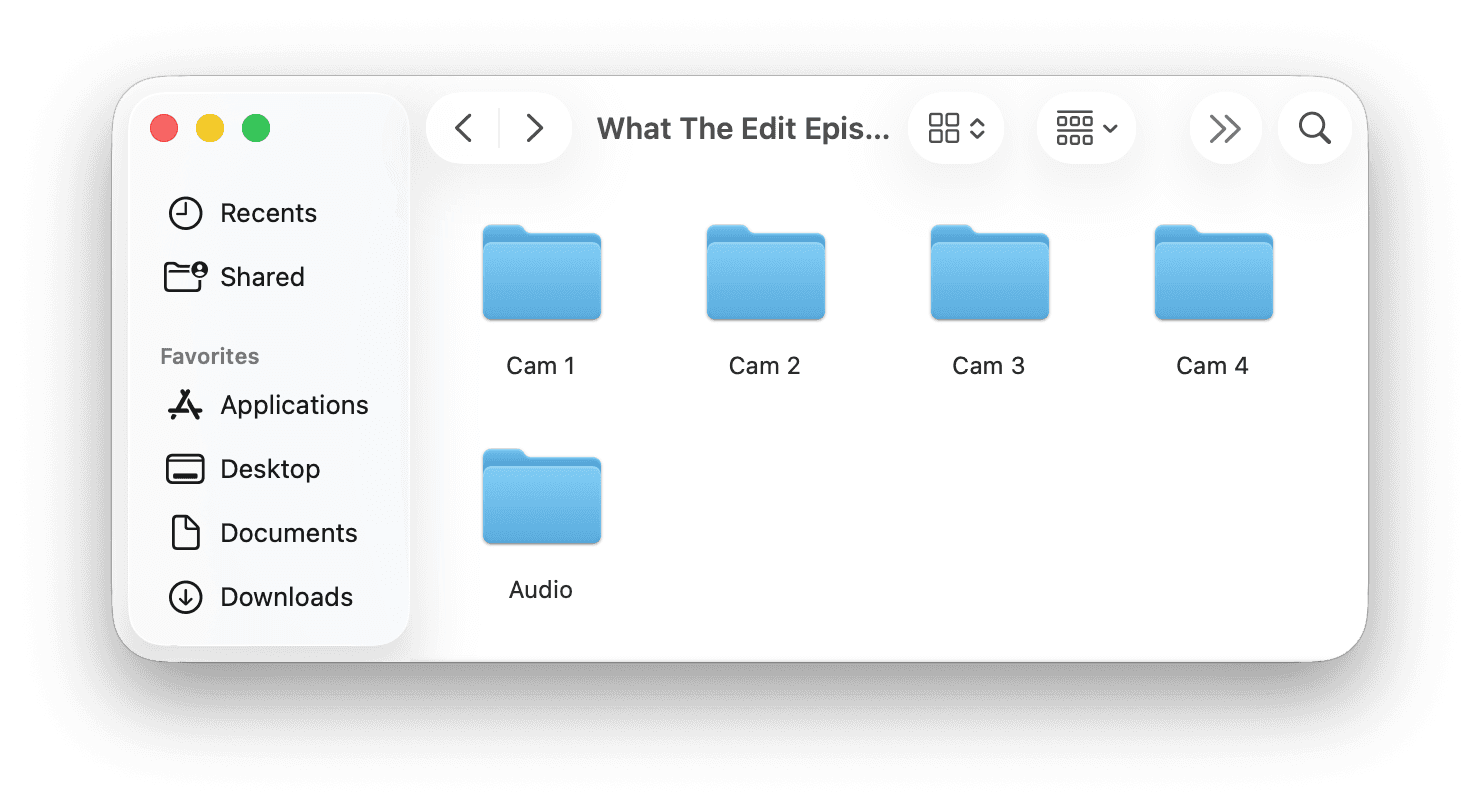
Drop folder
with raw media

Auto sync & edit
in minutes

Handoff to
existing workflow

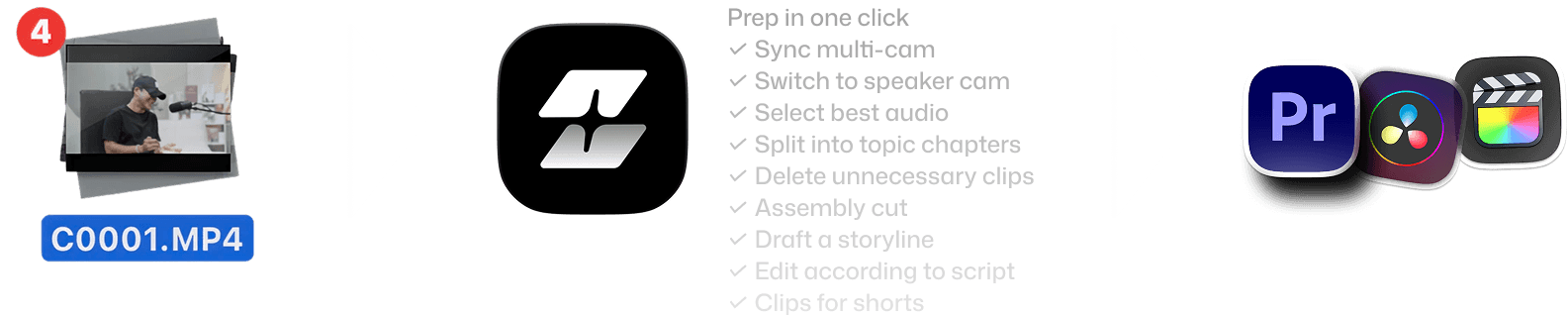
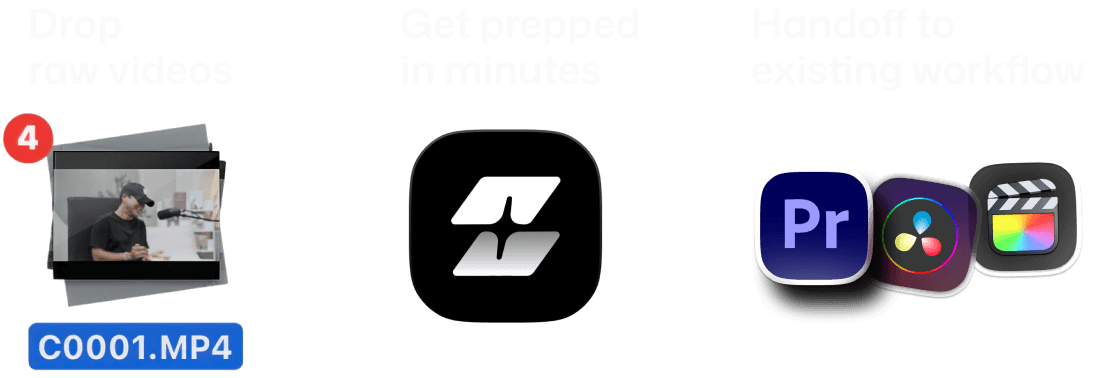
Features of Selects by Cutback. Drop raw videos, get prepped in minutes, handoff to existing workflow
Features of Selects by Cutback. Drop raw videos, get prepped in minutes, handoff to existing workflow - mobile version

Here is the fast way to
edit a Zoom recording

Here is the fast way to
edit a Zoom recording

Best-take selection

Recorded three takes of the same section? Selects picks the cleanest one, with reasons you'll agree with.
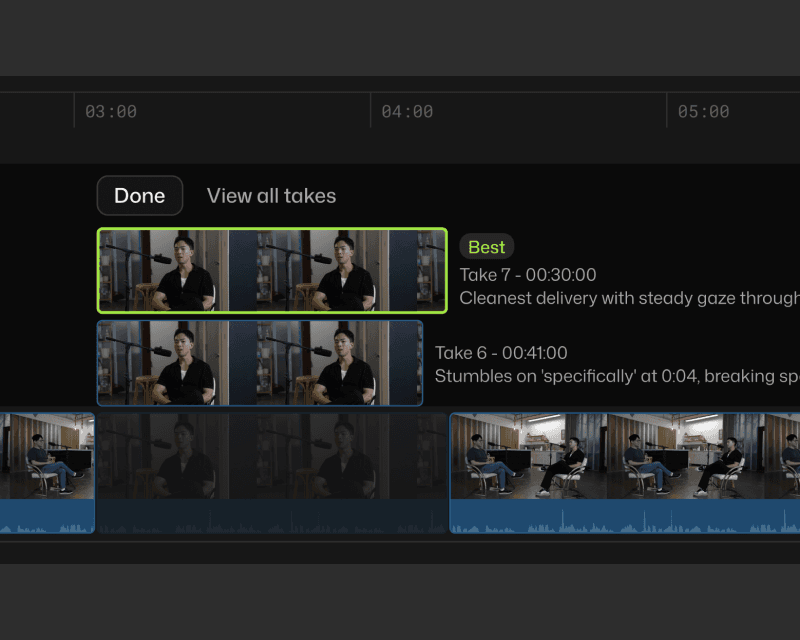
List of auto generated video timeline drafts

Silence and filler removal

Pauses between sections, verbal stumbles, and filler words: cleaned up automatically. The result is a tighter, more watchable edit without manual scrubbing.
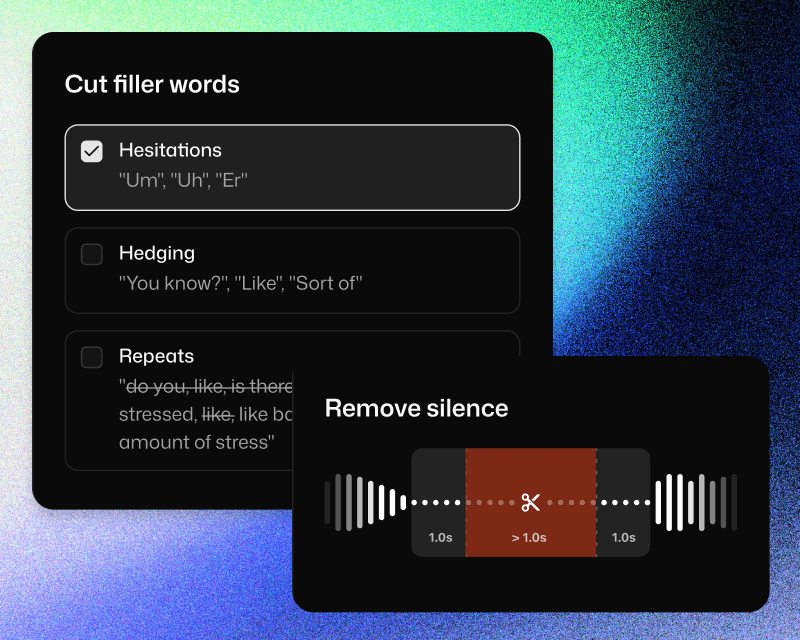
Cut fillers and silences in Selects

Script-to-timeline alignment

Selects maps your recorded footage to the structure of your content. Each section of your script becomes a chapter in the timeline, with the right clips already in place.
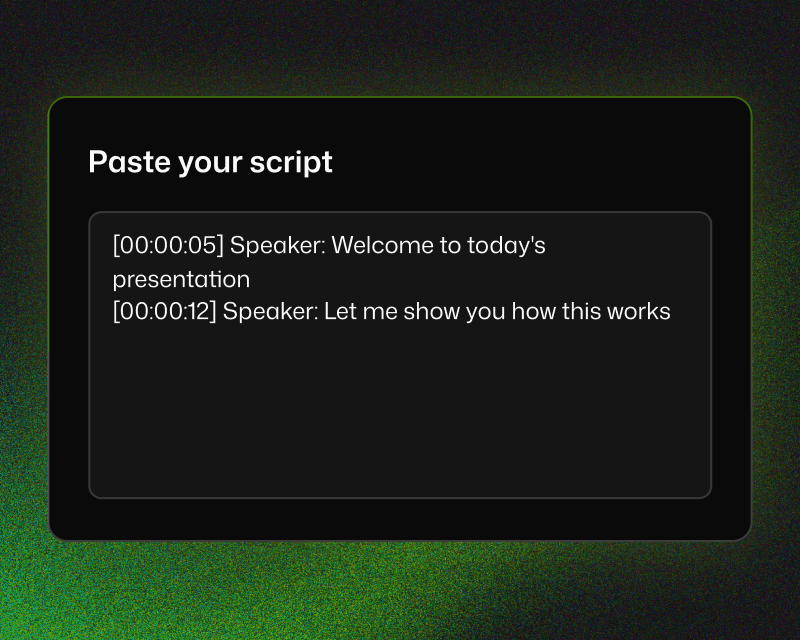

Adobe Premiere project bin structure

Same episode. Different Monday.

Same episode. Different Monday.

Same episode. Different Monday.

2시간 영상 컷편집

소요 시간

주제별로 컷편집

불필요한 클립 삭제

자막 생성

무음 제거

간투사 삭제

수동

6시간 30분

1시간

1시간

불가능

1시간

1시간

셀렉츠

20분

자동

자동

자동

자동

자동

영상 편집의 시작은 똑같습니다. 불필요한 부분 제거하고, 사용할 부분 뽑고.이젠 타임라인 반복재생하며 컷편집하는 시간은 멈추세요.

공식 어도비 비디오 파트너

Korean

주식회사 컷백
사업자등록번호: 530-86-03384
대표: 김담형
주소: 서울 강남구 선릉로93길 50 8층
통신판매업 신고번호: 2025-서울강남-03036

공식 어도비 비디오 파트너

Korean

주식회사 컷백
사업자등록번호: 530-86-03384
대표: 김담형
주소: 서울 강남구 선릉로93길 50 8층
통신판매업 신고번호: 2025-서울강남-03036

공식 어도비 비디오 파트너

Korean

주식회사 컷백
사업자등록번호: 530-86-03384
대표: 김담형
주소: 서울 강남구 선릉로93길 50 8층
통신판매업 신고번호: 2025-서울강남-03036