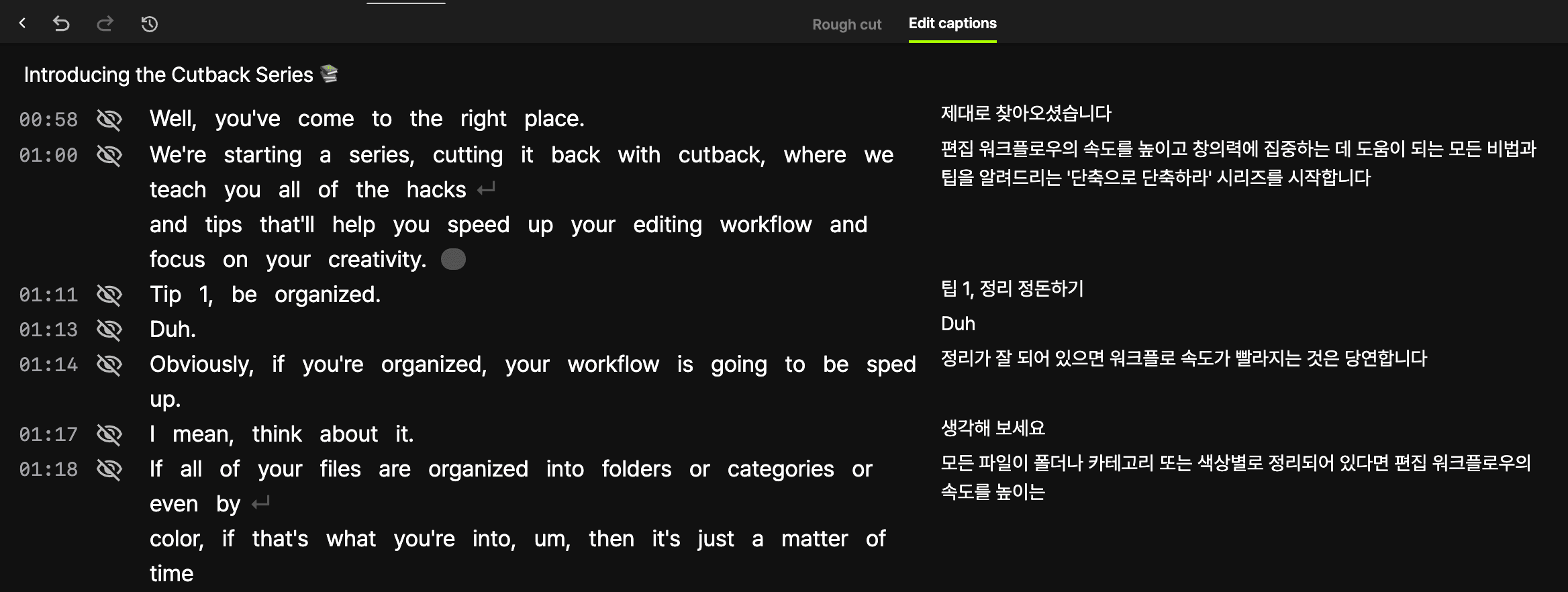
Reach global audiences
Take the video you've created and expand to global audiences in just minutes with high-quality translation and subtitles.


Transcribe, Translate, Caption: All in Premiere Pro
One workflow handles everything. Transcribe your base language, translate to any of 29 supported languages, and apply animated caption presets to the translated text, without exporting or switching applications.
Translate viral clips
with just a few clicks
One click to translate, one click to add animated captions with translations.
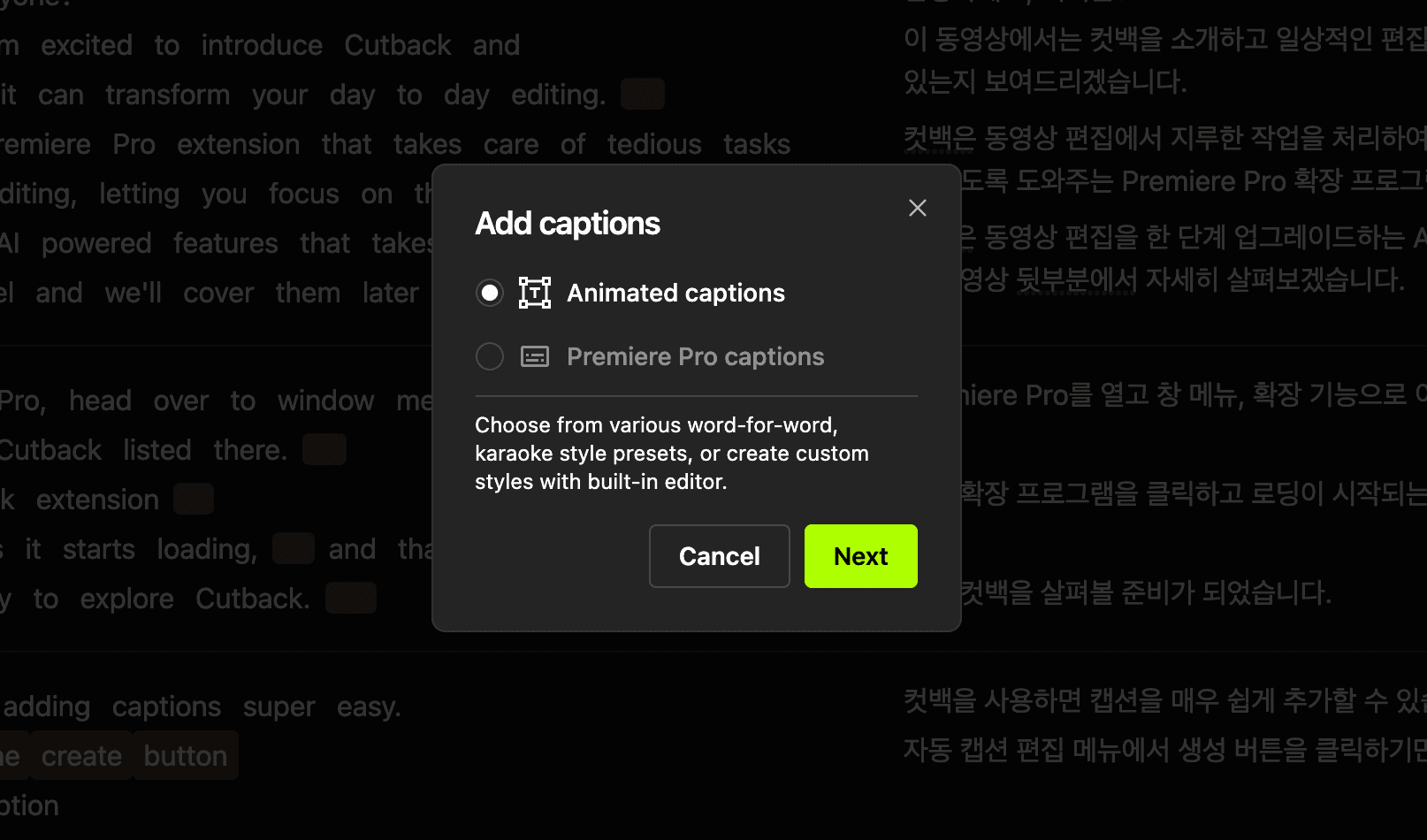
How Translation Works With Premiere Assistant
Step 1: Transcribe your sequence in the source language with word-level timing and speaker labels.
Step 2: Select your target language from the translate menu.
Step 3: Apply animated captions in the translated language directly to your timeline.
How to Translate video
Install Cutback plugin
Install Cutback extension for Premiere Pro.
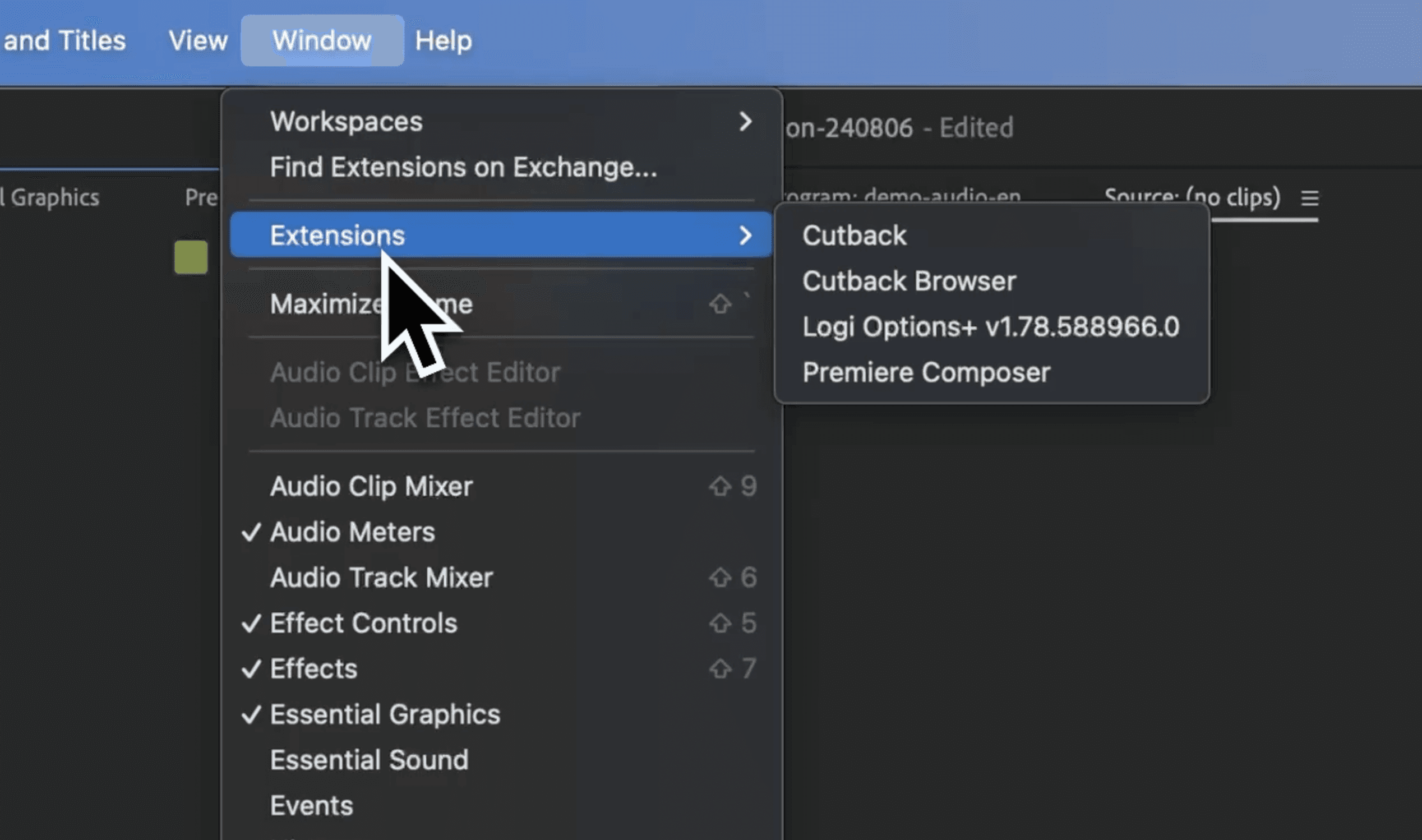
Select menu
Click on the transcribe menu to transcribe your base language accurately.

Translate
Click on translate icon and choose your preferred language. Also add translation to animated captions.

Can Premiere translate subtitles automatically?
How many languages does Premiere Assistant support for translation?
Can I add animated captions to translated subtitles in Premiere?
Does translating subtitles affect sync in my sequence?