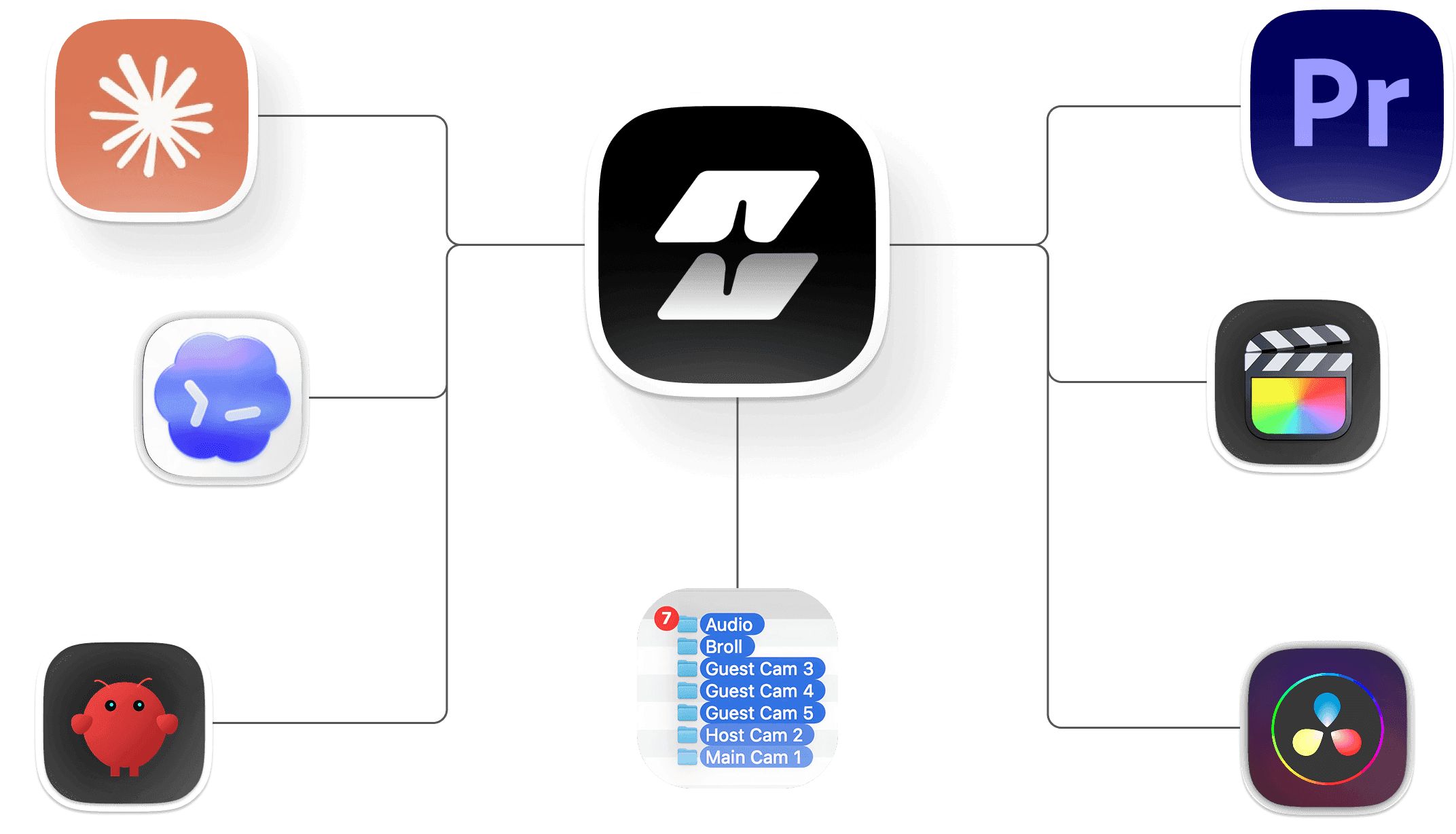
Selects MCP with Claude, Codex, Openclaw

Edit video with Claude.
Actually edit it.

Edit video with Claude.
Actually edit it.

Edit video with Claude.
Actually edit it.

The Selects MCP connects your AI agent to real footage:
every camera angle, every audio track, every frame.

Automated captions and workflows
in Adobe Premiere.
Save up to 90% editing time.

The Selects MCP connects your AI agent to real footage:
every camera angle, every audio track, every frame.

Free API key,
60-second setup

"I've been waiting for an MCP that returns more than text. This one ships back a Premiere project.
Game changer."

"I've been waiting for an MCP that returns more than text. This one ships back a Premiere project.
Game changer."

Developer + creator

"I prompt Claude from Cursor and Selects gives me a real multi-cam timeline. The first MCP that does actual editing work."

"I prompt Claude from Cursor and Selects gives me a real multi-cam timeline. The first MCP that does actual editing work."

AI-native video editor

Claude reads and writes.
But it can't watch video.

Claude reads and writes.
But it can't watch video.

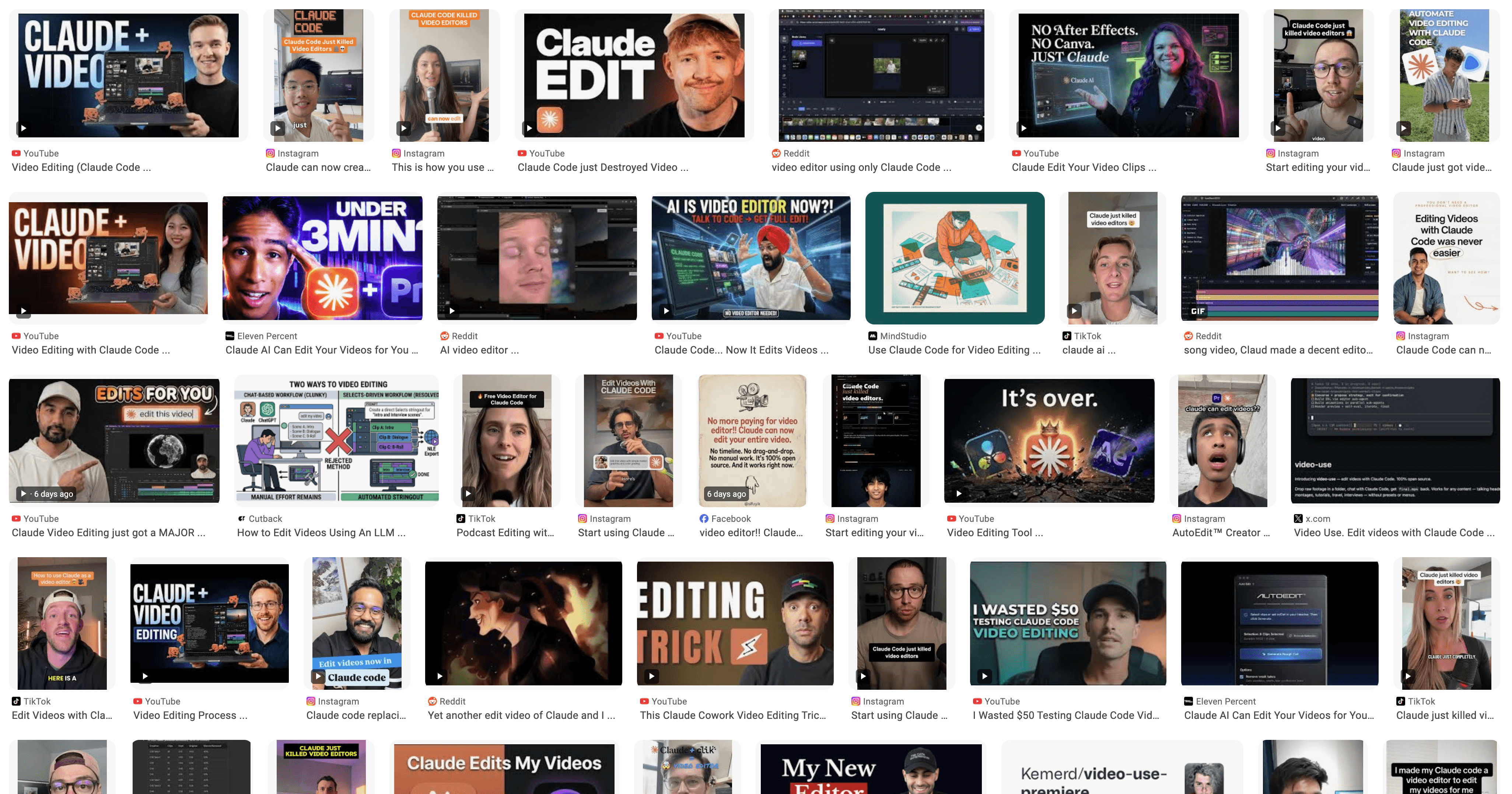
thumbnails of content about video editing with claude

Claude is incredible at reasoning and code. People are pointing it at video, and the results look promising in demos.

But on real footage, it breaks down. Claude only reads the transcript. It never sees the frame. So the cuts land in the wrong places, there's no way to preview or fix the result, and multicam, captions, motion graphics are all off the table.

The bottleneck isn't intelligence. It's access. Claude has no way to see or manipulate your footage.
With Selects, Claude edits. You review.

With Selects, Claude edits. You review.

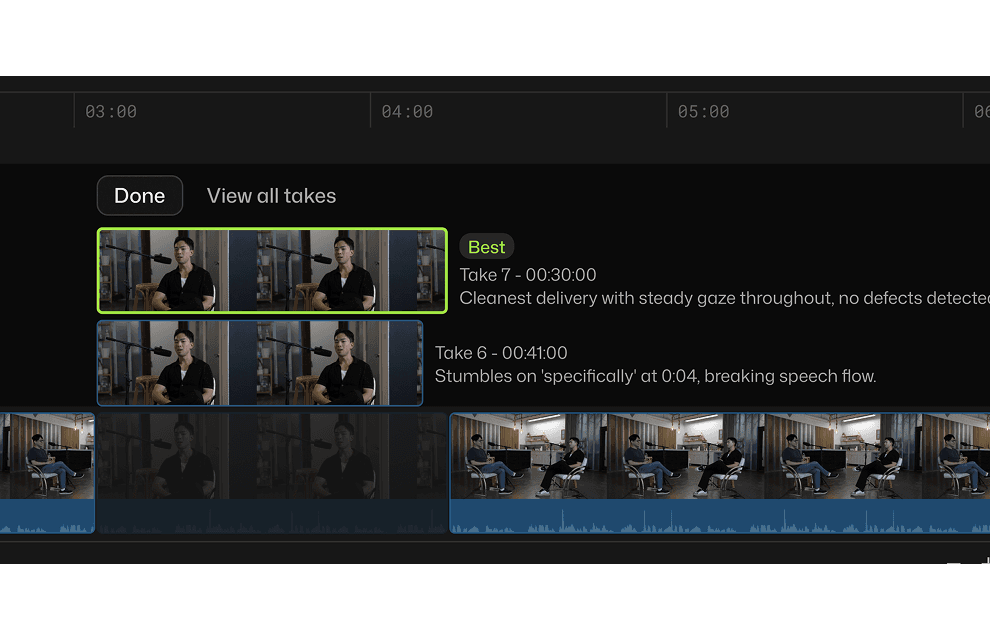
video editor timeline with best take analyzed

Selects is a video editor that has already analyzed your project before you type a word. Every angle, every track, every scene change: indexed and searchable.

The MCP (an open protocol that lets AI agents control real software) connects that analysis directly to Claude, Codex, or any compatible agent. Your agent stops guessing. It sees what's in the frame, makes cuts that land, previews them instantly, and runs multiple edits in parallel.

Unlimited workflows.
One prompt each.

Unlimited workflows.
One prompt each.

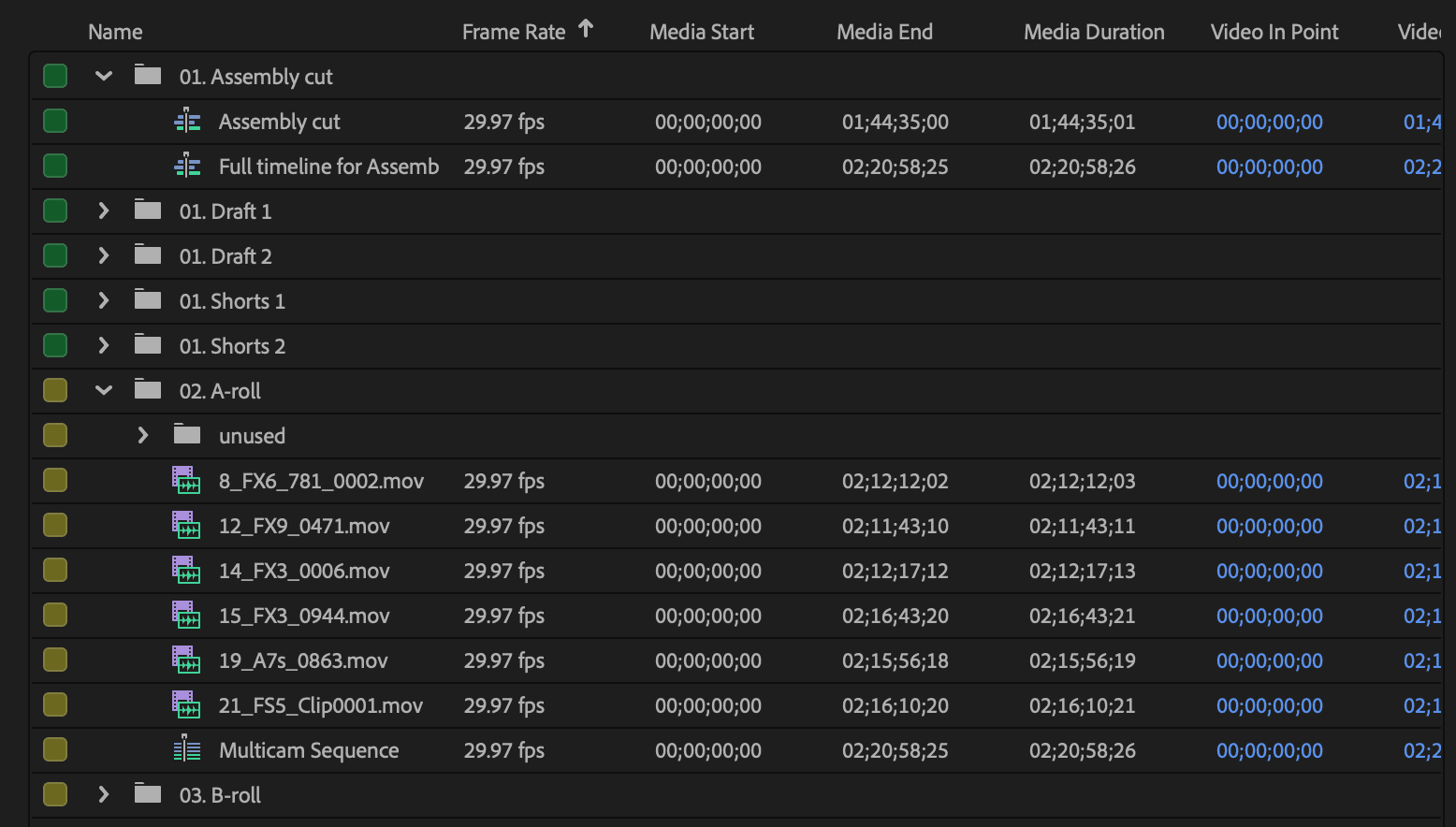
Organize footage into
clean project structure

Analyze raw footage with Selects, and it enables Claude to understand it. Organize, sync, assemble everything and turn it into a neatly formed Premiere, Final Cut, DaVinci Resolve project.
Adobe Premiere project bin structure

Your back catalog, turned into 100 shorts

It finds your strongest moments across every video and cuts them into short-form clips in one batch.
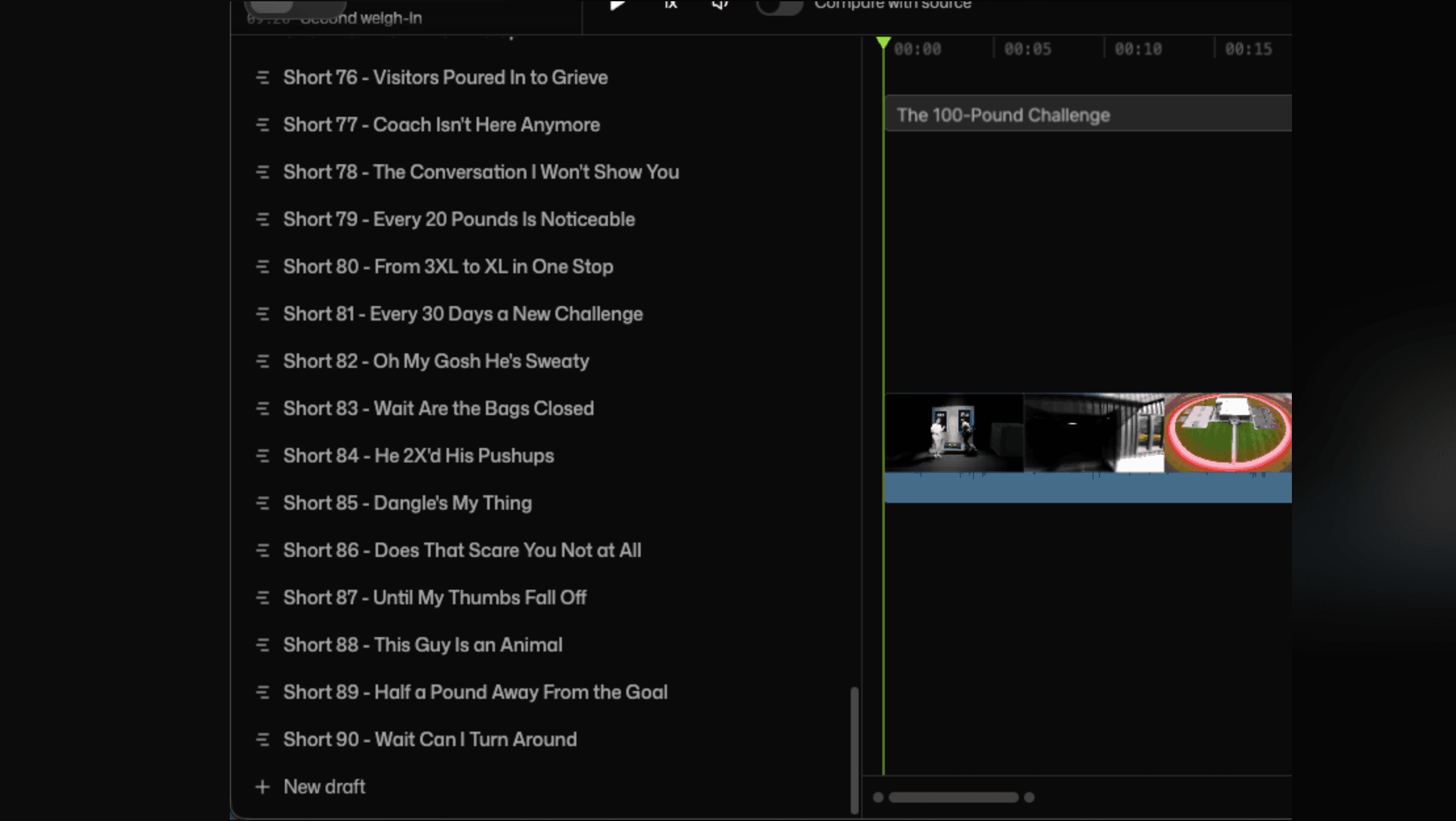
List of auto generated video timeline drafts

Graphics based on content

A host says "Sony A7IV." Selects catches it, pulls the product image, drops in live pricing. Lower thirds, topic cards, checklists, the possibilities are endless.
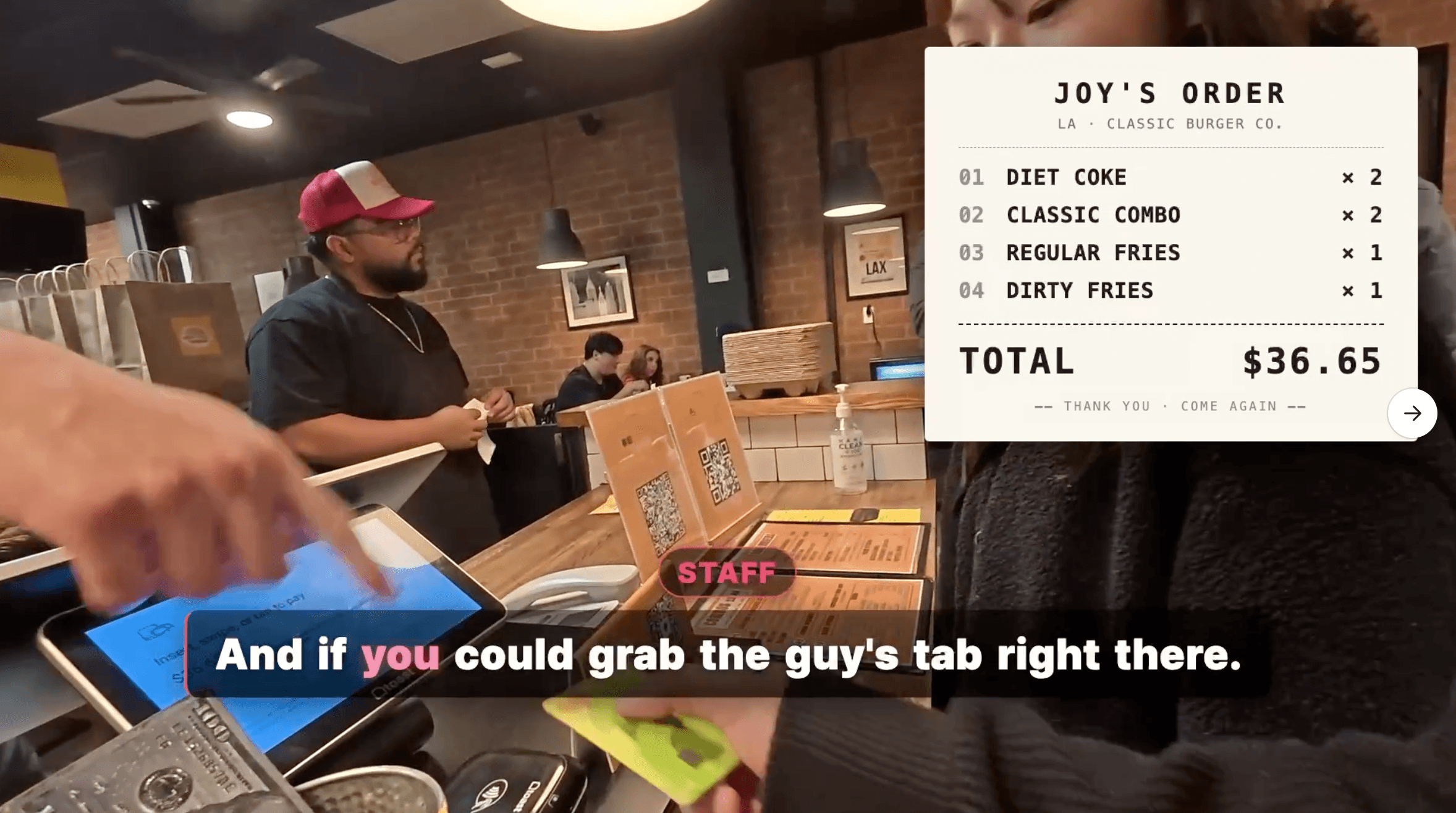
Auto generated graphics on video

We measured Claude alone. It breaks.

We measured Claude alone. It breaks.

We measured Claude alone. It breaks.

11/11

11/11

11/11

Cuts that landed mid-sentence with Claude alone

Cuts that landed mid-sentence with Claude alone

93%

93%

93%

Target duration miss (Claude planned 299s, delivered 578s)

Target duration miss (Claude planned 299s, delivered 578s)

10 ms

10 ms

10 ms

Selects timing precision (Claude alone: ~120 ms)

Selects timing precision (Claude alone: ~120 ms)

Editing a 2-hour multicam interview

Step

Multicam sync

Topic chunking

Color labels

Drop bad takes

Transcribe

Remove silences

Remove filler words

Speaker-based cam switch

Claude alone

broken

broken

broken

broken

broken

impossible

broken

broken

broken

Selects MCP

done

Setup the MCP

  1. Download Selects

Free. Mac and Windows.
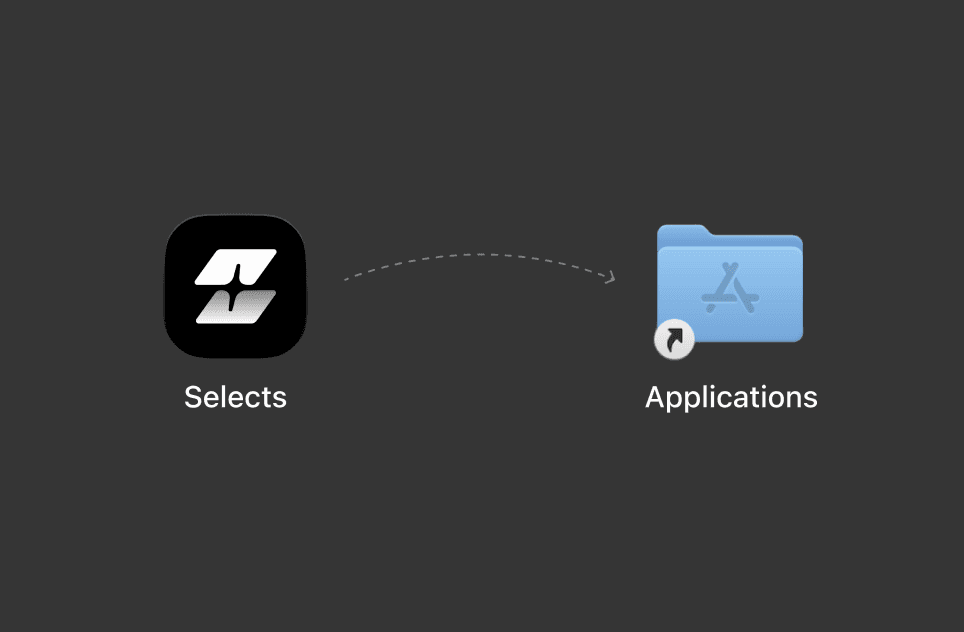
Download Selects
  1. Connect your agent

Selects Home → Profile
Claude Code · Claude Desktop · Codex · OpenClaw
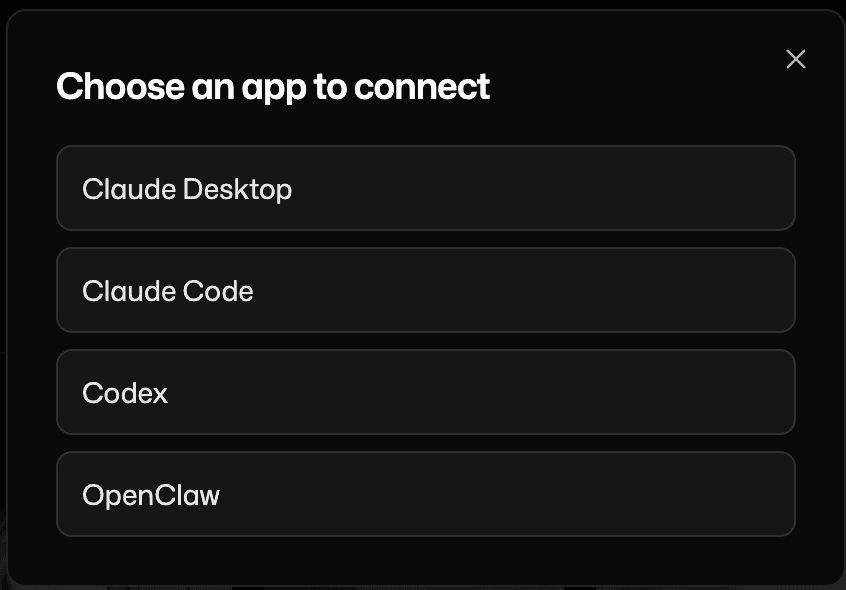
List of agent connectors in Selects MCP
  1. Prompt your first edit

into your agent, and it will utilize Selects for organizing and editing.
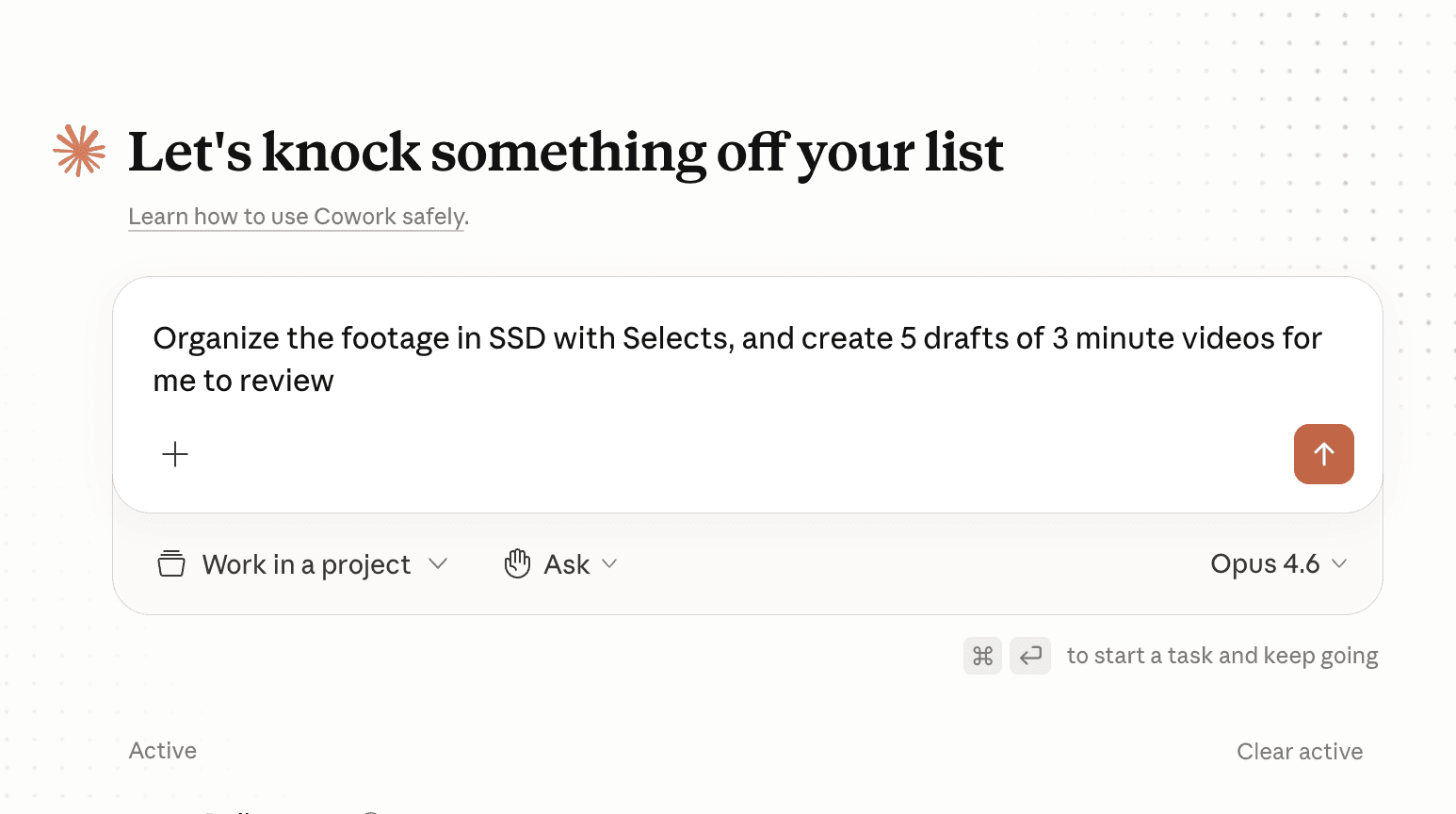
Describing video editing in Claude with Selects MCP

Works with

Works with

Handoff to

Handoff to

Claude Code · Claude Desktop · Codex · OpenClaw

Adobe Premiere · Final Cut Pro · DaVinci Resolve

What does Selects do?

How long does it take to process my footage?

Can I edit videos directly in Selects?

How is Selects different from other AI editing tools?

Can I use Selects for short-form content, not just long-form?

How do I continue editing on Adobe Premiere Pro?

How do I continue editing on Final Cut Pro?

How do I continue editing on DaVinci Resolve?