Selects

Premiere Assistant

Pricing

Blog

Help

Download

Blog posts about

Selects

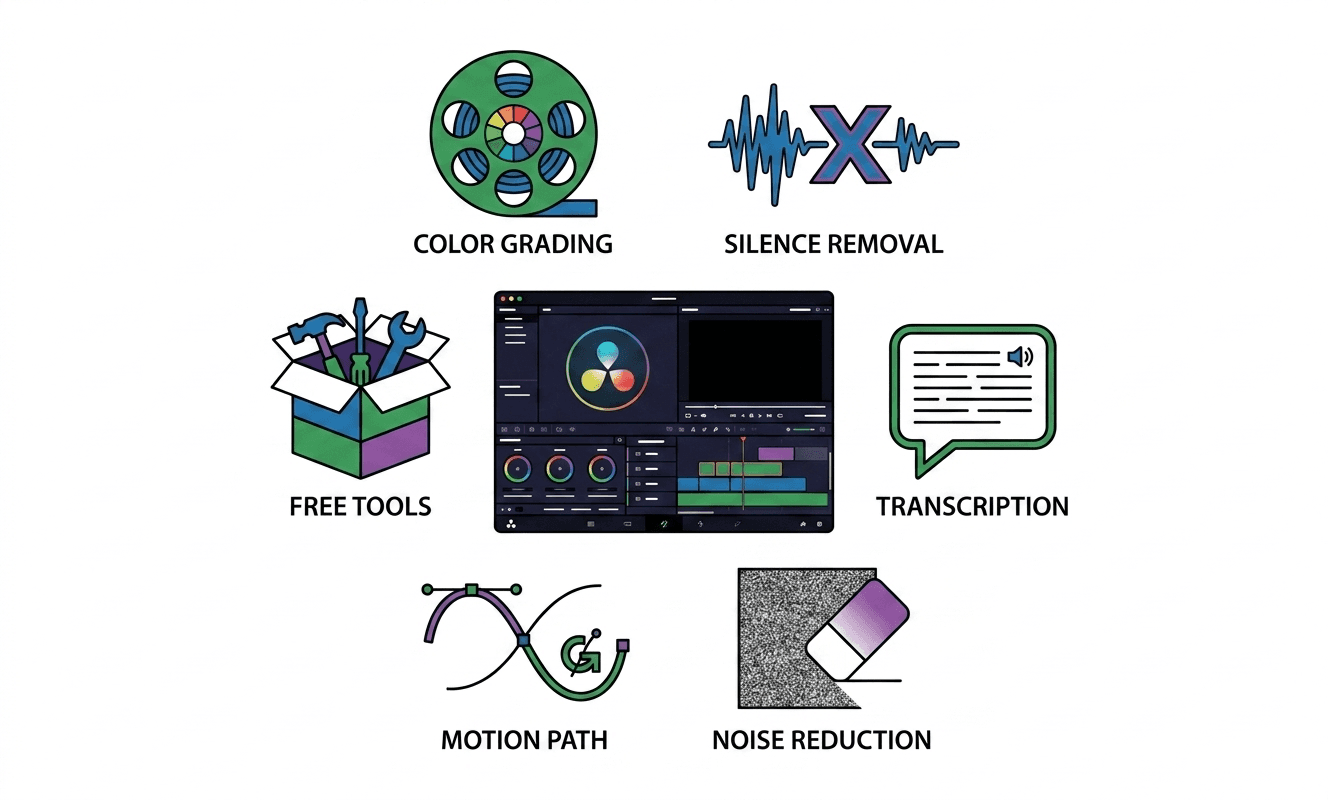
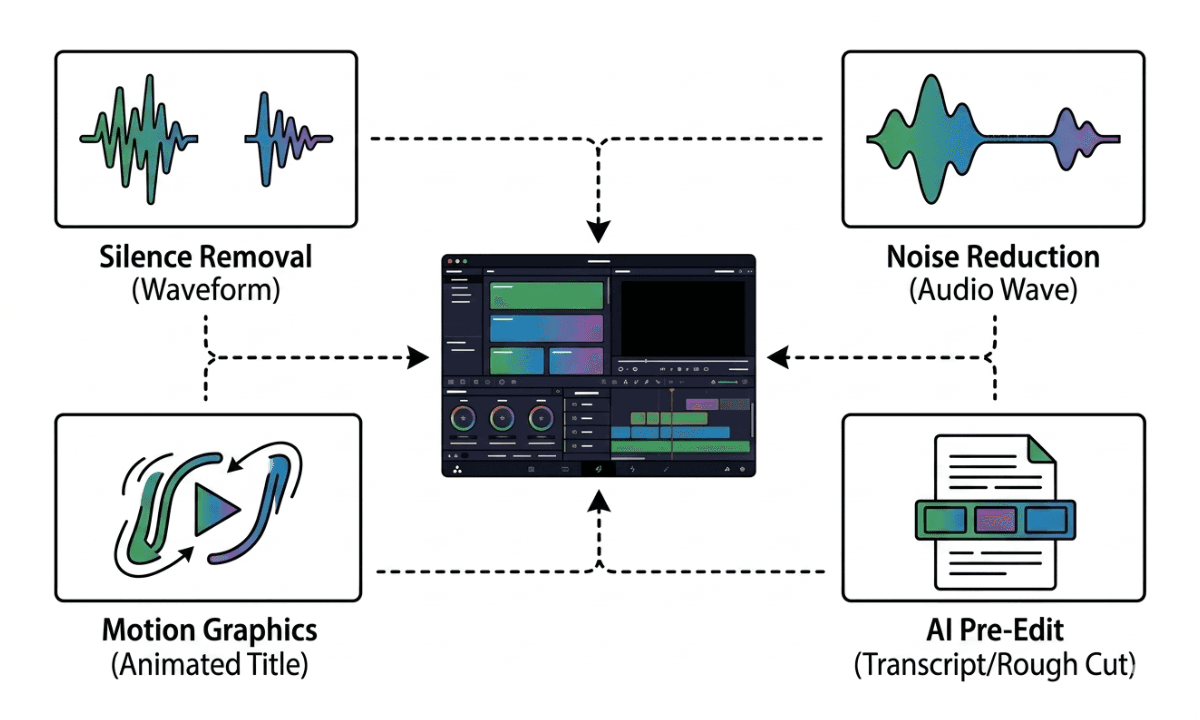
Flat illustration of a DaVinci Resolve-style dark editing interface with plugin icons arranged around it representing color grading, noise reduction, transcription, and silence removal tools

The Best DaVinci Resolve Plugins in 2026 (And What Each One Actually Does)

Flat illustration of two open hands holding a Final Cut Pro-style magnetic timeline with silence gaps visibly lifting off and disappearing, representing AI silence removal before importing to Final Cut Pro.

How to Remove Silence in Final Cut Pro Automatically (Without a Plugin)

Flat illustration of two hands holding a video timeline with silence gaps being automatically removed, representing AI silence removal in DaVinci Resolve.

How to Remove Silence in DaVinci Resolve Automatically

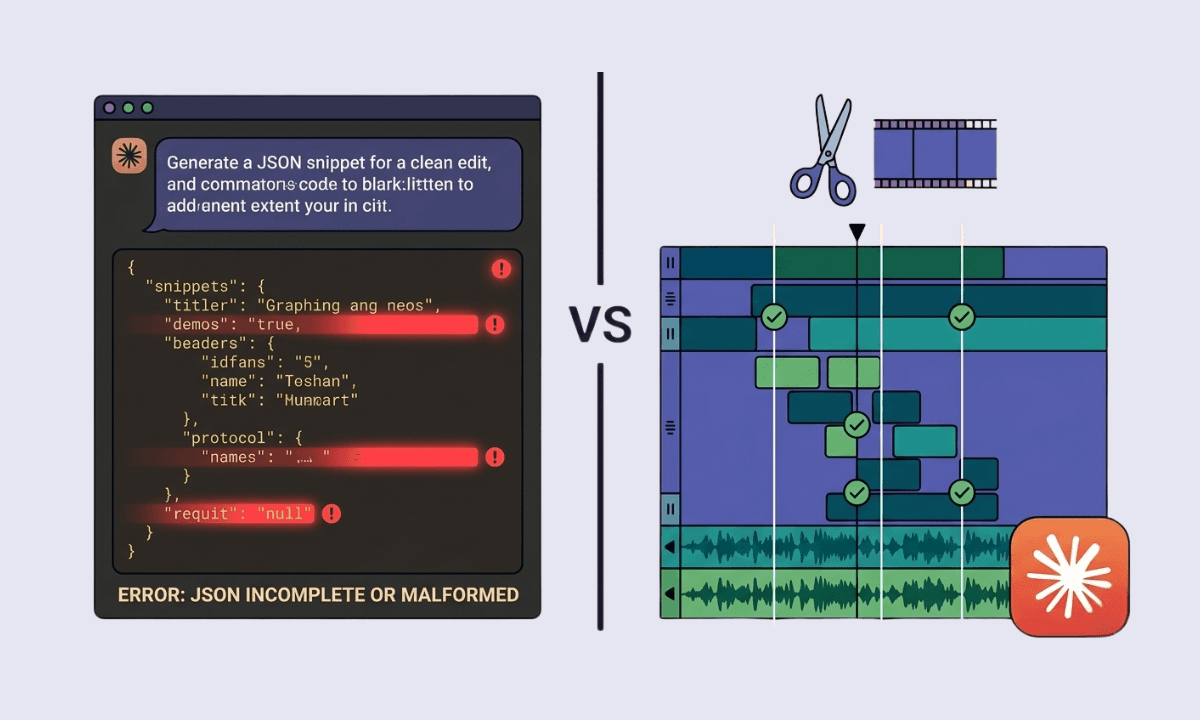
Split illustration showing Claude returning a broken JSON cut list on the left versus a Selects multi-track timeline with frame-precise breath-snapped cuts on the right, representing the gap between LLM transcript editing and real AI footage editing in 2026.

Claude for Video Editing in 2026: What Works, What Breaks, and the Real Pipeline

Illustration of three hands each holding up a logo card with bold VS text between them, representing a comparison between Selects, Remotion, and Hyperframes as AI video tools in the 2026 production pipeline.

Hyperframes vs Remotion vs Selects: Three AI Video Tools, One Real Pipeline

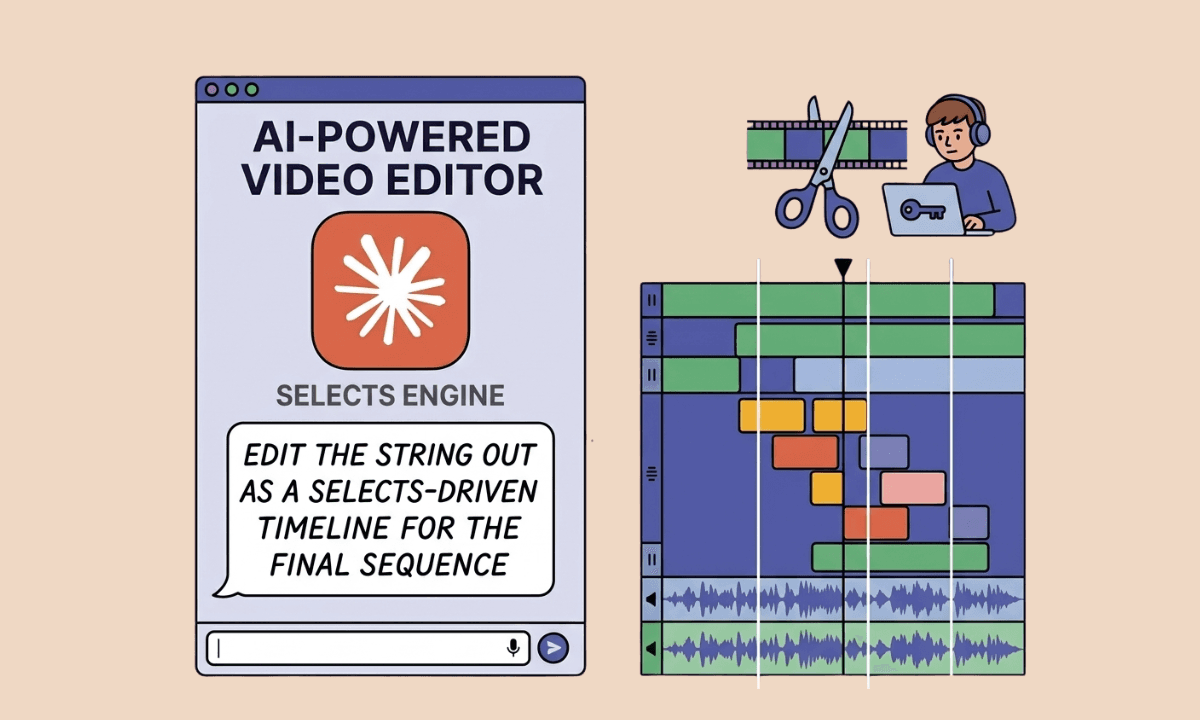
Illustration of a chat interface showing the Selects Engine AI-powered video editor alongside a multi-track editing timeline with color-coded clips and audio waveforms, representing Claude prompting Selects to build a stringout for the final sequence.

Can Claude Analyze Videos? (And How to Actually Edit Them in 2026) | Selects

Two hands holding up the Selects logo and the Eddie AI logo side by side for comparison, representing a head-to-head review of the two AI video editing tools

Selects vs Eddie AI : Which AI Video Editing Tool Is Right for You?

Two hands holding up the Selects logo and the Opus Clip logo side by side for comparison, representing a head-to-head review of the two AI video editing tools

Selects vs Opus Clip: Pre-Edit Pipeline vs Clip Distribution

Flat illustration of a Final Cut Pro style magnetic timeline showing lag indicators and a checklist of fixes including VFR footage, NAS storage, background rendering, and playback quality settings

Final Cut Pro Timeline Lag: How to Fix It

Two hands holding up the Selects logo and the AutoPod logo side by side for comparison, representing a head-to-head review of the two AI video editing tools

Selects vs AutoPod : Which AI Video Editing Tool Is Right for You?

Flat illustration of a DaVinci Resolve timeline showing stuttering playback indicators with a frustrated editor and a diagnostic checklist of fixes including GPU settings, proxy media, and render cache

DaVinci Resolve Timeline Lag: How to Fix It

Two hands holding up the Selects logo and the Descript logo side by side for comparison, representing a head-to-head review of the two AI video editing tools

Selects vs Descript Reviews: Which Is Better for Long-Form Video Editing?

View more

Flat illustration of a DaVinci Resolve-style dark editing interface with plugin icons arranged around it representing color grading, noise reduction, transcription, and silence removal tools

The Best DaVinci Resolve Plugins in 2026 (And What Each One Actually Does)

Flat illustration of two open hands holding a Final Cut Pro-style magnetic timeline with silence gaps visibly lifting off and disappearing, representing AI silence removal before importing to Final Cut Pro.

How to Remove Silence in Final Cut Pro Automatically (Without a Plugin)

Flat illustration of two hands holding a video timeline with silence gaps being automatically removed, representing AI silence removal in DaVinci Resolve.

How to Remove Silence in DaVinci Resolve Automatically

Split illustration showing Claude returning a broken JSON cut list on the left versus a Selects multi-track timeline with frame-precise breath-snapped cuts on the right, representing the gap between LLM transcript editing and real AI footage editing in 2026.

Claude for Video Editing in 2026: What Works, What Breaks, and the Real Pipeline

Illustration of three hands each holding up a logo card with bold VS text between them, representing a comparison between Selects, Remotion, and Hyperframes as AI video tools in the 2026 production pipeline.

Hyperframes vs Remotion vs Selects: Three AI Video Tools, One Real Pipeline

Illustration of a chat interface showing the Selects Engine AI-powered video editor alongside a multi-track editing timeline with color-coded clips and audio waveforms, representing Claude prompting Selects to build a stringout for the final sequence.

Can Claude Analyze Videos? (And How to Actually Edit Them in 2026) | Selects

Two hands holding up the Selects logo and the Eddie AI logo side by side for comparison, representing a head-to-head review of the two AI video editing tools

Selects vs Eddie AI : Which AI Video Editing Tool Is Right for You?

Two hands holding up the Selects logo and the Opus Clip logo side by side for comparison, representing a head-to-head review of the two AI video editing tools

Selects vs Opus Clip: Pre-Edit Pipeline vs Clip Distribution

View more

Overview

Pricing

Features

Use cases

Download

Premiere Assistant

Overview

Pricing

Features

Download

Resources

Blog

Dashboard

Help center

About us

Affiliate

Contact us

Official Adobe Video Partner

© 2026 Cutback Corporation. All rights reserved.

Security and compliance

Terms of Service

Privacy Policy

Overview

Pricing

Features

Use cases

Download

Premiere Assistant

Overview

Pricing

Features

Download

Resources

Blog

Dashboard

Help center

About us

Affiliate

Contact us

Official Adobe Video Partner

Security and compliance

Terms of Service

Privacy Policy

© 2026 Cutback Corporation.
All rights reserved.