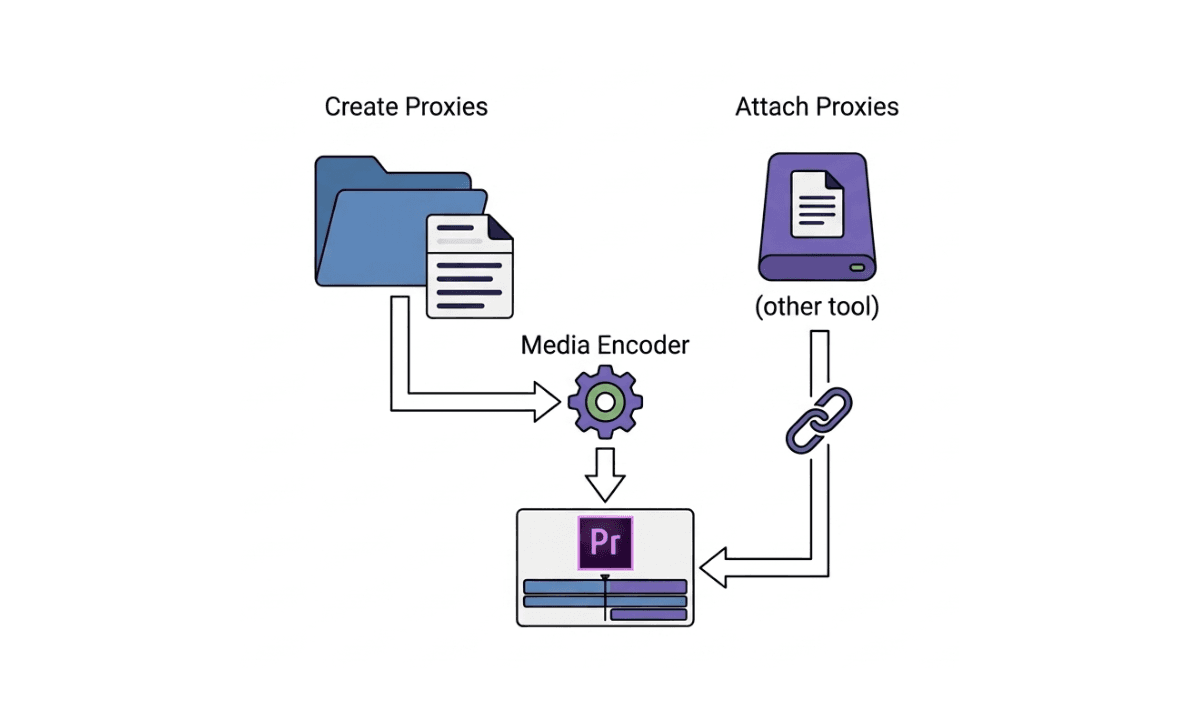
Hyperframes vs Remotion vs Selects: Three AI Video Tools, One Real Pipeline
Hyperframes generates overlays. Remotion renders code-as-video. Selects edits real footage. Here's exactly what each does, where each breaks, and the three-axis pipeline that uses all three with Claude.
TLDR: Hyperframes, Remotion, and Selects all surfaced in the same six-week window of 2026. They're not competing for the same job. They cover three different axes of video production, and the editors who understand that distinction are the ones building the fastest pipelines.
Between mid-March and early May 2026, three things happened fast. Remotion shipped a first-class Claude Code skill. HeyGen open-sourced Hyperframes V2 under Apache 2.0. Anthropic rebranded its agent surface to Cowork, and search volume on "Claude Cowork" jumped to 40,500 searches a month overnight. Every AI video tutorial published since has claimed to teach the same thing: edit video with Claude, the ultimate agentic video editing workflow.
They are not teaching the same thing. The three tools solve three different problems, and conflating them is exactly why editors who tried "Claude + Remotion" for cutting real interview footage found it completely useless. That wasn't what Remotion was designed for. This post is the actual map: what each tool does, where each one breaks, and how the three-axis pipeline that uses all of them together actually works.
The 30-second answer
Tool | What it actually does | Use when |
|---|---|---|
Hyperframes | Renders motion graphics, captions, lower thirds, and kinetic text as overlays on top of footage | You need animated text, brand intros, or social-style overlays |
Remotion | Treats video as React components. Frames are generated from code | You need a video that didn't exist before -- explainer, dashboard, code review, programmatic content |
Edits real footage you shot with a camera -- frame-precise cuts, multicam, removal of fillers and bad takes, preview | You filmed something and need to cut it |
These do not compete. They stack.
Hyperframes: code-rendered overlays
Released: April 17, 2026, by HeyGen, Apache 2.0.
What it is: A motion-graphics primitive library that Claude Code can author programmatically. You prompt Claude. Claude writes a Hyperframes scene. Hyperframes render an overlay video, captions, lower thirds, animated callouts, and transitions that you composite over existing footage.
What it does well: Animated subtitles synced to a transcript. Lower thirds with speaker names and titles. Kinetic text for social cuts. Floating cards for stats or pull-quotes. Logo reveals and brand intros.
What it doesn't do: Cut real footage, Hyperframes generates overlays, and it never decides which seconds of your interview to keep. Detect scenes or speaker changes in your source. Hit a target runtime, that's the editor's job.
Use Hyperframes when you need overlays on top of footage you already have, or footage Selects will produce.
Remotion: video from React
What it is: React for video. You write TypeScript components that describe what should appear on each frame. Remotion renders the components into MP4. Since 2026, it ships with a Claude Code skill so Claude can write React for you.
What it does well: Explainer videos generated from data (dashboards, reports, charts animated). Programmatic social content, same template, 100 variants with different copy. Code-driven motion graphics that need to be deterministic and version-controlled. Anything where the video did not exist before you wrote code.
What it doesn't do: Edit footage shot on a camera. Remotion doesn't ingest your raw files; it generates from code. Frame-precise cuts on real audio; there is no audio waveform analysis. Remotion is rendering, not editing.
Use Remotion when the video you want should be born from code, not edited from a shoot.
Selects: real-footage editing
What it is: A frame-precise editor that takes the footage you shot, transcribes with breath-aware boundaries (10 ms accuracy, not the 120 ms you get from transcript-only flows), detects scene changes and speaker angles, and produces a project file you can ship to Premiere, DaVinci, or Final Cut. Selects exposes itself to Claude through MCP, so Claude orchestrates the edit in plain language while Selects handles the frame math.
What it does well: Frame-precise cuts on real interview footage, multicam, talking heads. Multicam sync by audio fingerprint and per-line best-angle selection (active speaker, best framing). Multiple audio tracks managed as first-class entities (lavalier per speaker, boom, ambient). B-roll indexing and topic-matched insertion on a secondary video track. Filler-word and bad-take removal with breath-aware boundaries. Parallel rendering of 100+ variants from a single Claude plan (per-platform durations, per-language captions, per-audience pacing). Preview inline, scrub, listen, ask Claude to revise the next 30 seconds. Native Remotion integration for motion graphics on top. Native handoff to Premiere Pro, Final Cut Pro, and DaVinci Resolve project files.
What it doesn't do alone: Render motion graphics from code (use Remotion). Generate overlays from prompts (use Hyperframes).
Use Selects when you have real footage that needs to be cut.
Side-by-side Comparison of Hyperframes, Remotion, and Selects
Capability | Hyperframes | Remotion | Selects |
|---|---|---|---|
Edits real footage | ❌ | ❌ | ✅ |
Generates motion graphics | ✅ overlays | ✅ full video | ✅ via Remotion |
Reads source audio waveform | ❌ | ❌ | ✅ (10 ms) |
Frame-precise cut points | n/a | n/a | ✅ |
Preview inline | partial | render preview | ✅ frame-level scrub |
Native parallel rendering | ❌ | ❌ | ✅ (100+) |
Claude Code integration | ✅ | ✅ | ✅ via MCP |
Multicam sync + best-angle pick | ❌ | ❌ | ✅ |
Multi-track audio management | ❌ | ❌ | ✅ |
B-roll matching and insertion | ❌ | ❌ | ✅ |
Outputs project file (Premiere/DaVinci/FCP) | ❌ | ❌ | ✅ |
Best for | Overlays | Code-as-video | Cutting footage |
The three-axis pipeline
The reason these tools all hit the market in the same six weeks is that the editor's job decomposes into three axes, and each axis needed its own AI primitive.
A 2026 production pipeline uses all three, with Claude as the conductor.
Check out a full breakdown of how Hyperframes, Remotion, and Selects each cover a different axis.
Example: a 6-minute YouTube interview cut
Claude reads the Selects-generated transcript with breath-aware timestamps, used for stringout generation.
Claude proposes a 6-minute story arc in plain language.
Selects translates Claude's intent into 12 frame-precise cuts on the real footage.
Remotion renders an animated intro card and chapter markers from the same transcript.
Hyperframes generate animated captions and lower thirds for the speaker's name.
Selects composites the three layers and outputs a Premiere project + an MP4.
Parallel: same Claude plan rendered as a 60-second Short, a 3-minute LinkedIn cut, and Korean-captioned versions, all in ~30 seconds of wall time.
Try to do step 3 with Hyperframes or Remotion alone, and you will fail. Neither tool was built to cut real footage. Try to do step 4 or 5 with Selects alone, and you'd need an After Effects round. The three-axis stack lets each tool do what it was designed for.
Watch a full tutorial here:
The confusion around these three tools is understandable; they all launched within weeks of each other, all involve Claude, and all get lumped into the "AI video editing" category in tutorials. But they're not interchangeable. Hyperframes are the graphics layer. Remotion is the code-as-video layer. Selects is the real-footage layer. The editors who figure that out first are the ones shipping better content faster, without the dead ends. If you're starting with camera footage, which most of you are, Selects MCP is where the pipeline begins.
Frequently Asked Questions (FAQs)
Is Hyperframes a replacement for Selects?
No. Hyperframes generates overlays, captions, lower thirds, motion graphics. It does not cut raw footage. Use Hyperframes for the graphics layer and Selects for the edit layer.
Is Remotion a replacement for Selects?
No. Remotion renders code as video, the frames are generated programmatically. If your video starts from camera footage, Remotion can't edit it. Selects handles the camera footage; Remotion adds code-rendered elements on top.
Can Claude Code use all three at once?
Yes. Selects exposes itself through MCP. Remotion and Hyperframes are libraries Claude Code can call from a Skill. A single Claude conversation can orchestrate cuts (Selects), motion graphics (Hyperframes or Remotion), and parallel variants without leaving the IDE.
Why is Hyperframes trending in 2026?
HeyGen open-sourced Hyperframes V2 in April 2026, and the same week Anthropic rebranded its agent surface to "Cowork" with strong creator marketing. The combined trend made code-rendered overlays feel like the new frontier of AI video. They are, but they're only one third of the editing job.
Do I need a real-footage editor if I have Hyperframes and Remotion?
Only if you ever shoot video. Code-rendered video and overlays don't replace the editing of footage a human filmed. The moment your project includes camera footage that has to be cut, you need a real-footage editor.
Is Selects expensive compared to Hyperframes (free) and Remotion (free)?
The pricing comparison is misleading, they solve different problems. The right comparison is total pipeline cost (Selects + Remotion + Hyperframes) versus the cost of cutting an hour of real footage manually in Premiere. The break-even is typically the first project.
What is the difference between Hyperframes and Remotion?
Hyperframes is an overlay library, it composites graphics on top of existing footage. Remotion generates video entirely from code. If you have footage to work with, Hyperframes adds polish on top; if you're building a video from scratch using data or a script, Remotion is the tool.
Can I use Selects MCP without Claude Code? Yes. Selects MCP connects to Claude Desktop and Cursor as well. You don't need to be a developer to use it, you prompt in plain language and Selects handles the frame math.

Tom Kim
CEO and Co-founder
Share post