Can Claude Analyze Videos? (And How to Actually Edit Them in 2026) | Selects
Claude reads transcripts, not frames. Word-boundary precision tops out at 120 ms on its own. Here's the one setup that gives you frame-precise AI editing.
TLDR: Claude can analyze a video's transcript, not the video itself. Here's what that 120 ms gap means for editors, and the one setup that actually fixes it.
Most editors and producers asking this question are not looking for a philosophy lesson on LLM architecture. They want to know if they can drop footage into Claude and get a usable edit out. The short answer is no, not directly. The longer answer is that Claude can handle a meaningful part of the editing workflow, just not the part that requires touching actual audio waveforms. Understanding exactly where that boundary sits is what saves you an afternoon of testing and a lot of frustration. This post covers what Claude can and cannot do with video as of May 2026, what happens when you try to use it as a standalone editor (we ran the experiment), and the setup that actually produces frame-precise results.
What Claude can actually do with video in 2026
Claude does not ingest video frames. What it can do:
Read a transcript generated by a separate speech-to-text service (ElevenLabs Scribe v2, OpenAI Whisper, AssemblyAI, Deepgram).
Reason over that transcript to summarize, identify highlights, propose cut points by timestamp, write captions, translate, and suggest titles.
Write code, Remotion components, ffmpeg commands, and MCP tool calls that operate on the video file.
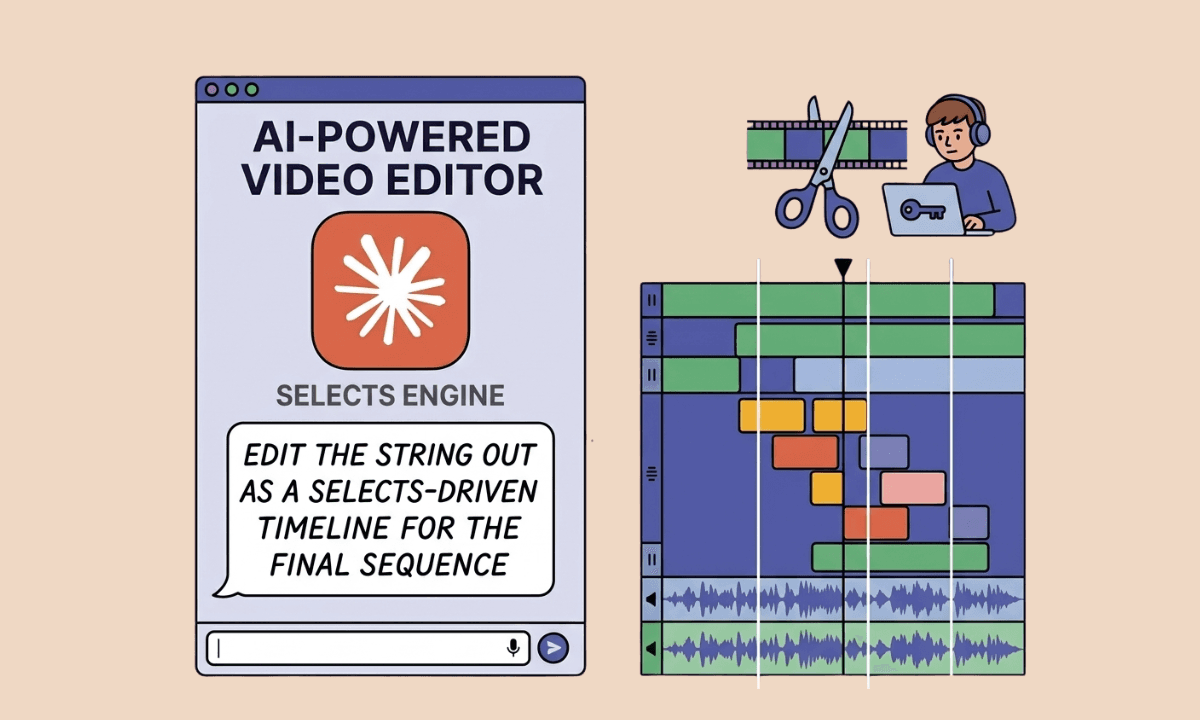
Orchestrate other tools through MCP, including dedicated video editors like Selects, motion-graphics renderers like Hyperframes, and code-rendered video frameworks like Remotion.
What Claude does not do natively: watch video frames, detect faces, scenes, or shot changes, read audio waveforms (only the text the STT engine emits), render or preview output, hit a target duration reliably, sync multiple cameras or pick the best angle per line, manage multiple audio tracks, match and place B-roll cutaways under voice, or hand off to Premiere Pro, Final Cut Pro, or DaVinci Resolve directly (Claude returns JSON; NLEs need project files).
The category emerging in 2026, Hyperframes, Claude Cowork, Remotion + Claude Code, is built on this division of labor: Claude as the brain, dedicated tools as the hands.
That division of labor is the foundation of agentic video editing, the shift from tools that automate single actions to systems that automate entire workflows.
The 120 ms problem
ElevenLabs Scribe v2 is the most accurate transcription API in production use as of May 2026. Its API returns word-level timestamps rounded to 10 ms, but real-world word-boundary accuracy sits closer to 120 ms. That is four frames at 30 fps.
Four frames does not sound like much. In editing, it is:
A cut placed four frames into the next word produces a soft click or a clipped consonant. A cut placed four frames before a breath produces an awkward pause. Across a 60-cut edit, a 120 ms error compounds, the runtime drifts, the pacing falls off, every fifth cut sounds wrong.
Selects measures word boundaries directly on the audio waveform at 10 ms precision and snaps cut points to breath beats, not word indexes. That is not a polish detail. It is the structural reason Claude alone cannot produce a frame-precise edit.
Layer | Reads | Word boundary error |
|---|---|---|
Claude alone | Transcript text only | n/a (no timestamps) |
Claude + Scribe v2 | Transcript + word timestamps | ~120 ms (4 frames) |
Claude + Selects | Transcript + waveform-snapped boundaries | ~10 ms |
What happens when you ask Claude to edit a 30-minute interview
We ran this experiment on May 12, 2026.
Source: a 30-minute Lex Fridman x Jensen Huang interview.
Transcription: ElevenLabs Scribe v2.
Editor: Claude Opus via Claude Code.
Prompt: "Make a 5-minute (300-second) highlight reel. Output cut list as JSON."
Results: Opus returned 11 cuts. Opus self-reported a total of 299.32 seconds. The actual sum of the cuts came to 578.24 seconds -- a 93% target miss with hallucinated arithmetic. All 11 of 11 cuts landed mid-sentence; every clip started on "And," "Well," "So," or "Yeah" and ended on a comma.
The rendered output is unwatchable. Not because Claude is bad at reasoning; it is because Claude is reasoning over text indexes, and editing happens on audio waveforms.
How to actually edit video with Claude
The right pattern in 2026 is Claude as the brain, a real-footage editor as the hands.
The minimum viable setup:
Install Selects MCP. This connects Claude Desktop, Claude Code, or Cursor to a frame-precise video editor.
Drop your footage in. Selects transcribes with breath-aware boundaries, detects scene changes, and exposes everything to Claude.
Prompt Claude in plain language: "Make a 5-minute highlight of the best engineering insights. End on the CUDA bet story."
Claude reasons over the metadata. Selects translates intent into frame-accurate cut points, renders a preview, and you review it.
For a broader look at where Selects fits in the full stack, the complete AI video editing guide for 2026 covers every layer from pre-editing to NLE handoff.
For editors managing recurring client work specifically, connecting this setup to a full automated pipeline removes the manual handoff between steps entirely.
For motion graphics and code-generated overlays, add Remotion (Selects supports it natively) or Hyperframes. Same Claude orchestration, three rendering targets.
For a full breakdown of how Hyperframes and Remotion differ from each other, and from Selects, the three-tool pipeline comparison covers exactly what each one was built to do.
The result of the same Lex Fridman experiment with Selects in the loop: clean cuts on breath, hits target runtime within 1 second, 100 parallel variants render in 30 seconds.
The question "can Claude analyze videos" is really two questions: can it reason over video content, and can it edit footage. The first, yes. The second, not without the right layer underneath it. Claude as the brain, Selects as the hands is not a workaround. It is the correct architecture for AI video editing in 2026. If you want to see what that looks like in a real workflow, Selects MCP connects Claude to frame-precise editing in under three minutes.
Frequently Asked Questions (FAQs)
Can Claude watch videos?
No. Claude reads transcripts and other text or code passed to it. It does not ingest video frames or audio waveforms natively. Multimodal vision works on still images, not video timelines.
Is Claude able to analyze videos?
Yes, but only the text transcript. Claude can identify highlights, propose cuts by timestamp, summarize content, and write code that operates on the file. It cannot detect scene changes, faces, or shot composition.
Can Claude generate videos?
Indirectly. Claude can write Remotion or Hyperframes code that renders motion graphics, lower thirds, animated captions, and code-driven video. For editing real footage, Claude needs a real-footage editor like Selects.
Can I upload a video to Claude?
You can attach a video file to a Claude Desktop conversation, but the model does not process the frames, only audio (when transcribed) and any text it can derive from filename or metadata. The practical workflow: transcribe separately, hand the transcript to Claude.
How precise are Claude's video cut suggestions?
About 120 milliseconds, four frames at 30 fps, when paired with the best transcription APIs. Selects, which reads the audio waveform directly, reaches 10 ms.
Can ChatGPT edit videos?
Same architecture as Claude: it can plan cuts from a transcript but cannot natively cut, preview, or render. Pair with a real-footage editor.
The architecture is the same as Claude's, here's why chat UI tools hit the same wall when applied to raw footage, and what the distinction between a chat interface and a real-footage editor actually means.
Can Claude handle multicam interviews?
No. Claude has no concept of multiple camera angles, audio tracks, or B-roll layers. It reads one transcript. Selects handles multicam, it syncs angles, picks the best shot per line, and manages the audio tracks.
Can Claude export to Premiere, Final Cut, or DaVinci Resolve?
No. Claude outputs JSON. Selects exports native Premiere project files, Final Cut Pro XML, or DaVinci Resolve timelines, so the AI rough cut is the first 40% of the project and the editor finishes in their NLE.

Tom Kim
CEO and Co-founder
Share post