Batch Filming & Editing: The Creator’s Secret to Posting Consistently
Batch film and edit weeks of content in one session. The exact workflow top creators use to plan, shoot, edit, and schedule content consistently.
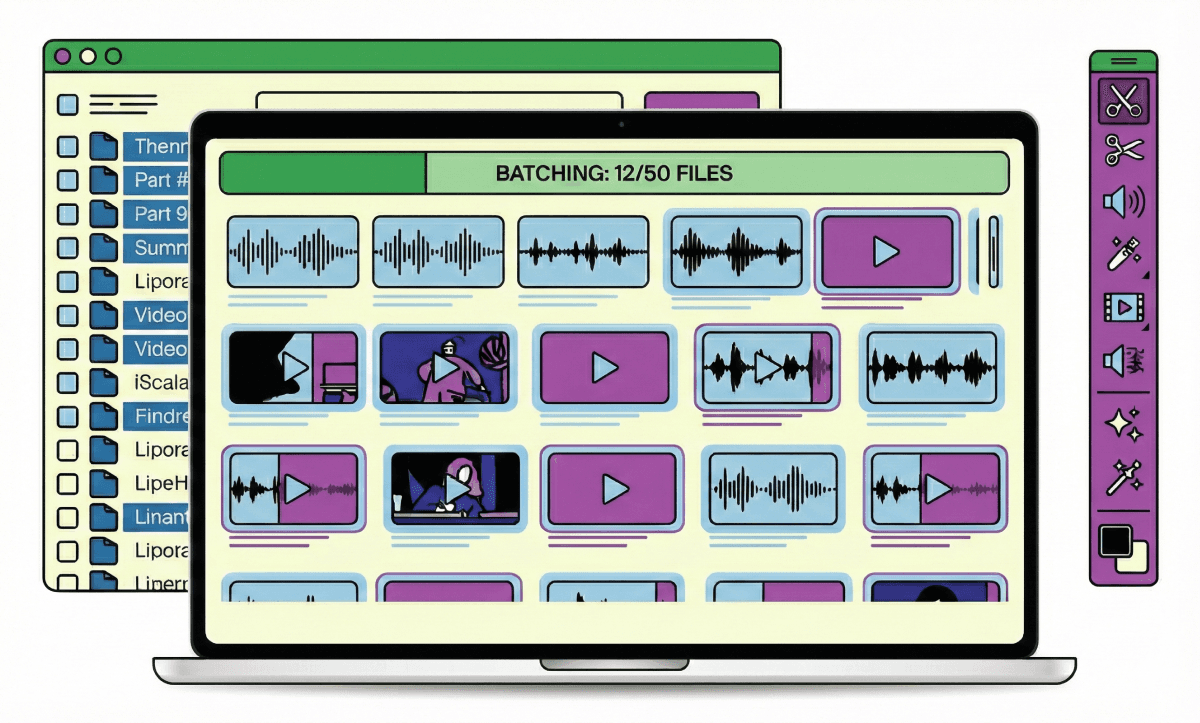
TLDR: Batch filming (recording multiple videos in a single session) combined with AI-assisted editing reduces per-video production time by removing the setup, warmup, and context-switching costs that come with filming one video at a time.
Today, when it comes to creating social media content, perfection isn't as important as staying consistent. Yet, many creators struggle to make consistent posts and keep up the necessary elements of social media marketing needed to succeed. This happens not because they lack ideas. Instead, it's because of the stress that comes with creating quality content daily. This feels impossible because of the time-consuming processes involved, such as:
Filming
Video editing
Content scheduling
Publishing
No doubt, these tasks can easily take the entire week. However, with the right video content strategy, you can always streamline the entire process. Here's where the need to consider batch filming & editing with AI-powered tools comes in. Read on to discover how this filming & editing strategy works with Cutback's Selects.
What is Batch Filming & Why Does it Work?
What is content batching? Batch filming is an effective video strategy, also known as bulk editing. It involves filming multiple footage in a single session. This approach maximizes efficiency.
Many creators are used to creating clips for Instagram Reels and TikTok on different days. This approach makes it possible to maintain consistency. Instead of this, bulk filming allows you to create multiple videos at once in a single day. The benefits:
Increased productivity
Enhanced focus
Saves time
Does filming in batches truly work today? The answer is Yes! Many YouTubers agree to this. A good example is Ali Abdaal. This channel uses batch filming to create multiple clips. Thereafter, it posts the videos individually over several weeks.
Podcasters also prioritize this type of video production in their video content strategy. They do this by recording multiple episodes at once in their video production studio. This allows them to stay ahead of schedule. Consider preparing for a content shoot day like this.
We often come across questions like How do creators stay consistent? The simple answer is batch filming & editing. Influencers use this approach to create short-form content for different platforms. This allows them to post consistently for maximum reach.
Understanding How to Plan a Batch Shoot
How to batch film content? To get started, you need proper planning. Below are a few best practices we recommend:
1. Outline your topics during content planning
To get started with batch shooting, you need to define your goals. What exactly do you want to achieve?
Is it:
Awareness
Better engagement
Conversion
By clearly defining your goals, you can simplify the entire process. What’s going to help you achieve these goals? Social media trends? Insightful content? After that, proceed by making a list of topics or content ideas that align with your goals and niche. This will also help you define content pillars to diversify your posts.
2. Create simple scripts
Word-for-word scripts aren't necessary. Instead, consider creating simple scripts in bullet points. This approach lowers retakes. It also helps you maintain focus & flow.
3. Plan outfit changes
Planning for outfit changes is cry during batch filming. It makes your short-form video content look like you created it on different days. This enhances the visual freshness of your feed.
4. Blocking time in your content calendar matters
For effective batch filming, it makes sense to dedicate certain hours or a full day. To do this, we recommend:
Silencing unnecessary notifications
Preparing the setup
Staying professional through the hours
By structuring your bulk filming process, you can always create enough quality videos that'll serve you for weeks. After that, use reliable tools like Cutback's Selects to edit the footage.
Editing Without Burnout: Utilizing Content Creation Tools For Better Workflow
Like batch filming, editing your videos can take several hours to days. Apart from being time-consuming, this approach is also exhausting. To streamline the process, most creators rely on AI-powered tools like Selects.
With Selects, all you need to do is upload your raw footage. After that, the AI tool for content creation automatically:
Syncs multiple cameras
Removes silences
Eliminates filler moments
Identifies unnecessary clips for easy disposal.
Generates a clean string out of usable content.
Lets you search for short-form viral clips through natural language search.
Interestingly, the entire editing process only takes minutes. This saves you 80% of manual editing hours. You can always focus this time on other important things, like optimization.
For creators evaluating where Selects fits relative to clip distribution tools like Opus Clip, this breakdown of how they work together covers both ends of the pipeline.
Apart from saving time, Selects can effectively help you spot punchy soundbites for different platforms. For long-form video content creation, the AI tool can help you achieve a streamlined workflow. It also makes content repurposing easier.
Social Media Management: Understanding How to Schedule & Distribute Across Platforms
With Selects, you can quickly prepare your videos for posting. But the burning question is: How do you schedule and distribute the clips across different platforms?
Below are some best practices for getting the most out of your batch content for Instagram and other platforms:
First, you need to use a reliable scheduling tool for bulk uploading and scheduling your social media posts. For Meta platforms, you can always rely on Creator Studio to manage your short clips. There are a number of other social media tools available, like Sprout Social and Hootsuite available, too.
Next, consider using personalized captions that align with the standards of each platform. The right captions should also target your specific audience.
After captioning, try strategic cross-posting to maximize reach in your social media strategy. Use Selects to repurpose your content for different platforms' formats. This tool makes repurposing easier. It automatically trims. It also makes the content ready for your specific social media platform.
After everything, ensure to track your content performance across different platforms through social media analytics. Weekly reviews will help you spot topics that perform the best. This insight will help you get better in your next batch of filming.
Bottom line: Selects is an effective tool that'll help you get the most out of batch filming. With the aforementioned best practices, creating social media content consistently becomes easier.
Make sure to double-check the best posting times for platforms like TikTok and Instagram, or even which social media platform is best for posting, to help inform your decisions.
Conclusion
Consistency is an effective way to maintain growth as a content creator. However, you should understand that staying consistent doesn't necessarily mean working nonstop. Instead, it means working smartly.
With batch filming and editing, you can always maintain consistency as a content creator. By using Cutback's Selects, you can even streamline the entire process.
Overall, combining batch content creation with Selects will help you achieve a sustainable workflow. You'll be able to keep your audience engaged consistently without experiencing burnout every day. Visit the official website today to better understand how Selects streamlines content creation for social media.
For more in-depth knowledge about the ins and outs of video editing, check out our latest posts on the Cutback blog or our YouTube channel.
Frequently Asked Questions (FAQs)
Q: What is batch filming?
A: Batch filming is the practice of recording multiple videos in a single session rather than filming one video at a time. Instead of setting up, filming, and editing one piece of content per day, you dedicate one block of time to filming several videos at once, then edit and schedule them over the following days or weeks. It's used by YouTubers, podcasters, and social media creators to stay consistent without daily production overhead.
Q: How do creators stay consistent without burning out?
A: The most common approach professional creators use is batch filming, recording multiple videos in one session and scheduling them out over time. Combined with AI editing tools that automate silence removal, multicam sync, and clip selection, batch filming compresses what would take a full week of daily filming and editing into one focused production day per week or fortnight.
Q: How do creators clean up multiple takes quickly with AI?
A: AI tools like Selects by Cutback automatically remove silences, cut filler words, sync multiple cameras, and identify the best usable clips from raw footage, processing an entire batch of recordings in minutes rather than hours. Instead of manually scrubbing through every take, the editor receives a cleaned, organized timeline ready for final creative decisions.
Q: What is the best way to streamline editing when batch filming content?
A: The most efficient workflow is to upload your batch footage directly to Selects after filming. The AI handles multicam sync, silence removal, filler word cutting, and rough cut assembly automatically, then exports a structured timeline directly to Premiere Pro, Final Cut Pro, or DaVinci Resolve. This removes the most time-consuming part of editing before you even open your NLE.
Q: How much time does batch filming actually save?
A: Batch filming eliminates the setup, warmup, and context-switching costs of filming one video at a time, which for most creators accounts for 30-60 minutes of overhead per video. Combined with AI-assisted editing that automates silence removal and clip selection, creators typically reduce per-video production time by 60-80% compared to daily single-video workflows.
Q: What equipment do I need for batch filming?
A: The minimum setup for batch filming is a consistent location, one camera, and a stable audio source, either a lavalier mic or a directional microphone. For multi-camera batch shoots, Selects handles multicam sync automatically so you don't need to manually align footage from different angles. The most important requirement isn't equipment, it's having your topics outlined and simple scripts ready before the session starts.
Kay Sesoko
Marketer
Share post