Video Editing Terms & Concepts Explained (Full 2026 Glossary)
A complete glossary of video editing terms for creators. Understand timelines, rough cuts, assembly edits, post-production workflows, and modern AI video editing.
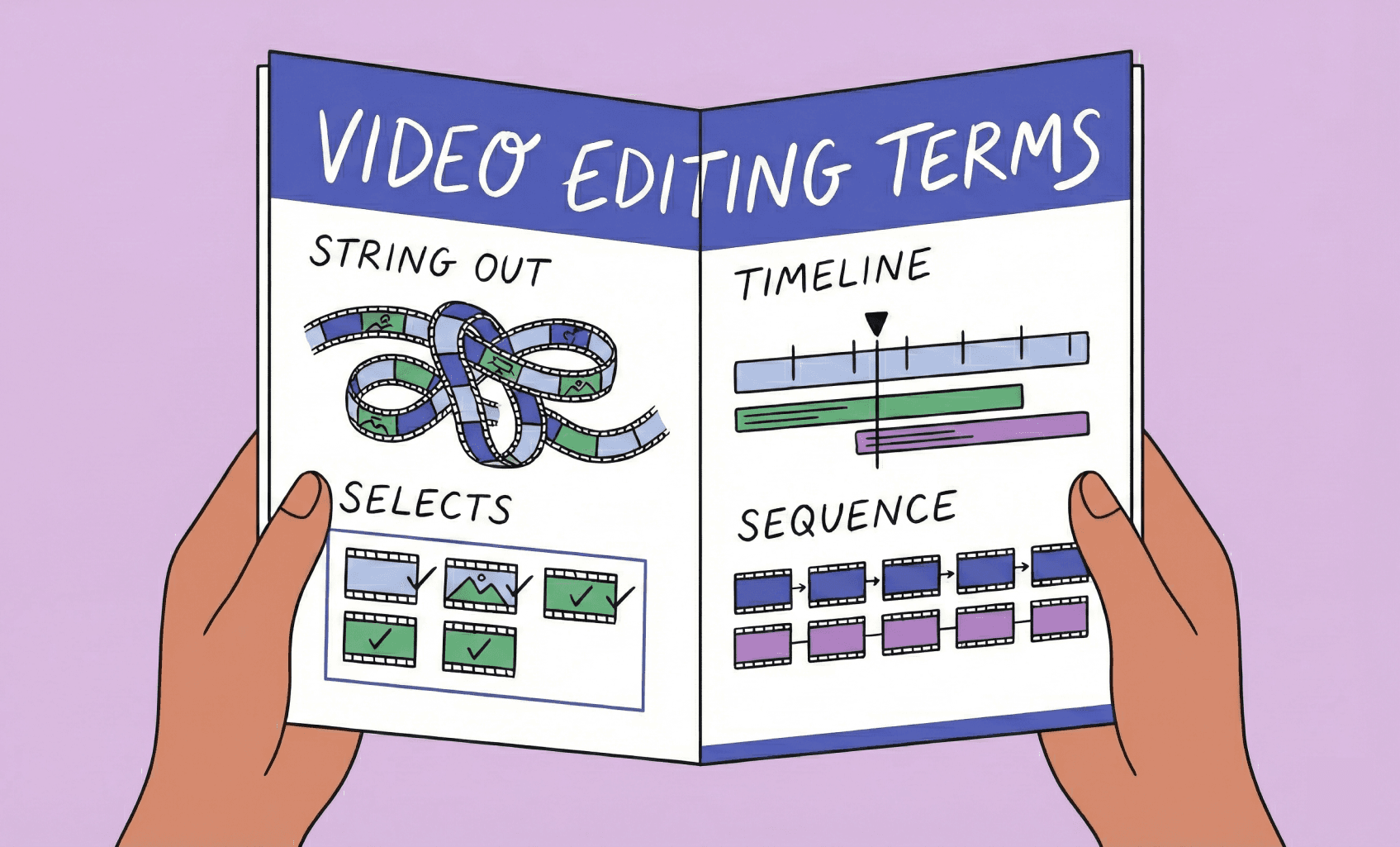
TLDR: Key video editing terms explained: a rough cut is the first full assembly of selected clips; a stringout is an uncut sequence of all usable footage; an NLE (non-linear editor) is any software that edits video non-destructively; a selects reel is the curated pool of best takes pulled before the edit begins.
Video editing can feel like a different language. Between stringouts, assembly cuts, timelines, and non-destructive editing, the terminology stacks up fast, especially now that AI workflows are changing how video production and post production actually happen day-to-day.
But what is video editing really? This glossary explains the essential editing terms every creator should know, whether you’re learning what video editing really is at its core or leveling up your storytelling with modern tools. From the first rough cut to final delivery, here’s your complete guide to how editors think, work, and bring a project to life.
Why This Glossary Matters for Video Editors & Creators
Editing jargon can feel gatekeep-y. But once you understand the fundamentals and video editing basics such as timeline structure, how cuts evolve, and what editors actually do, your creative decisions get faster and more intentional.
This page breaks down the terms editors use daily, with real examples from YouTube, podcasts, and AI-enabled workflows.
Video Editing Glossary: Core Video/Film Editing Terms Every Creator Should Know
Timeline
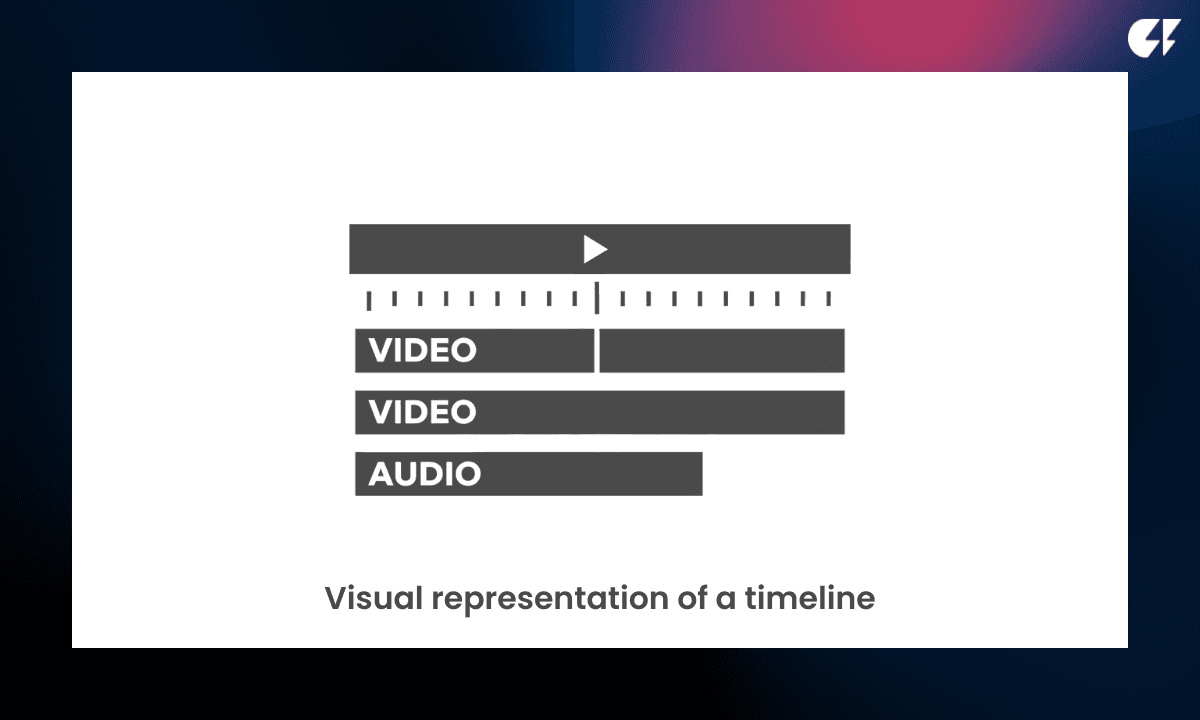
The timeline is where video editing actually happens. It’s the layered workspace inside NLEs like Premiere Pro, DaVinci Resolve, and Final Cut Pro. Video editing software like Selects might boast unconventional timelines, too.
How to read a timeline:
Top tracks = video (main camera, B-roll, graphics)
Bottom tracks = audio (dialogue, music, sound effects)
Time flows left → right
Editors spend almost their entire workflow shaping:
pacing for impactful storytelling
shot selection to ensure the best visuals, timing, and flow
managing sound quality
imagining the viewer experience
The timeline is the heart of video editing, where raw footage becomes a watchable story.
Stringout
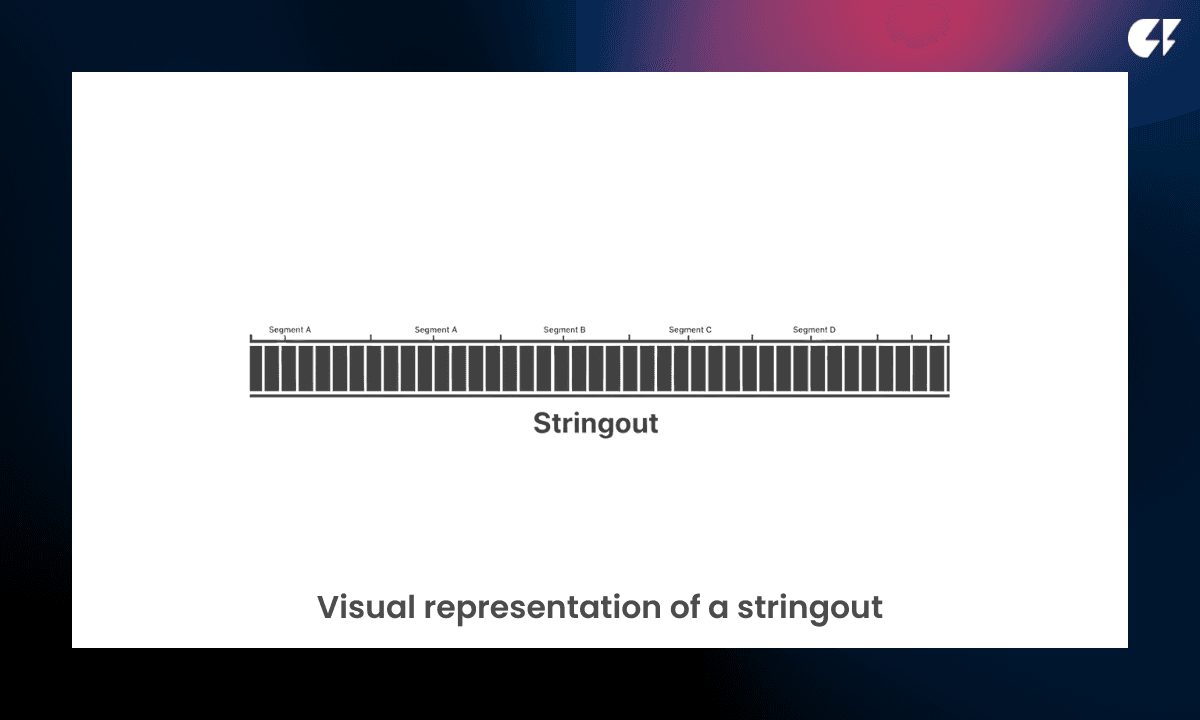
What is a stringout? A stringout is a long timeline where you keep every usable clip in sequence, no heavy editing yet.
The purpose of a stringout:
Review all material in context
Understand the story flow from start to finish
Prevent missing hidden gems or great reactions
Commonly used to edit:
Interviews
Documentaries
Podcast episodes
A stringout is not polished, but it gives you a crucial first look at the full story before making creative decisions.
A stringout reveals the entire narrative structure before the rough cut begins.
Selects
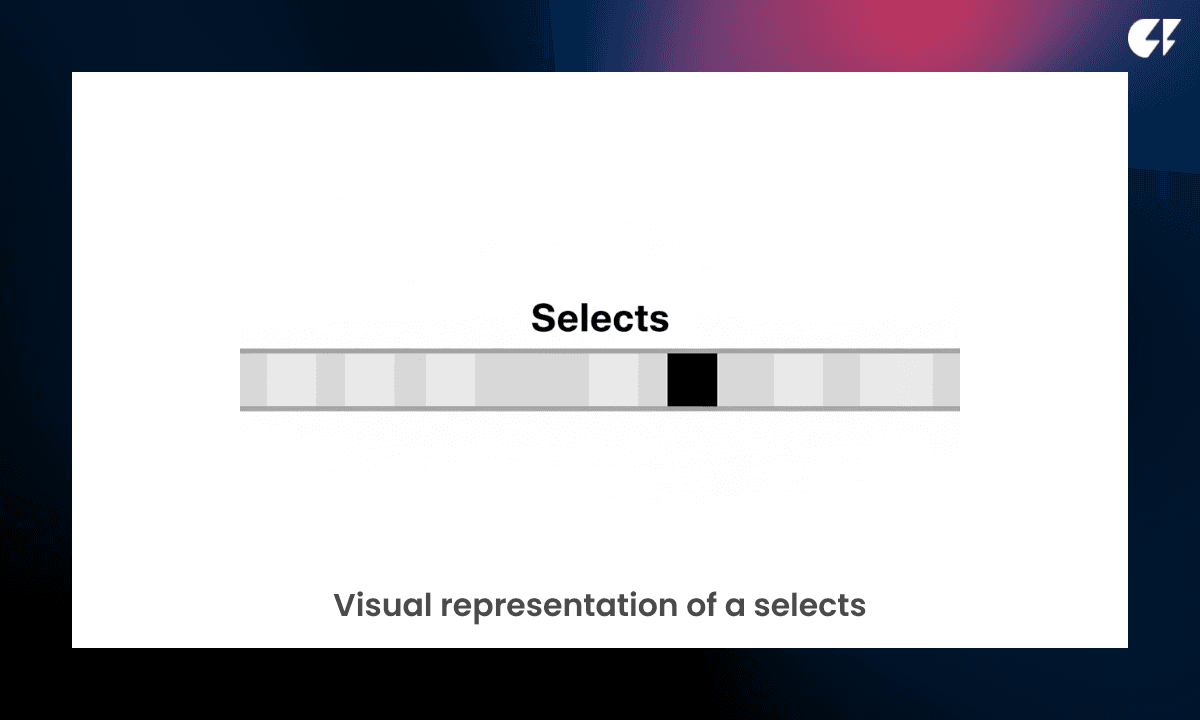
Selects are the best-performing clips pulled from the stringout into a cleaner timeline. They remove noise and keep only the moments worth refining.
What goes into selects:
Clear answers
Laughs or reactions
Emotional peaks
Visual interest
Key teaching moments
They make the editing process faster and smarter, especially for long-form shoots.
Selects help editors avoid digging through hours of footage again; only the highlights move forward.
Make sure to check out this comparison of the difference between selects and a stringout.
Sequence
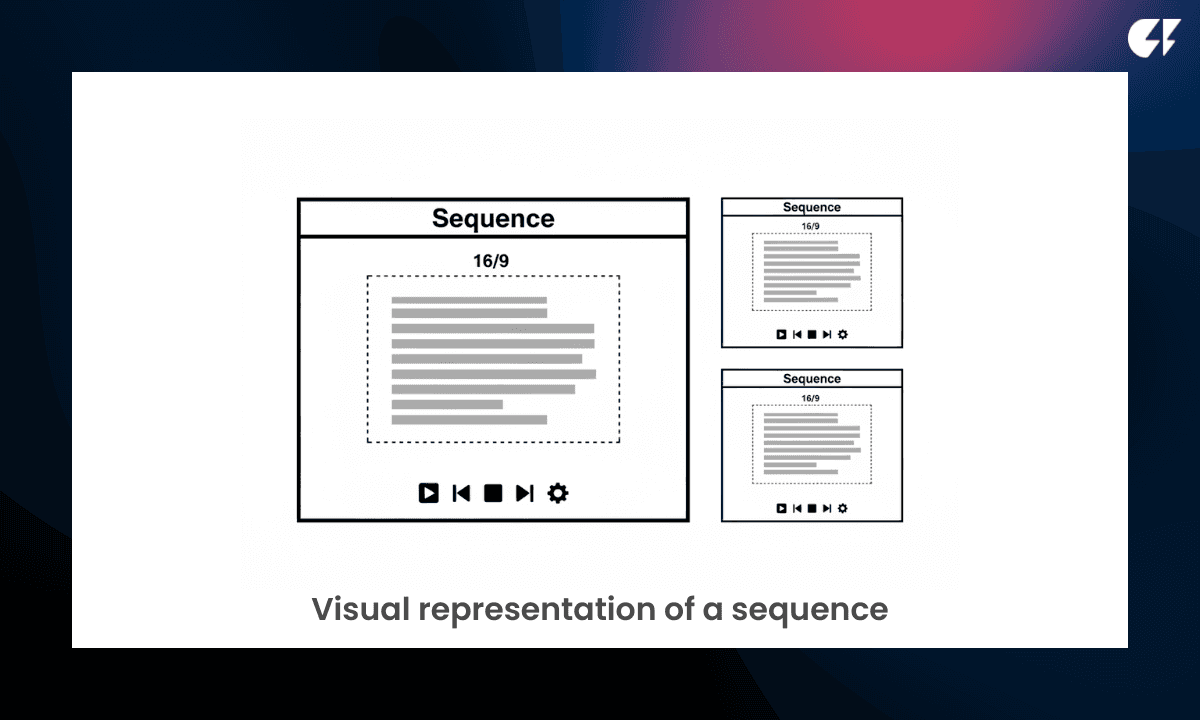
A sequence is a project container inside your NLE where your timeline lives.
Video editing technicalities defined in the sequence:
Resolution (1080p, 4K, etc.)
Frame rate (24/30/60 fps)
Aspect ratio (16:9, 9:16, 1:1)
You might create multiple sequences for:
Different versions of the same video
Short-form vs. long-form outputs
Revisions for clients
Every major storytelling decision exists inside a sequence.
A sequence is your canvas for editing, a flexible space for different versions and deliverables.
Editing Workflow Terms
Assembly Cut (or Assembly Edit)
The assembly cut is the first fully watchable version of a video. All usable clips are placed in timeline order based on the script or interview flow, but nothing is polished yet.
What to expect:
Loose pacing
Repeated lines or unfinished thoughts
Minimal trimming
No music, graphics, or proper audio mix yet
This is the stage where you verify the story exists. Editors and producers watch it to ensure the structure makes sense before refining anything.
The assembly cut gives you your first look at what the final video could be, without wasting time polishing pieces that might still get cut. Done mostly manually before, AI assembly cut video editors are now automating this process.
Rough Cut
The rough cut is where the story gets locked. Major trims happen here: awkward pauses, off-topic tangents, and distracting shots are removed.
These are the aspects that are improved in a rough cut:
Pacing and flow
Emotional beats (timely reactions, punchlines, key insights)
Music temped in for tone
Early version of cutaways/B-roll
But still no final audio mix, color grade, or animated graphics.
The rough cut is where the video finally feels like a real edit, even though technical finishing hasn’t started yet.
Final Cut
Nearly finished. This is when you would use more advanced editing skills instead of just cutting.
The final video cut is where you would:
Color grade - Enhance the look of your video by adjusting contrast, colors, and lighting so the final product feels cinematic and consistent across all shots.
Audio mix - Balance dialogue, music, and sound effects to ensure clear voices, clean transitions, and a polished listening experience on every platform.
Lock in graphics - Add and finalize titles, captions, lower thirds, and visual overlays that communicate key information and keep the viewer engaged.
At this stage, changes are expensive and annoying for your editor.
Paper Cut
If you’ve ever wondered about the meaning of a paper cut in film…. It’s a script-based plan of what the edit will be, before touching footage (or sometimes after the first rough cut to give feedback on changes). It often contains notes from the director, producer, or editor of editing changes to make or pay attention to based on observations from filming.
Traditionally done in Google Docs / Notion.
Modern version: AI-driven organization tools like Selects can automate the paper cut by tagging topics and choosing relevant clips.
For a full breakdown of how the assembly cut and rough cut differ in practice, and how AI now automates the assembly stage, see Assembly Cut vs Rough Cut: What's The Difference?
Creative Concepts In Video Editing Terminology
Vibe Editing
If you have ever wondered, “What is vibe editing?” you’ve come to the right place. It’s cutting based on emotion and viewer engagement instead of a strict script, usually done with the assistance of AI to supplement editing knowledge or bandwidth. Vibe editing takes on new ways of editing, to lessen the learning curve, such as using chat-based video editing through chat UIs (known as ChatGPT video editing app styles) and interfaces.
Popularly used for editing the following types of content:
Solo content creator videos (long-form YouTube videos, Instagram Reels, TikToks, etc.)
Raw-footage heavy content styles like podcasts, documentaries, and interviews
Event videos with dialogue-heavy moments (weddings, conferences, etc.)
Non-Destructive Editing
Your original footage is never overwritten.
Everything lives as options rather than permanent changes.
Hitting the undo button is always possible.
This is essential for:
• Collaboration (with other video editors, or co-editing video agents)
• Version control (have access to previous versions of your video edit)
• Multicam workflows (especially for multi-camera switching)
Industry Editing Roles & Responsibilities
Understanding how post-production teams divide work helps creators collaborate better or structure their own workflow if they’re solo.
Editors are the creative owners of the story. They shape pacing, emotion, clarity, and entertainment value, not just trimming clips. They decide what stays, what goes, and why. In film and TV, they work closely with directors. In YouTube and brand content, they collaborate directly with creators.
Entry-Level Roles
Assistant Editor (AE)
Technical and workflow foundation
• Audio sync + multicam prep
• Building stringouts and selects
• File organization + media management
• Fixing timeline issues
• Exporting and deliverables
AI tools like Selects are automating the AE workflow, letting more creators skip this step.
Junior Editor
Developing creative judgement under guidance
• Takes over first passes on simpler content
• Works from a rough cut handed down by a senior/editor
• Learns pacing, comedic timing, narrative flow
• Receives lots of review cycles
Success metric: Learn speed → then learn taste
Experienced Roles
Senior Editor
Creative leadership + mentorship
• Sets editing style and story philosophy
• Oversees multiple editors on a series or brand
• Approves picture lock
• Can “fix” any struggling edit
• Trusted with highest-impact projects
At this stage, taste is the job.
How These Terms Fit Together in a Real Workflow Using Editing Techniques
A typical video goes through these stages:
Scripts & storyboards → plan the story and the visuals
Paper cut → text-based outline of what will stay, go, or move before touching the timeline
Stringout → everything in order
Selects → only the usable moments
Assembly Cut → usable moments put together in a first cut
Rough Cut → involves more video editing technique and pacing fixes
Final Cut → polished and approved
Delivery → exports for YouTube, Shorts, etc.
This creates a shared language so editors and creators can collaborate without confusion.
Keep Learning with Modern Editing Workflows
If you're leveling up as a creator, editing jargon should never slow you down.
Explore these next:
For more in-depth knowledge about the ins and outs of video editing, check out our latest posts on the Cutback blog or our YouTube channel.
FAQs (Frequently Asked Questions)
Q: What are the basic terms used in video editing?
A: The core terms every editor encounters are: timeline (the layered workspace where editing happens), stringout (a long sequence of all usable clips before heavy editing), selects (the best clips pulled from the stringout), sequence (a project container defining resolution, frame rate, and aspect ratio), assembly cut (the first fully watchable version with all usable clips placed in order), rough cut (where pacing and trims get locked in), and final cut (the polished, color-graded, fully mixed version ready for delivery). These terms describe both the tools and the stages editors move through from raw footage to finished video.
Q: What is a video editing terms glossary used for?
A: A video editing glossary helps creators and beginners understand the language editors use daily, both the technical terms tied to NLE software (timeline, sequence, track) and the workflow terms tied to the editing process (stringout, assembly cut, rough cut, final cut). Understanding this vocabulary makes it easier to communicate with editors, follow tutorials, and understand AI-assisted editing tools, since most modern AI editing features (auto rough cut, selects automation, paper cut tagging) are named after the traditional manual processes they automate.
Q: What is the professional term for a video editor?
A: "Video editor" is the standard professional title across the industry, though roles can be more specific depending on responsibility and stage: an assistant editor typically handles organization, syncing, and building the stringout or selects reel; an editor (or lead editor) builds the assembly cut through final cut and makes the primary creative decisions; a colorist specializes in the color grading stage; and a post-production supervisor oversees the entire editing pipeline across multiple editors and deliverables on larger productions.
Q: What are the stages of video editing from raw footage to final video?
A: The typical progression is: ingest and organize raw footage, build a stringout (all usable clips in sequence), pull selects (the best clips from the stringout), create a paper cut (a script-based plan of the intended edit), assemble the assembly cut (first fully watchable version), refine into a rough cut (pacing and structure locked), then finish with the final cut (color grade, audio mix, graphics locked in). AI tools like Selects increasingly automate the earlier stages, syncing, selects pulling, and assembly cut generation, so editors can start their creative work closer to the rough cut stage.
Q: Is there a downloadable PDF version of video editing terms?
A: This glossary is published as a web page rather than a downloadable PDF, which keeps the terminology current as workflows and AI tools evolve. The full glossary covers timeline, stringout, selects, sequence, assembly cut, rough cut, final cut, paper cut, and vibe editing, with examples drawn from YouTube, podcast, and AI-enabled editing workflows.
Q: What editing techniques should beginners learn first?
A: Before learning specific cutting techniques (jump cuts, J-cuts, L-cuts, match cuts), beginners benefit most from understanding the workflow terminology first, knowing the difference between a stringout, an assembly cut, and a rough cut clarifies what stage of editing you're actually in and what decisions are appropriate at each stage. Once the workflow vocabulary is clear, specific techniques like pacing for emotional beats, B-roll placement, and audio mixing become easier to apply with intention rather than guesswork.

Kay Sesoko
Marketer
Share post